10. Video Signal Waveform Display
188
10.4.2 Selecting the Fixed Gain
To select the fixed video signal waveform gain, follow the procedure below.
Procedure
WFM → F•2 GAIN/FILTER → F•2 GAIN MAG: X1 / X5 / X10
10.4.3 Selecting the Filter
To select the filter to apply to video signal waveforms, follow the procedure below.
The filters that you can select vary depending on the COLOR MATRIX setting.
[See also] COLOR MATRIX → section 10.8.1, “Selecting the Color Matrix.”
Procedure (When COLOR MATRIX is set to YCbCr, GBR, or RGB)
WFM → F•2 GAIN/FILTER → F•3 FILTER: FLAT / LOWPASS
Settings
FLAT: A filter with a flat frequency response over the entire bandwidth of the
input signal is applied.
LOWPASS: A low-pass filter with the following characteristics is applied.
At 40 MHz, 20 dB attenuation or more (when the input signal is
1080/60P, 59.94P, or 50P)
At 20 MHz, 20 dB attenuation or more (when the input signal is 3G, or HD
excluding 1080/60P, 59.94P, or 50P)
At 3.8 MHz, 20 dB attenuation or more (when the input signal is SD)
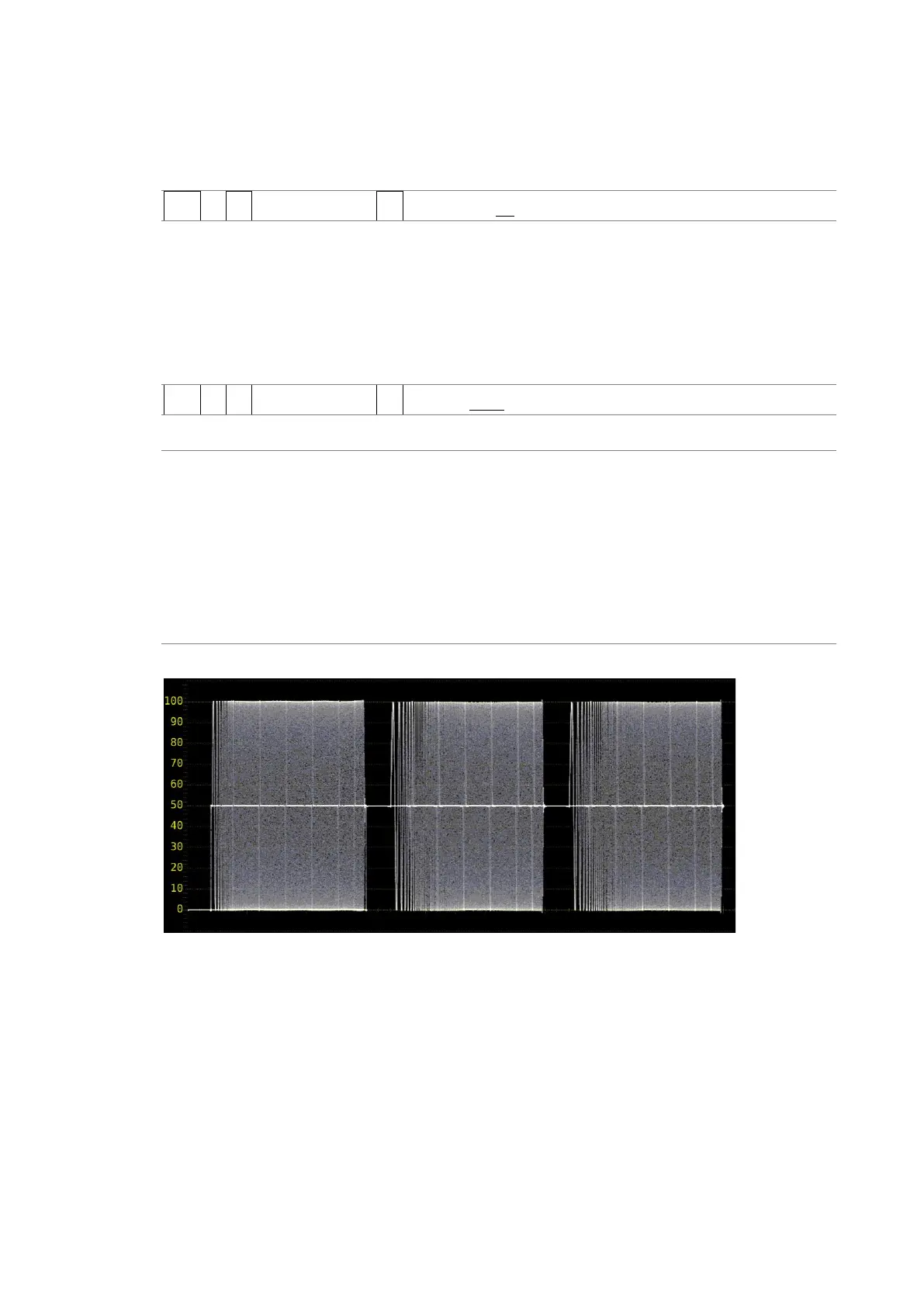
FILTER = FLAT



 To Next Page