13. Picture Screen
272
13.6 Configuring CINELITE Settings
CINELITE is a feature that displays luminance levels of video signals on the picture.
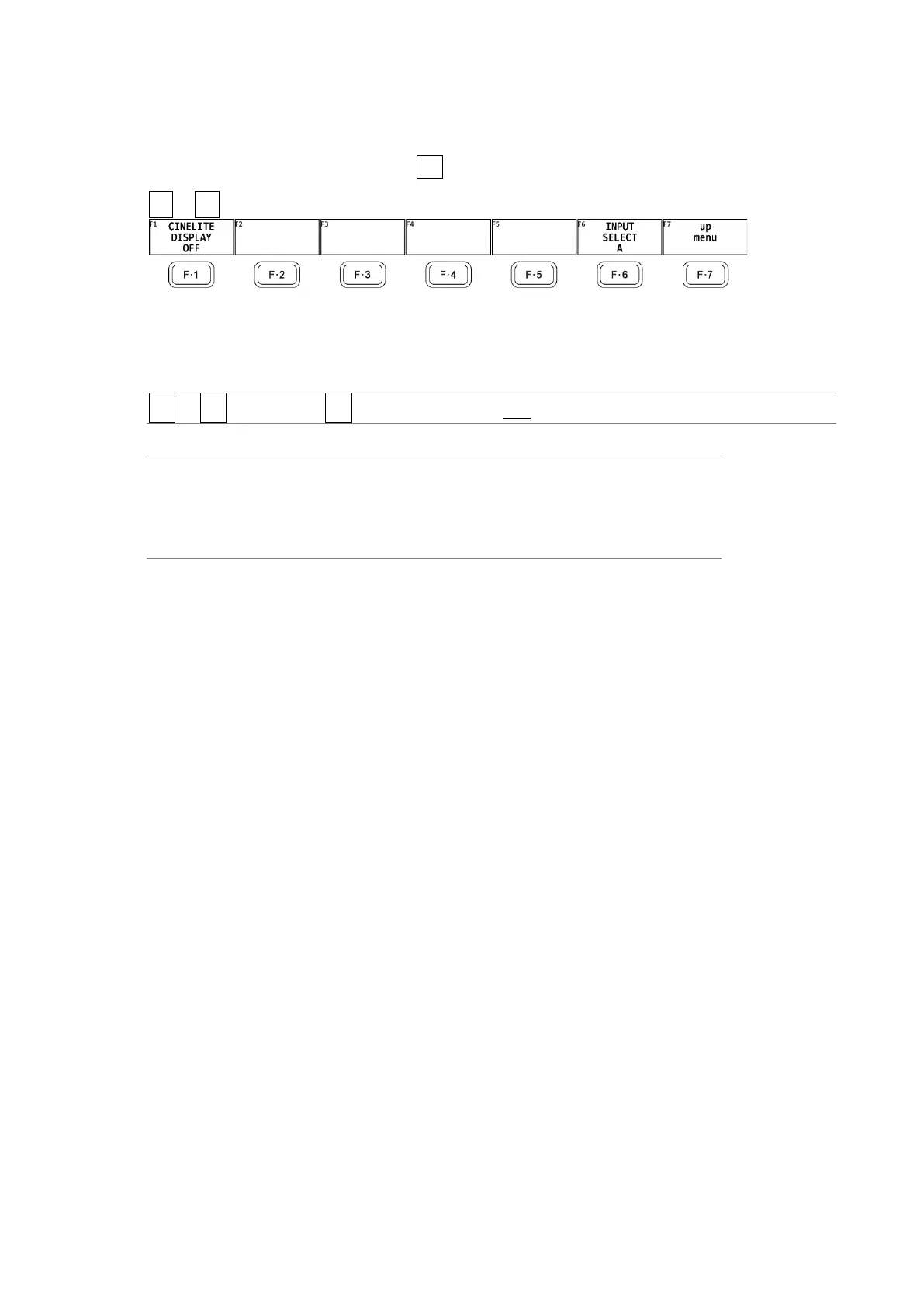
To show the CINELITE display, press F•2 CINELITE on the PIC menu.
PIC → F•2 CINELITE →
Figure 13-19 CINELITE menu
To switch to the CINELITE display, follow the procedure below.
Procedure
PIC → F•2 CINELITE → F•1 CINELITE DISPLAY: OFF / f Stop / %DISPLAY / CINEZONE
Settings
OFF: CINELITE is not displayed.
f Stop: The f Stop screen is displayed.
%DISPLAY: The %DISPLAY screen is displayed.
CINEZONE: The CINEZONE screen is displayed.



 To Next Page