11. VECTOR DISPLAY
226
11.10 Configuring the Line Selection Settings
To configure the line selection settings, press F•5 LINE SELECT on the VECT menu.
VECT → F•5 LINE SELECT →
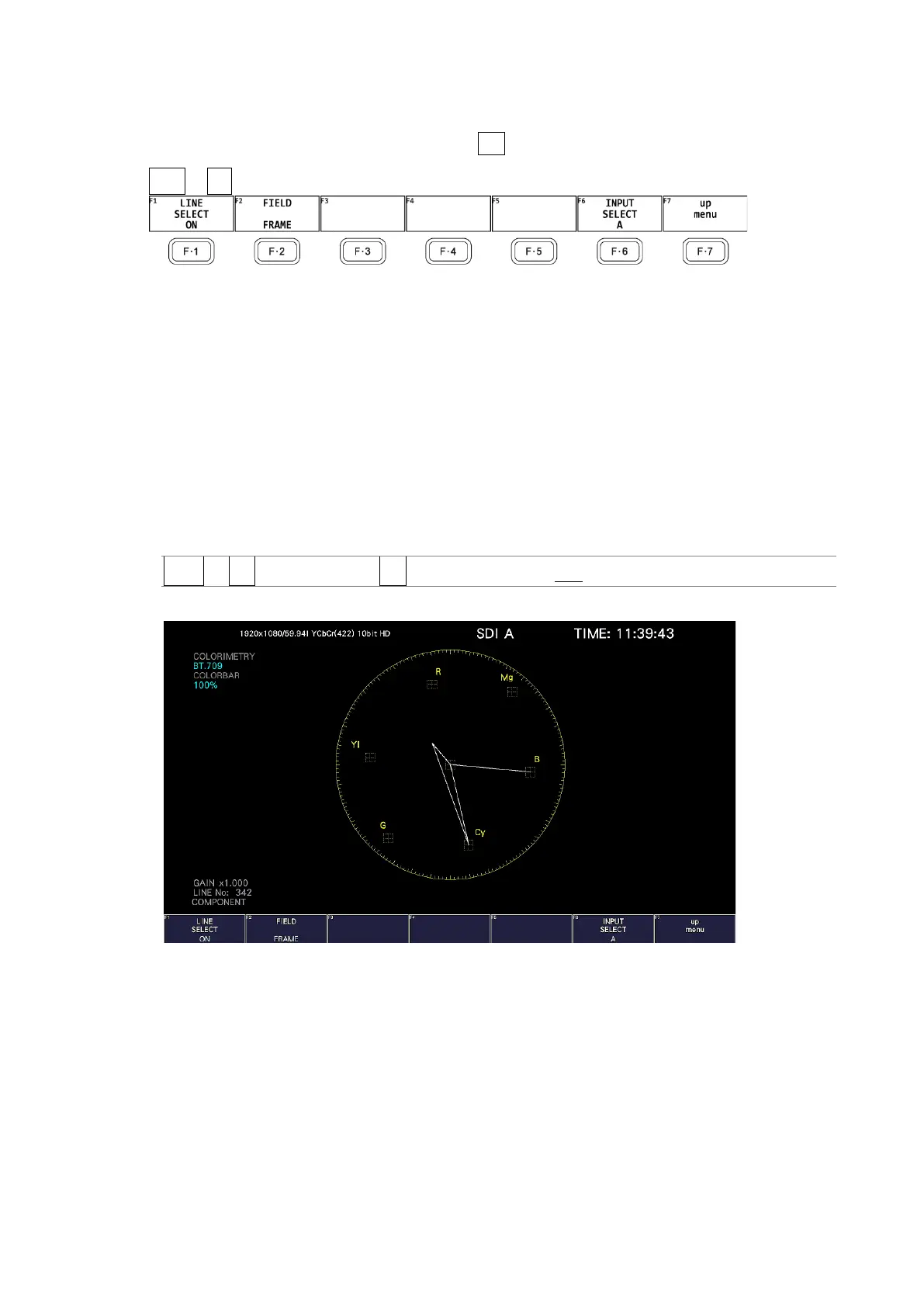
Figure 11-16 LINE SELECT menu
11.10.1 Turning Line Selection On and Off
To display the vector of the selected line, follow the procedure below. You can use the
function dial (F•D) to select a line. The number of the selected line appears in the lower left
of the screen.
Changing this setting will also change the video-signal-waveform-display and picture-display
line selection settings.
This menu item does not appear when SWEEP on the WFM menu is set to V.
[See also] SWEEP → Section 10.5.1, “Selecting the Sweep Method”
Procedure
VECT → F•5 LINE SELECT → F•1 LINE SELECT: ON / OFF
LINE SELECT = ON



 To Next Page