10. Video Signal Waveform Display
183
10.3.4 Selecting the Waveform Color
To select the video signal waveform color, follow the procedure below.
On the multi display, the following colors are assigned to the video signal waveforms.
Y: White Cb: Cyan Cr: Magenta
G: Green B: Blue R: Red
X: White Y: Cyan Z: Magenta
COMPOSITE: White
Procedure
WFM → F•1 WFM INTEN/CONFIG → F•4 WFM COLOR: WHITE / YELLOW / CYAN / GREEN /
MAGENTA / RED / BLUE / MULTI
10.3.5 Adjusting the Scale Intensity
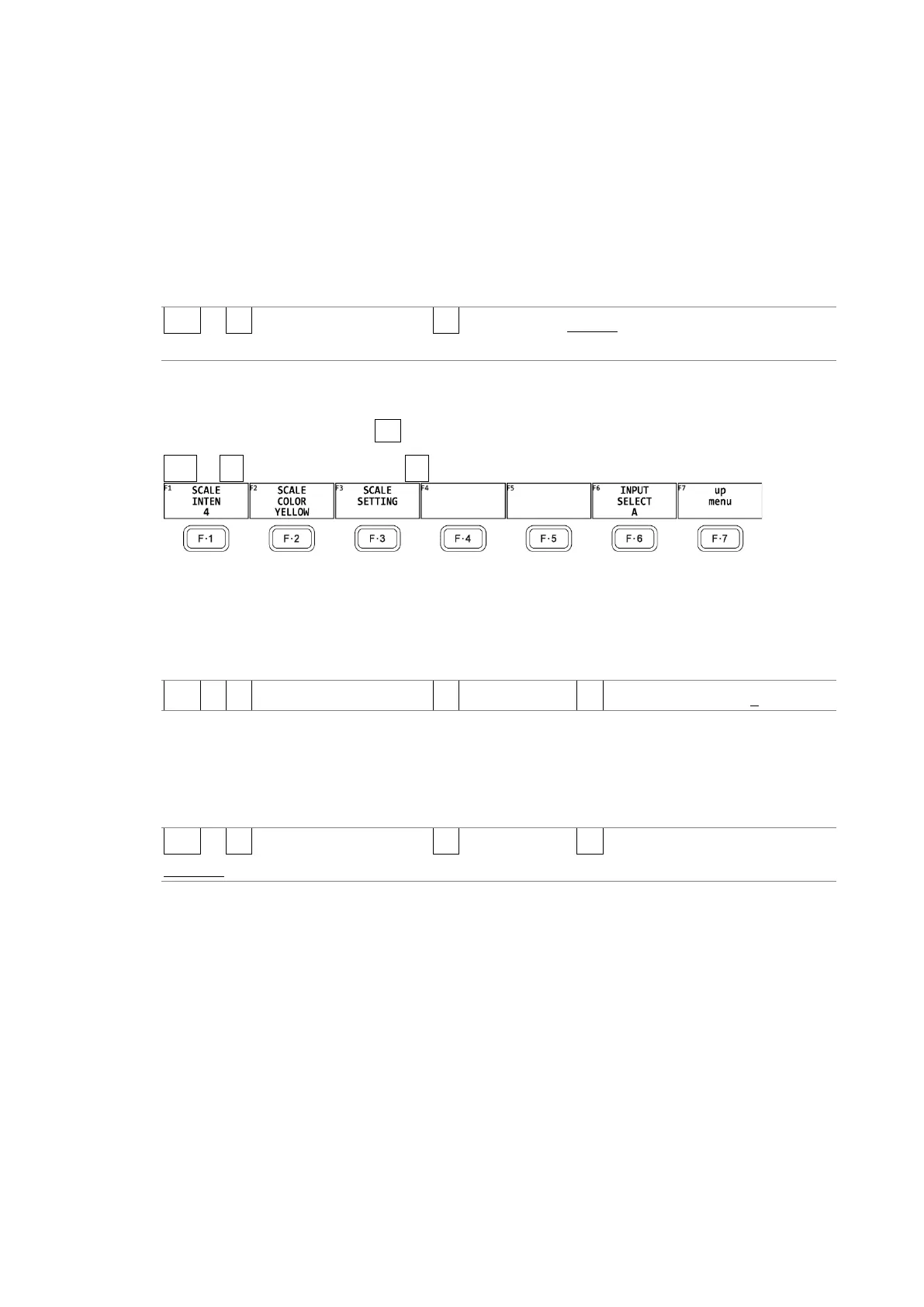
To configure the scale, press F•5 WFM SCALE on the WFM INTEN/CONFIG menu.
WFM → F•1 WFM INTEN/CONFIG → F•5 WFM SCALE →
Figure 10-7 WFM SCALE menu
To adjust the scale intensity, follow the procedure below.
Press the function dial (F•D) to return the setting to its default value (4).
Procedure
WFM → F•1 WFM INTEN/CONFIG → F•5 WFM SCALE → F•1 SCALE INTEN: -8 - 4 - 7
10.3.6 Selecting the Scale Color
To select the scale color, follow the procedure below.
Procedure
WFM → F•1 WFM INTEN/CONFIG → F•5 WFM SCALE → F•2 SCALE COLOR: WHITE /
YELLOW / CYAN / GREEN / MAGENTA / RED / BLUE



 To Next Page