17. Eye Pattern Display (LV5300/LV5300A/LV7300-SER02)
403
17.7 Selecting the Display Colors
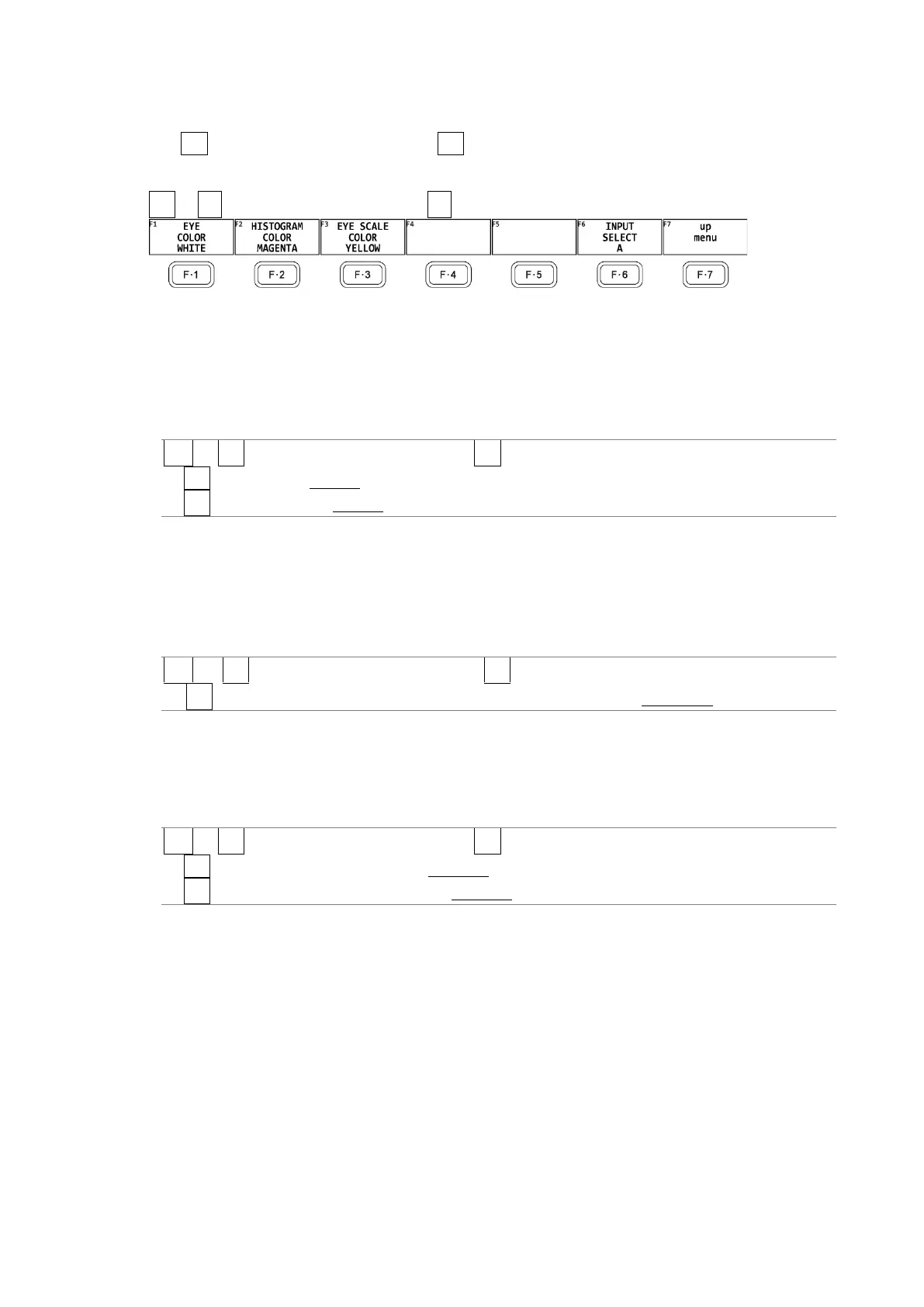
Use F•1 EYE/JITTER INTEN/CONFIG → F•4 COLOR on the EYE menu to set the display colors.
You can configure these settings separately for the eye pattern, histogram and jitter.
EYE → F•1 EYE/JITTER INTEN/CONFIG → F•4 COLOR →
Figure 17-10 COLOR menu
17.7.1 Selecting the Waveform Color
To select the color of the eye-pattern and jitter, follow the procedure below.
Procedure
EYE → F•1 EYE/JITTER INTEN/CONFIG → F•4 COLOR
→ F•1 EYE COLOR: WHITE / YELLOW / CYAN / GREEN / MAGENTA / RED / BLUE
→ F•1 JITTER COLOR: WHITE / YELLOW / CYAN / GREEN / MAGENTA / RED / BLUE
17.7.2 Selecting the Histogram Color
To select the color of the histogram superimposed on the eye pattern, follow the procedure
below.
Procedure
EYE → F•1 EYE/JITTER INTEN/CONFIG → F•4 COLOR
→ F•2 HISTOGRAM COLOR: WHITE / YELLOW / CYAN / GREEN / MAGENTA / RED / BLUE
17.7.3 Selecting the Scale Color
To select the scale color, follow the procedure below.
Procedure
EYE → F•1 EYE/JITTER INTEN/CONFIG → F•4 COLOR
→ F•3 EYE SCALE COLOR: WHITE / YELLOW / CYAN / GREEN / MAGENTA / RED / BLUE
→ F•3 JITTER SCALE COLOR: WHITE / YELLOW / CYAN / GREEN / MAGENTA / RED / BLUE



 To Next Page