16. Status Display
353
16.5 Configuring the Data Dump Settings
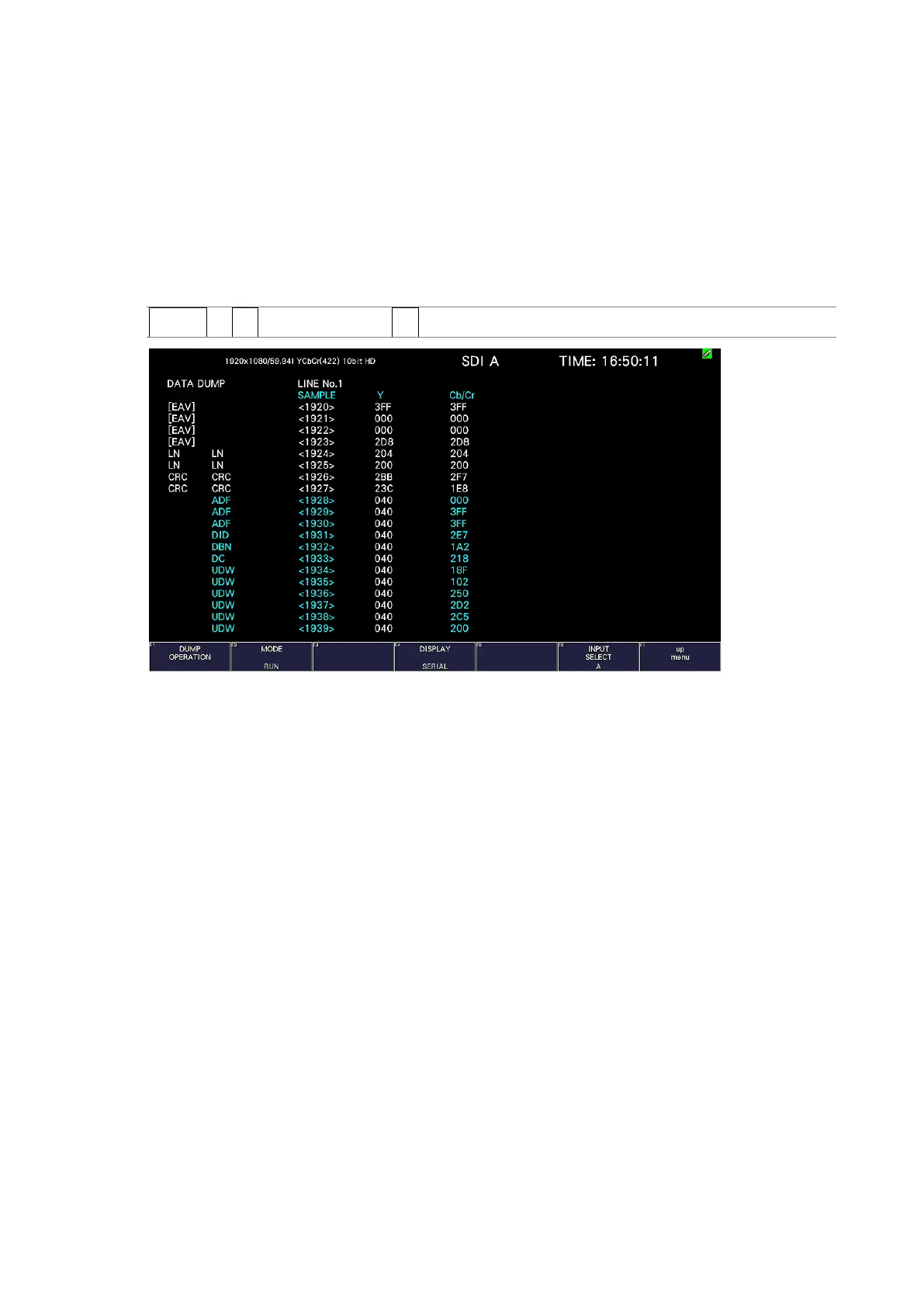
To view the data dump, follow the procedure below.
In the data dump, the data of the selected line is listed. You can change the line number using
the V POS knob and the sample number using the H POS knob. (You can also use the function
dial (F•D).
Changing this setting will also change the selected line on the video-signal-waveform, vector,
and picture displays.
Procedure
STATUS → F•2 SDI ANALYSIS → F•1 DATA DUMP
Figure 16-9 Data dump display



 To Next Page