15. Audio Display
319
15.5.2 Selecting the Response Model
To select the meter's response model, follow the procedure below. The selected response
model is indicated in the lower right of the screen.
Procedure
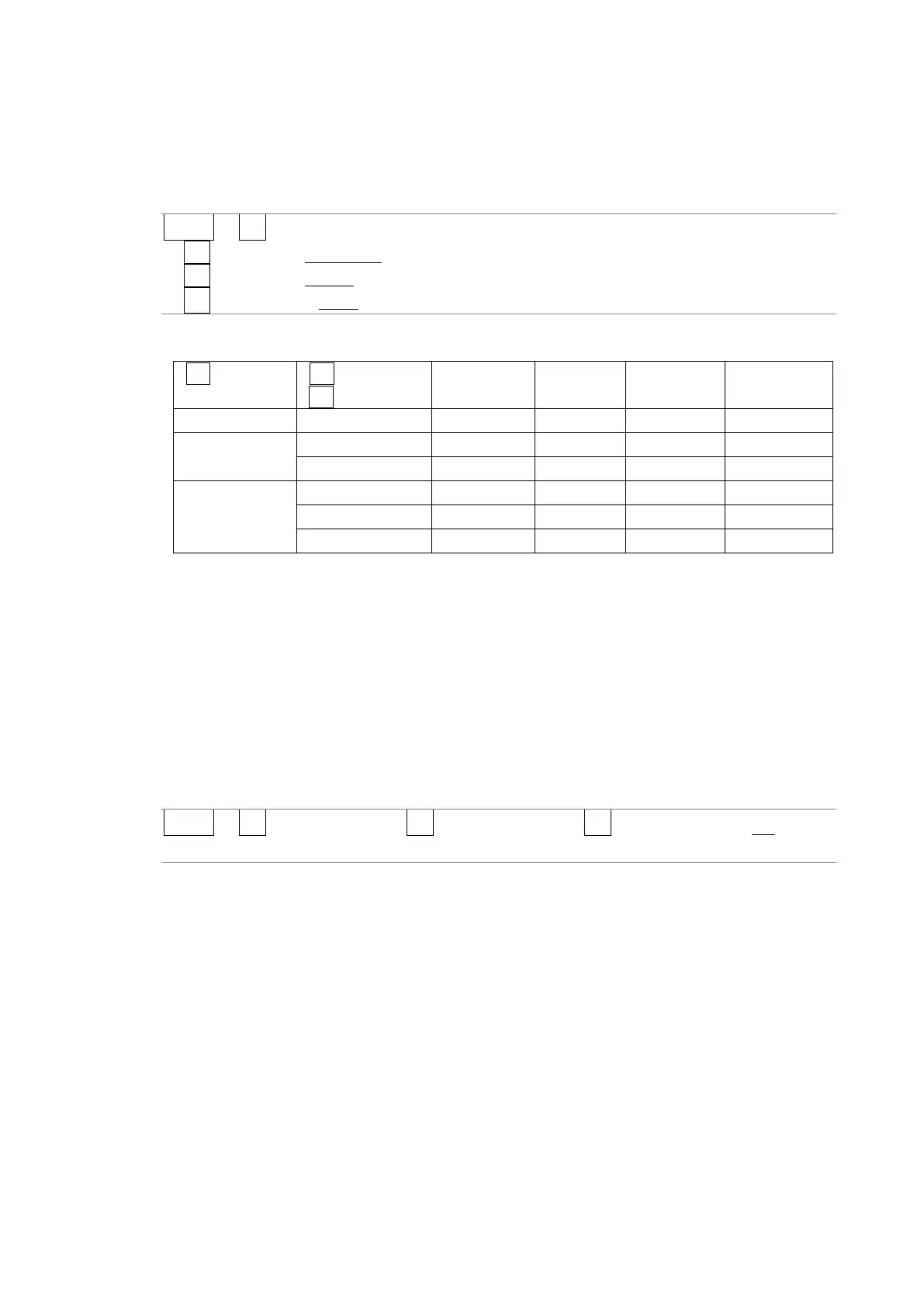
AUDIO → F•2 METER SETUP
→ F•2 RESPONSE: TRUEPEAK / PPM / VU
→ F•3 PPM MODE: PPM(I) / PPM(II) (for PPM)
→ F•3 PEAK METER: TRUE / PPM(I) / PPM(II) (for VU)
The response model settings (typical) are detailed below.
*1 The amount of time it takes for the meter to show -20 dBFS when a -20 dBFS/1 kHz sine-wave
signal is applied with no input preceding it.
*2 The amount of time it takes for the meter to show -40 dBFS when a -20 dBFS/1 kHz sine-wave
signal is removed from the input.
15.5.3 Setting the Peak Hold
To set the peak hold time, follow the procedure below. The unit is seconds. You can set the
value in 0.5-second steps.
Press the function dial (F•D) to return the setting to its default value (0.5).
Procedure
AUDIO → F•2 METER SETUP (→ F•5 LEVEL SETTING) → F•4 PEAK HOLD: 0.0 - 0.5 - 5.0 /
HOLD



 To Next Page