15. Audio Display
316
15.3 Configuring Error Detection Settings
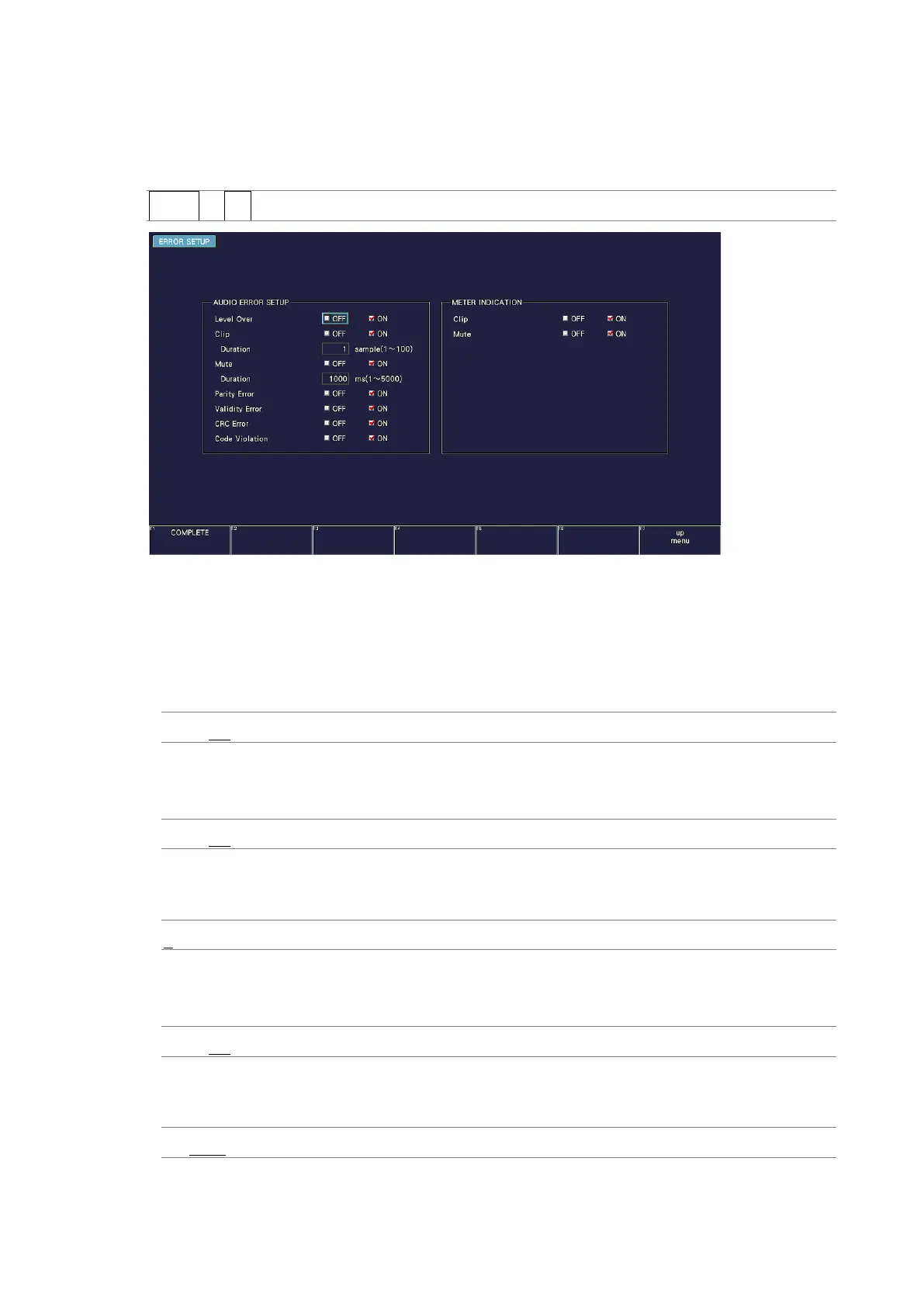
To configure the error detection and meter display settings, follow the procedure below.
Procedure
AUDIO → F•4 ERROR SETUP
Figure 15-6 ERROR SETUP tab
• Level Over
Turn the level error detection on or off.
An error is detected when the level set with OVER dBFS is exceeded.
[See also] OVER dBFS → 15.5.4, “Setting the Reference Level”
OFF / ON
• Clip
Turn the clip error detection on or off.
OFF / ON
If set to ON, you can set the duration. An error is detected when the maximum signal
extends beyond the number of samples set here.
1 - 100
• Mute
Turn the mute error detection on or off.
OFF / ON
If set to ON, you can set the duration. An error is detected when a mute signal lasts longer
than the duration set here.
1 - 1000 - 5000



 To Next Page