12. CIE Chromaticity Diagram Display (SER22)
247
12.3 Displaying Cursors
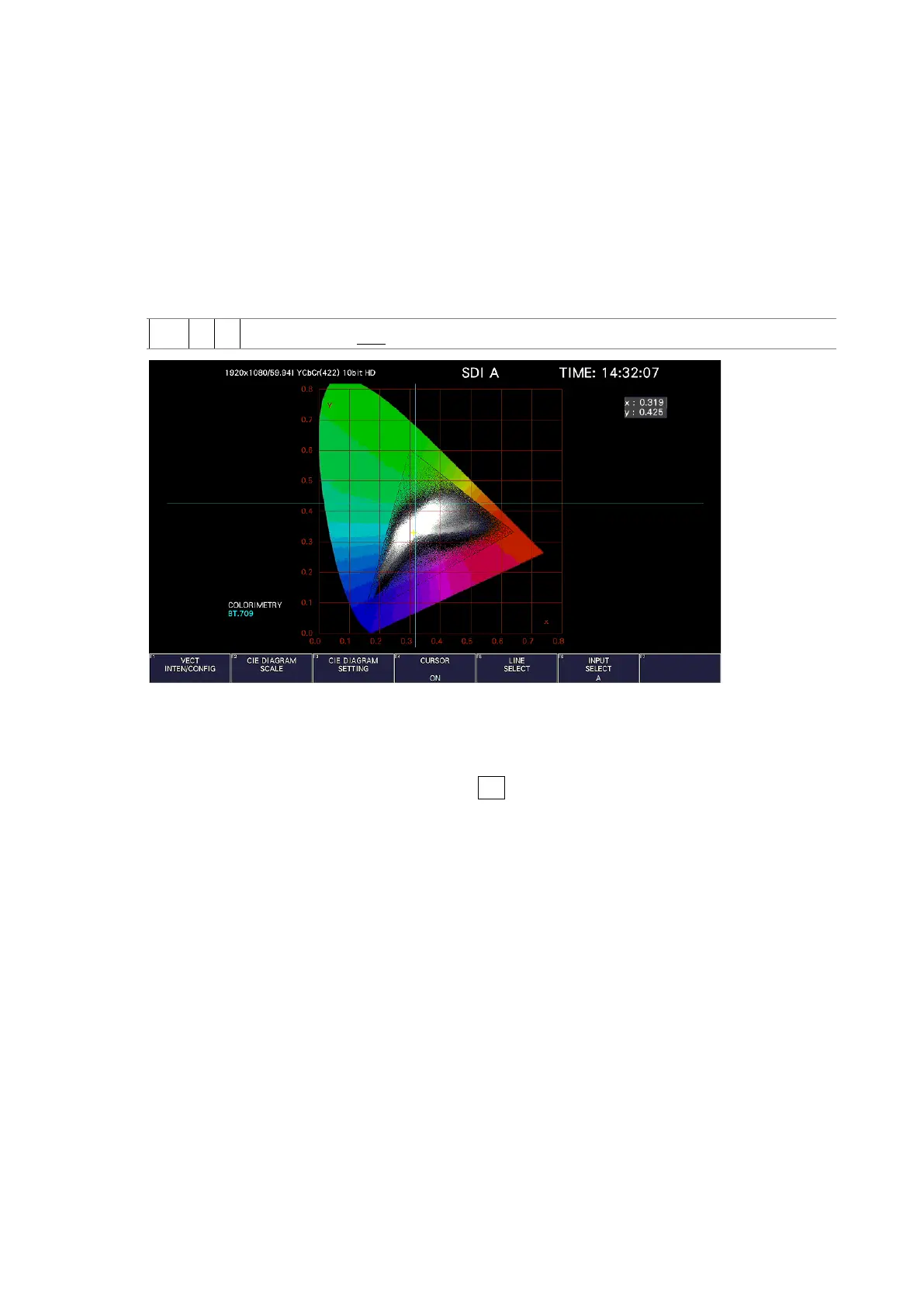
To display a cursor on the chromaticity diagram, follow the procedure shown below.
You can move the cursor horizontally using the H POS knob and vertically using the V POS
knob. The measured values are shown in the upper right of the display. Press the H POS and V
POS knobs to move the cursor to the following position.
Chromaticity diagram display: (x, y) = (u', v') = (0, 0)
Color temperature display: Lower left of the display
Procedure
VECT → F•4 CURSOR: ON / OFF
Figure 12-10 Displaying the chromaticity diagram cursor
12.4 Configuring the Line Selection Settings
To configure the line selection settings, press F•5 LINE SELECT on the VECT menu.
See section 11.9.2, “Configuring Line Selection Settings.”



 To Next Page