10. Video Signal Waveform Display
179
10. VIDEO SIGNAL WAVEFORM DISPLAY
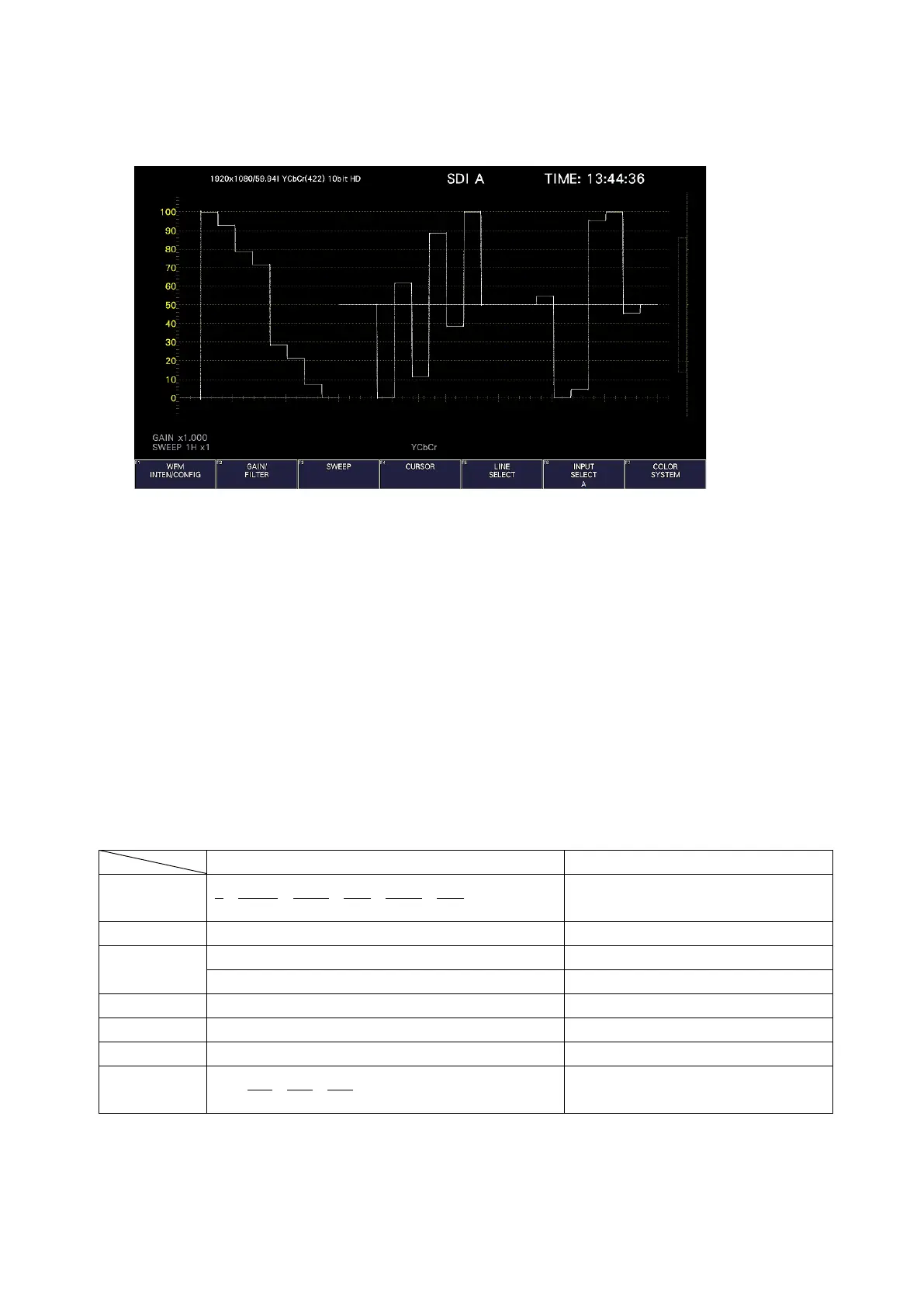
To display the video signal waveform, press WFM.
Figure 10-1 Video signal waveform display
• Colorimetry
Normally, colorimetry is not displayed, but when the colorimetry alarm on the SYS menu is set
to on and a colorimetry different from the one specified is received, the alarm is indicated in
red in the upper left of the screen.
10.1 Operation Key Description
Operation keys other than S-CUT key can be controlled from the mouse and touch panel.
On the video signal waveform display, you can press the operation keys to change the
following settings. (Some settings may not be changed.)
Key assignments can be changed freely on the OPERATION KEY tab.
[See also] OPERATION KEY tab → 7.2.13, “Setting the Operation keys”
Table 10-1 Operation Key Actions



 To Next Page