10. Video Signal Waveform Display
196
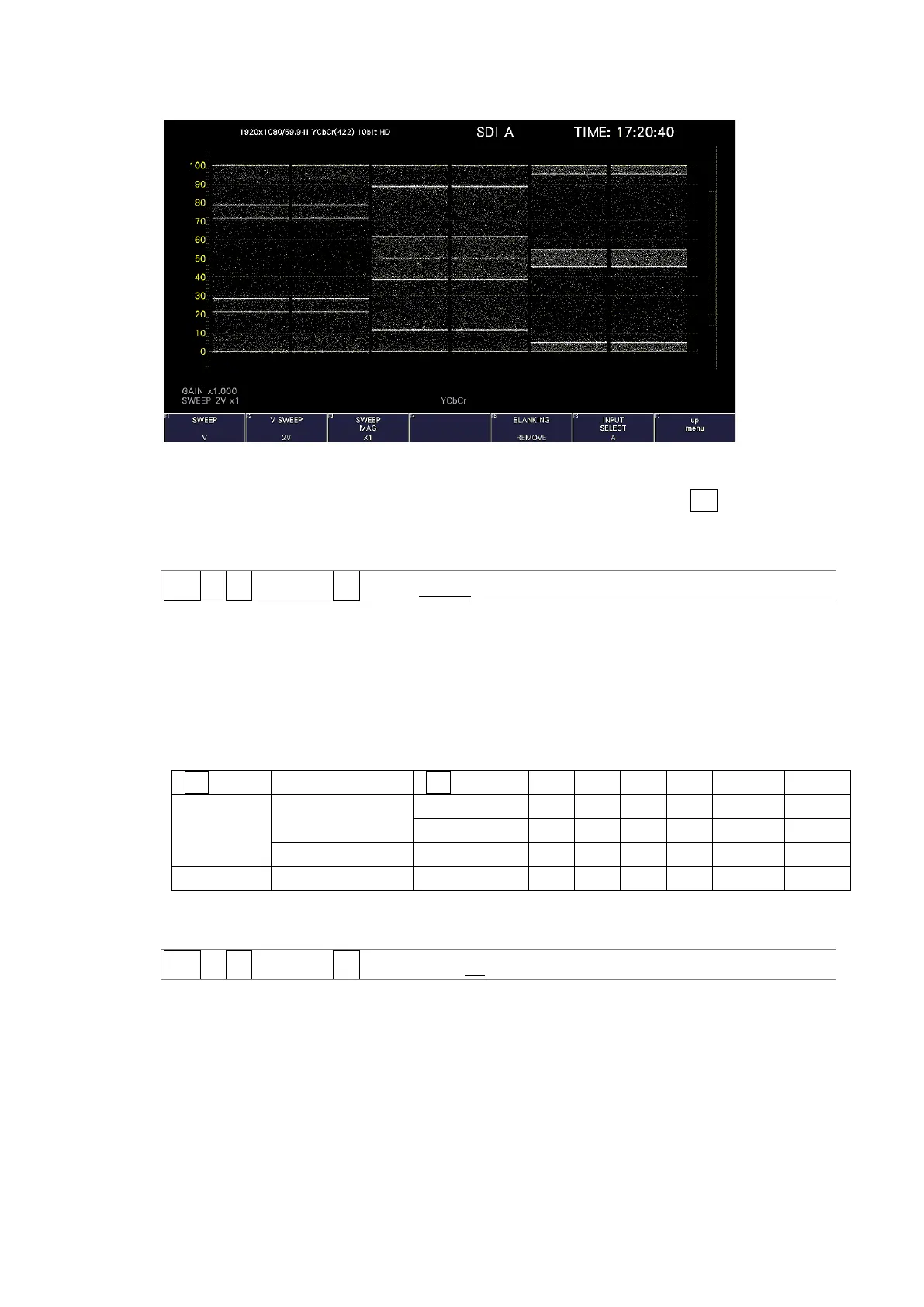
V SWEEP = 2V
Figure 10-18 Selecting the field display format
Furthermore, when the input signal is interlace or segmented frame and F•2 V SWEEP is set
to 1V, to select which field is displayed, follow the procedure below.
Procedure
WFM → F•3 SWEEP → F•4 FIELD: FIELD1 / FIELD2
10.5.4 Selecting the Horizontal Magnification
To select the horizontal magnification, follow the procedure below. The magnifications that
you can select vary as shown below depending on settings such as COLOR MATRIX.
[See also] COLOR MATRIX → section 10.8.1, “Selecting the Color Matrix.”
Table 10-2 Horizontal magnifications
(Yes: Settable. No: Not settable.)
Procedure
WFM → F•3 SWEEP → F•3 SWEEP MAG: X1 / X10 / X20 / X40 / ACTIVE / BLANK



 To Next Page