10. Video Signal Waveform Display
200
10.6 Configuring the Cursor Settings
To configure the cursor settings, press F•4 CURSOR on the WFM menu.
WFM → F•4 CURSOR →
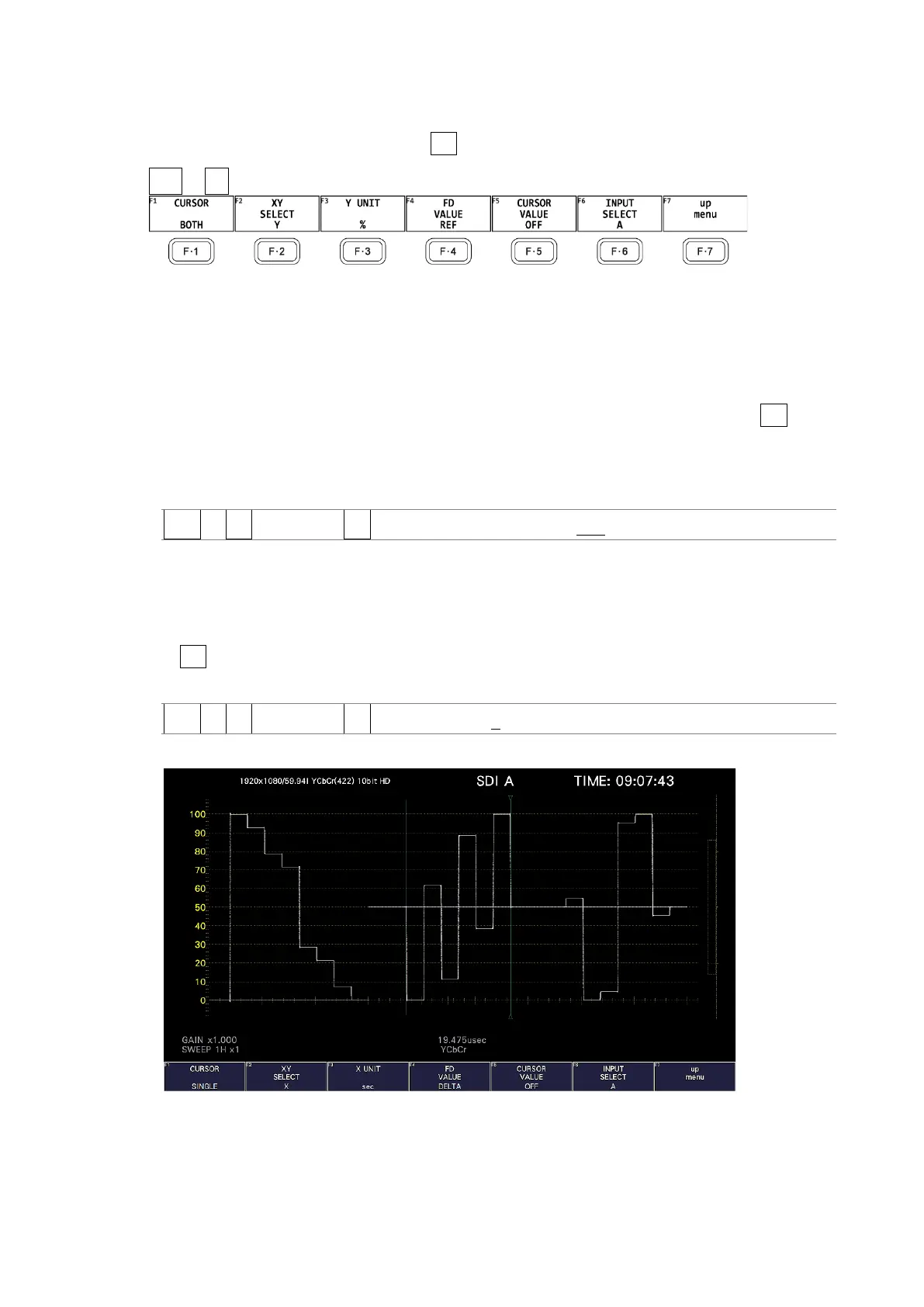
Figure 10-21 CURSOR menu
10.6.1 Turning Cursors On and Off
To turn cursors on and off, follow the procedure shown below.
The REF cursor is displayed in blue, and the DELTA cursor is displayed in green. The value of
DELTA - REF appears as a measured value in the lower right of the screen. (When F•3 Y
UNIT is set to DEC or HEX, absolute values are displayed.)
0If BOTH is selected, the X-axis cursors and Y-axis cursors are displayed simultaneously.
Procedure
WFM → F•4 CURSOR → F•1 CURSOR: SINGLE / BOTH / OFF
10.6.2 Selecting the Cursor
To select the X (time measurement) or Y (amplitude measurement) cursor, follow the
procedure below.
If F•1 CURSOR is set to BOTH, select the cursor to move here.
Procedure
WFM → F•4 CURSOR → F•2 XY SELECT: X / Y
XY SELECT = X



 To Next Page