14. HDR Display (SER23)
294
14.1 Video Signal Waveform Display
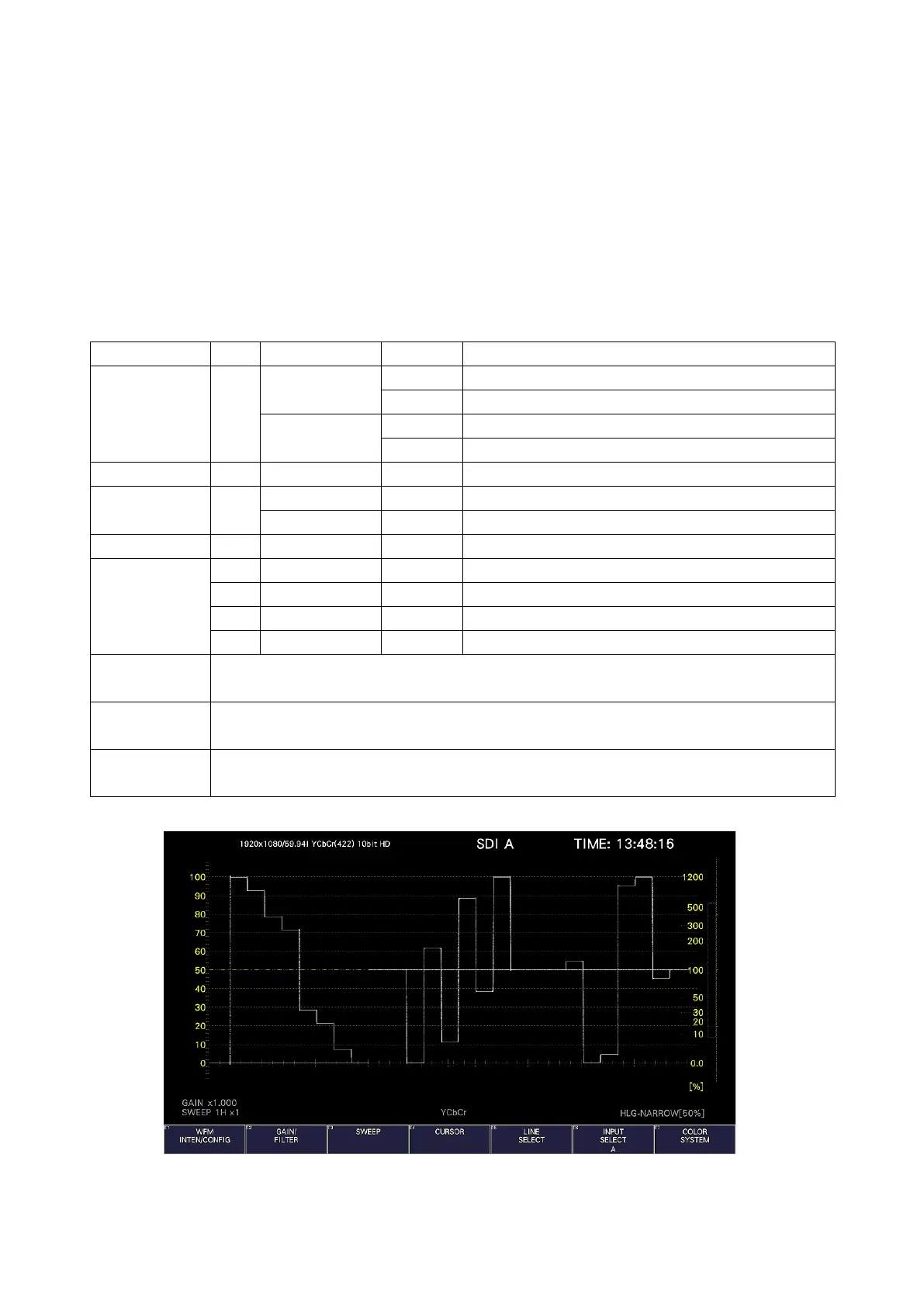
On the video signal waveform display, scales and cursors for HDR signals can be displayed.
14.1.1 Scale Display
During HDR measurement, a scale corresponding to the HDR signal is displayed on the right
side of the video signal waveform.
Note that the scale on the right side is not displayed when COLOR MATRIX is set to
COMPOSITE.
The scale on the right side varies as follows depending on the settings on the HDR tab.
Operates in OFF (SDR-TV), HLG, or PQ mode according to the payload ID information. When
the payload ID information is Unspecified, the instrument operates in S-Log3 mode.
Operates in OFF (SDR-TV), HLG, or PQ mode according to the payload ID information. When
the payload ID information is Unspecified, the instrument operates in C-Log mode.
Operates in OFF (SDR-TV), HLG, or PQ mode according to the payload ID information. When
the payload ID information is Unspecified, the instrument operates in Log-C mode.
HDR Mode = HLG, SYSTEM GAMMA = OFF, Range = Narrow, HLG Scale = 1200%



 To Next Page