17. Eye Pattern Display (LV5300/LV5300A/LV7300-SER02)
401
17.4 Switching between Eye Pattern and Jitter
To switch between eye pattern and jitter, follow the procedure below.
Procedure
EYE → F•1 EYE/JITTER INTEN/CONFIG → F•1 EYE/JITTER: EYE / JITTER
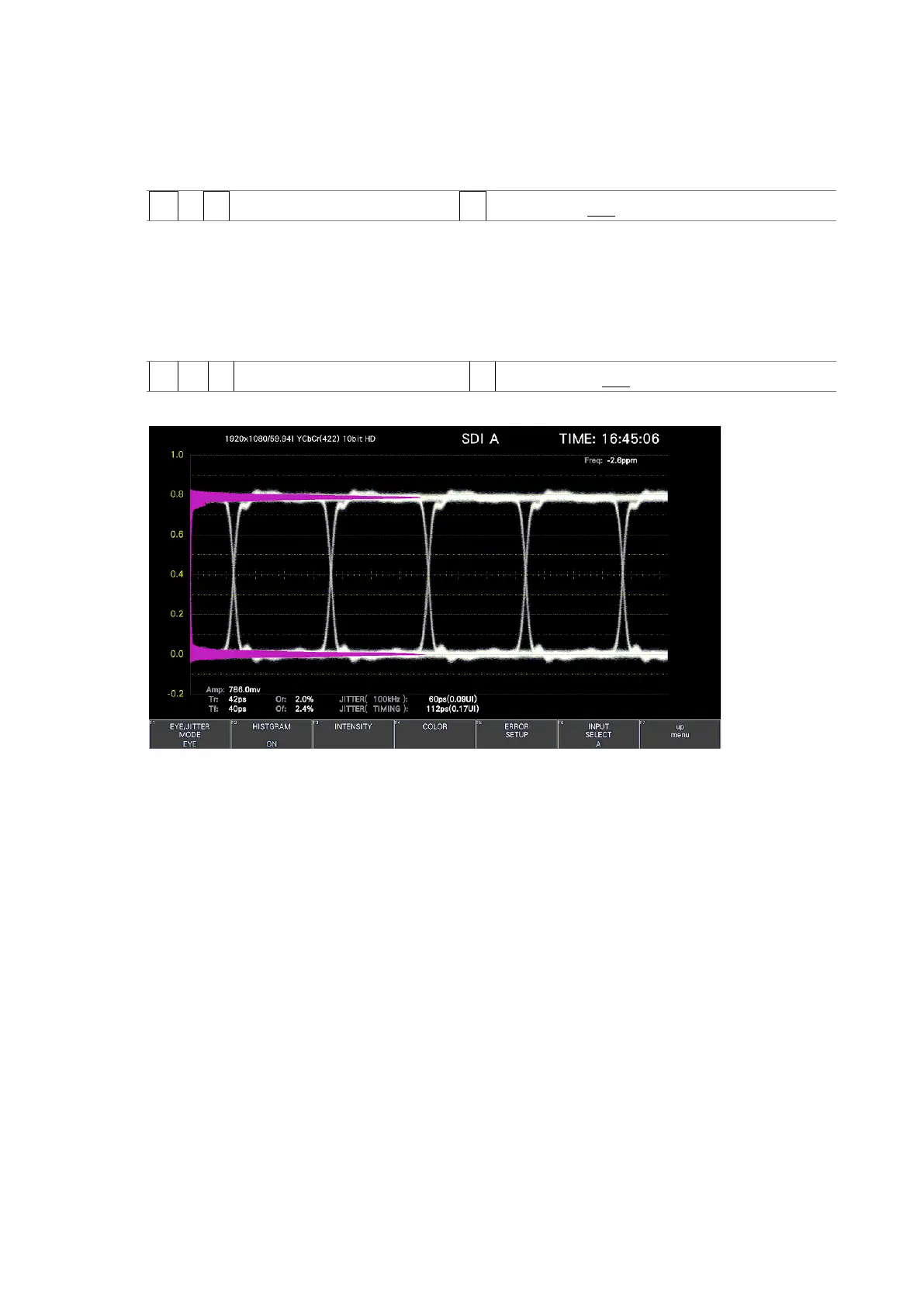
17.5 Turning the Histogram Display On and Off
When an eye pattern is displayed, to superimpose the histogram on the eye pattern, follow
the procedure below.
Procedure
EYE → F•1 EYE/JITTER INTEN/CONFIG → F•2 HISTOGRAM: OFF / ON
HISTOGRAM = ON
Figure 17-8 Histogram display



 To Next Page