13. Picture Screen
260
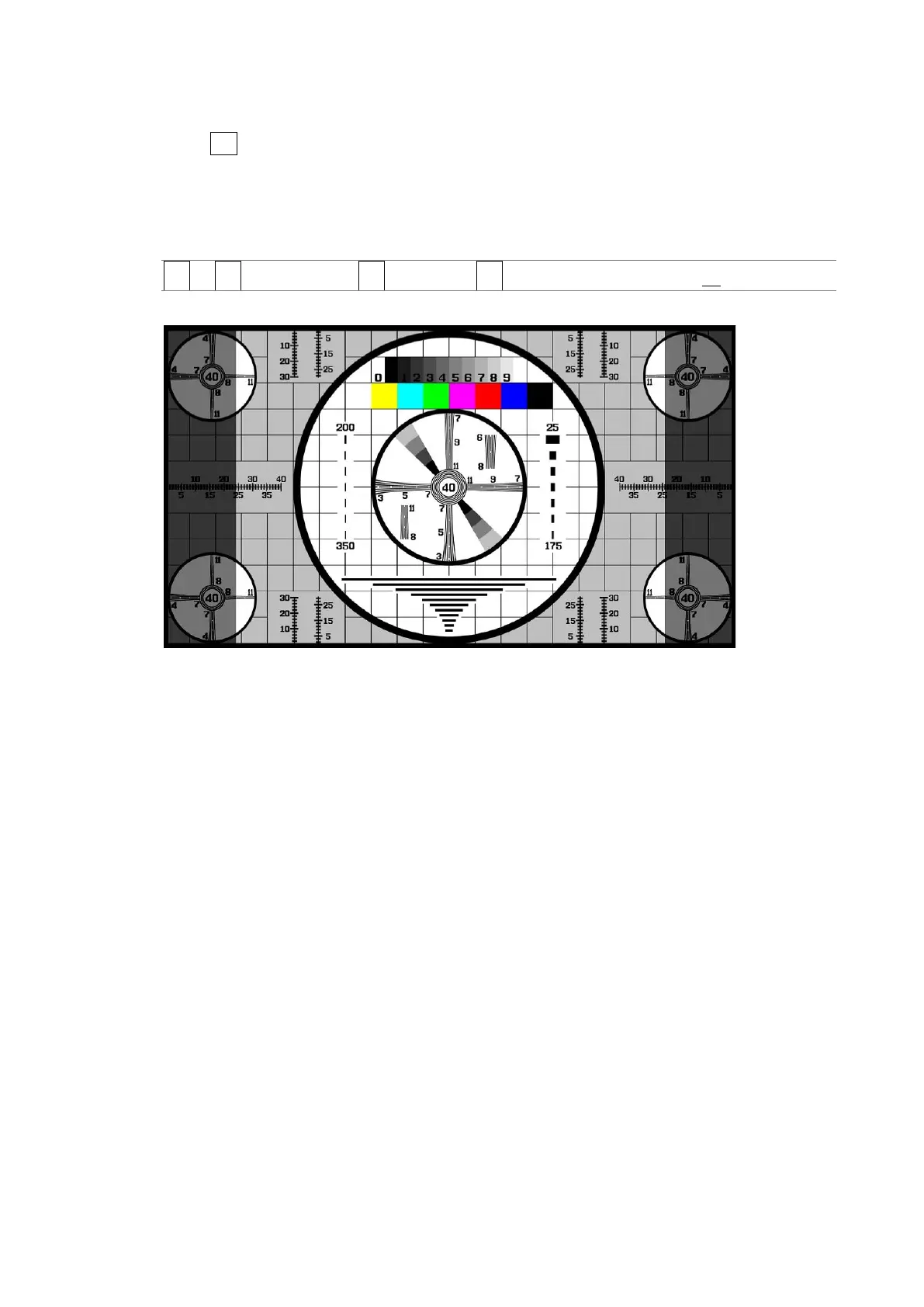
13.4.4 Setting the Aspect Shadow
When F•3 ASPECT MARKER is set to a value other than OFF, to adjust the darkness of the
aspect marker shadow, follow the procedure below. The larger the number, the darker the
shadow. If you specify 0, the aspect marker will be indicated with a line.
Press the function dial (F•D) to return the setting to its default value (50).
Procedure
PIC → F•1 PIC CONFIG → F•4 MARKER → F•4 ASPECT SHADOW[%]: 0 - 50 - 100
ASPECT SHADOW = 50
Figure 13-12 Setting the aspect shadow



 To Next Page