7. SYSTEM SETTINGS
162
7.3 Displaying System Information
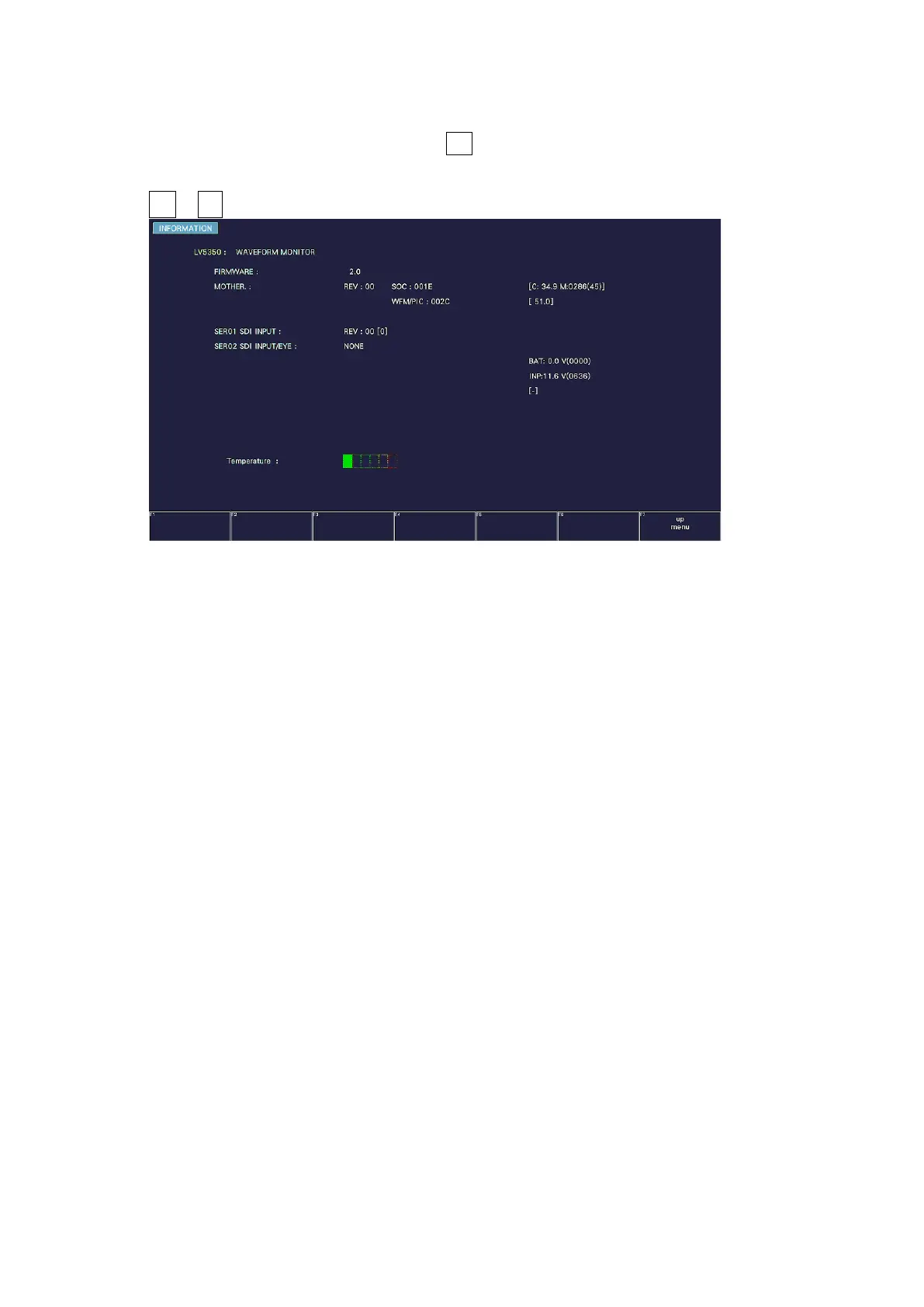
To display the system information, press F•3 SYSTEM INFO on the SYS menu.
You can view the instrument version and the internal temperature on this tab.
SYS → F•3 SYSTEM INFO →
Figure 7-29 INFORMATION tab (LV5350)
• Firmware
Displays the firmware version.
• MOTHER / WFM / PICTURE
Displays the hardware versions.
• SER01 / SER02
On the LV5300/LV5300A, “NONE” is displayed for SER01 and the version is displayed for
SER02. The versions of the installed hardware options are displayed for SER11 and SER12.
Units displayed as “NONE” are not installed.
On the LV5350, the version is displayed for SER01 and “NONE” is displayed for SER02. The
versions of the installed hardware options are displayed for SER11 and SER12. Units
displayed as “NONE” are not installed.
On the LV7300, the installed hardware options are displayed for SER01 and SER02 and
“NONE” for SER11 and SER12.



 To Next Page