15. Audio Display
314
15.2 Selecting the Display Mode (SER20)
To select the display mode, follow the procedure below.
Procedure
AUDIO → F•1 DISPLAY MODE: LISSAJOU / SURROUND / STATUS
Settings
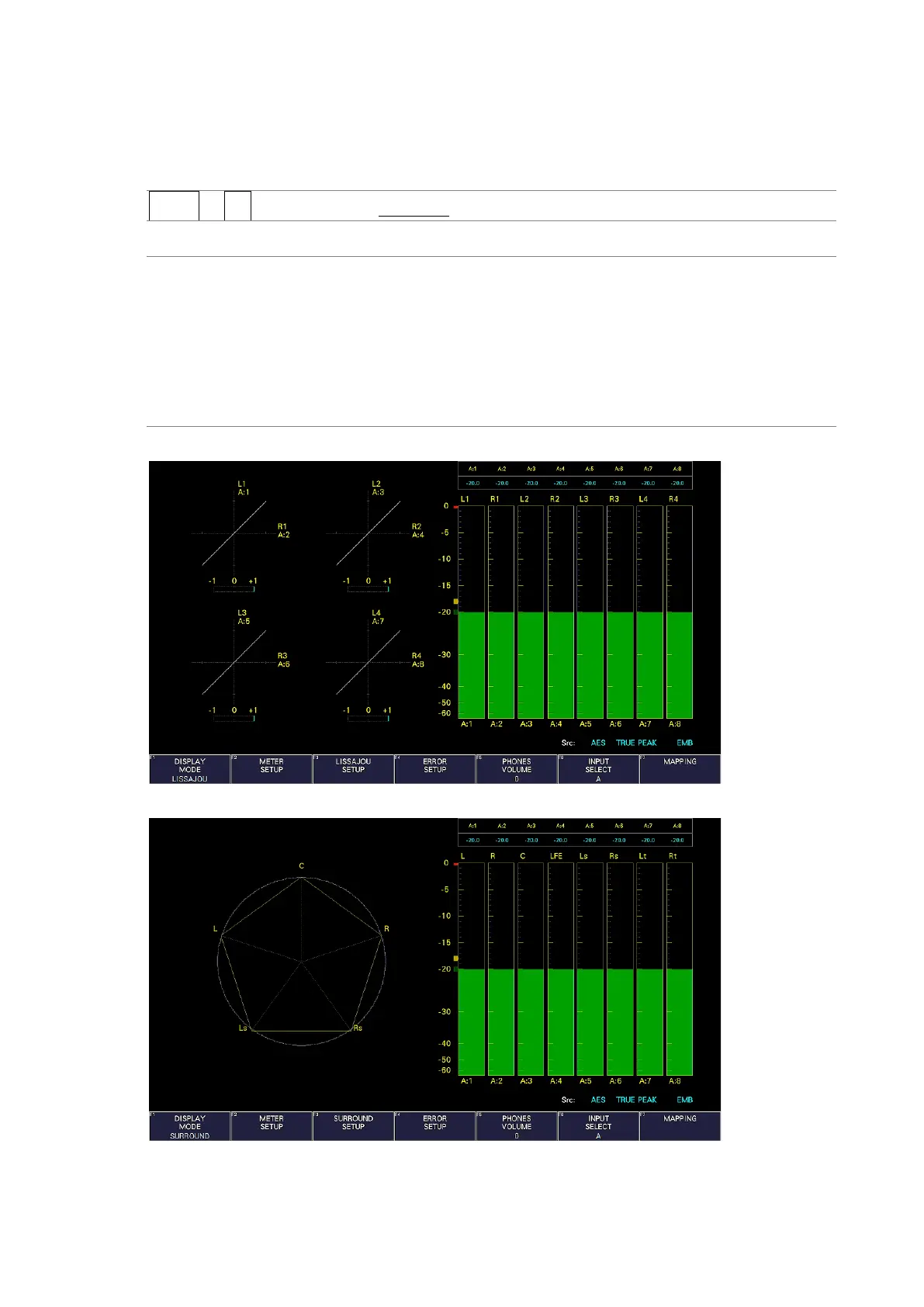
LISSAJOU: The Lissajous display is shown on the left side of the screen, and the audio
meter is displayed on the right side of the screen.
SURROUND: The surround display is shown on the left side of the screen, and the audio
meter is displayed on the right side of the screen.
This option cannot be selected in simul mode.
STATUS: The status display is shown on the left side of the screen, and the audio
meter is displayed on the right side of the screen.
DISPLAY MODE = LISSAJOU
DISPLAY MODE = SURROUND



 To Next Page