15. Audio Display
318
15.5 Meter Display
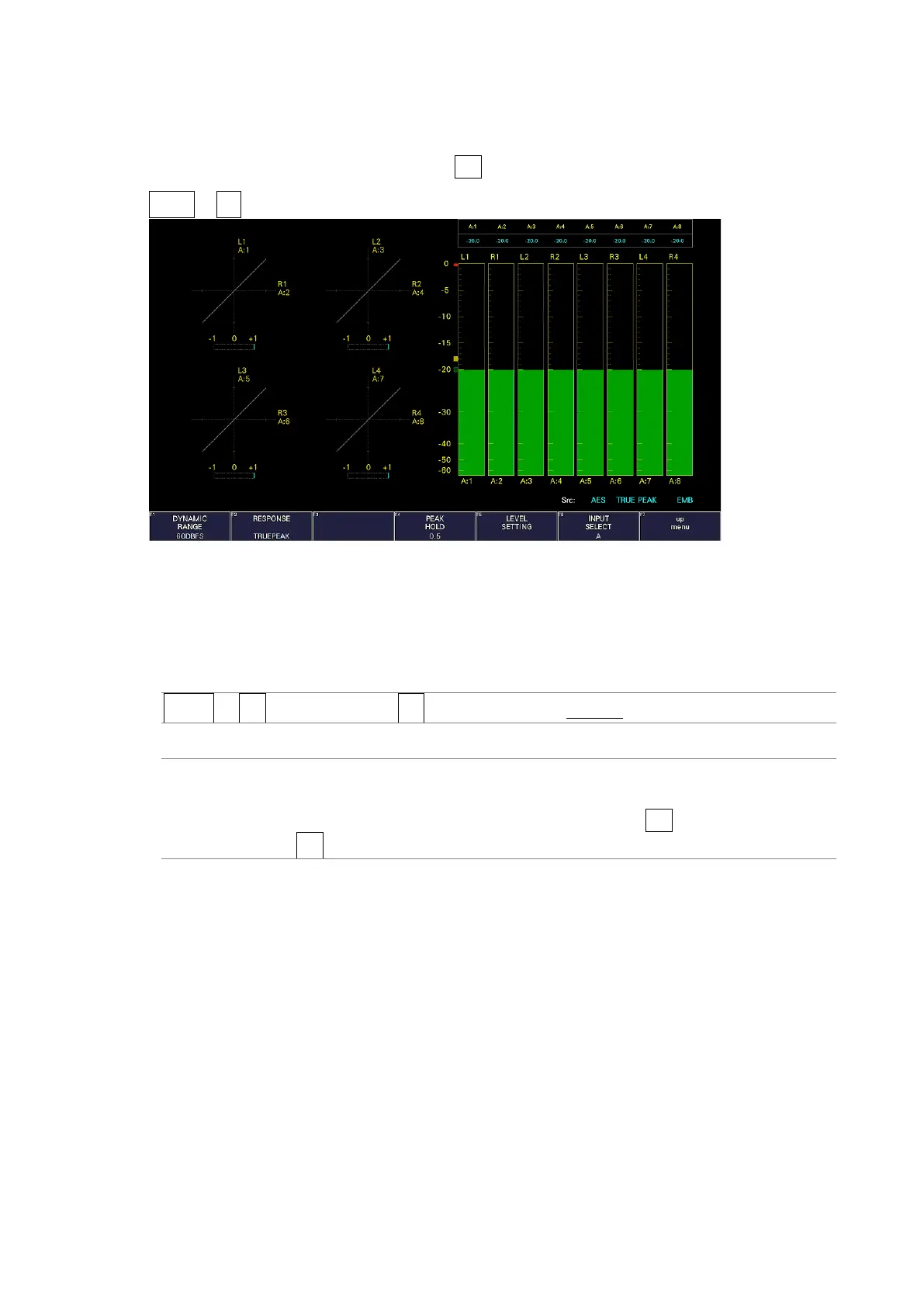
Meters are always displayed.
To configure meter display settings, press F•2 METER SETUP on the AUDIO menu.
AUDIO → F•2 METER SETUP →
Figure 15-7 Meter display (right side)
15.5.1 Selecting the Scale
To select the meter's scale, follow the procedure below.
Procedure
AUDIO → F•2 METER SETUP → F•1 DYNAMIC RANGE: 60DBFS / 90DBFS / MAG
Settings
60DBFS: The meter's scale is set to -60 to 0 (dBFS).
90DBFS: The meter's scale is set to -90 to 0 (dBFS).
MAG: The meter's scale is set to the level specified by F•5 LEVEL SETTING →
F•3 REF dBFS ±3 dB.



 To Next Page