13. Picture Screen
287
13.7.3 Search Display Mode
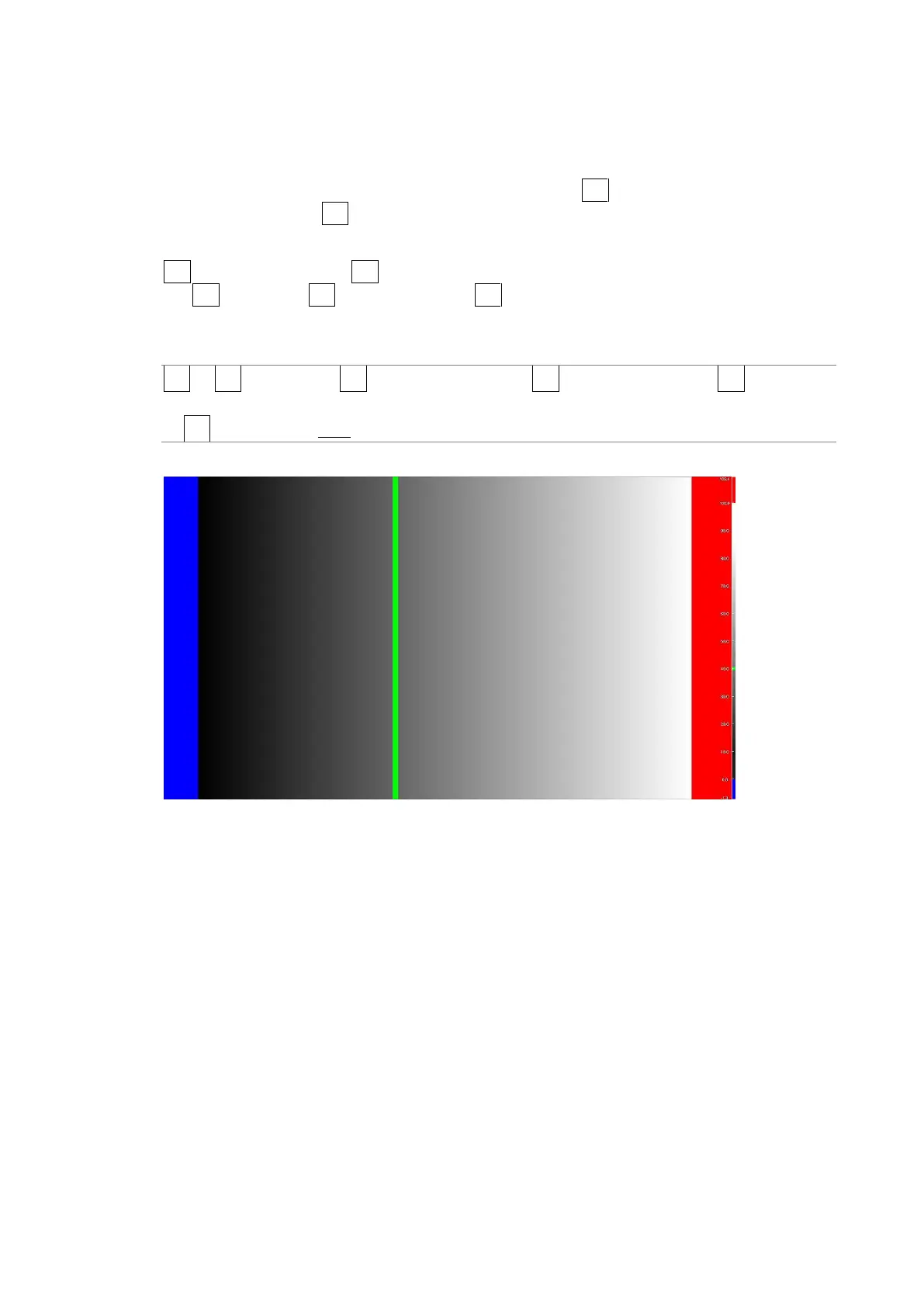
In the search display mode, the specified luminance level ±0.5 % is displayed using green
on an otherwise monochrome picture display.
The picture is displayed such that luminance levels above F•2 UPPER are displayed using
red, and levels below F•3 LOWER are displayed using blue.
To set the level that is displayed using green, follow the procedure below.
F•2 LEVEL appears when F•1 CINEZONE FORM is set to SEARCH.
Set F•2 UPPER and F•3 LOWER by setting F•1 CINEZONE FORM to GRADATE or STEP. See
section 13.7.1, “Gradation Display.”
Procedure
PIC → F•2 CINELITE → F•1 CINELITE DISPLAY → F•2 CINEZONE SETUP → F•1 CINEZONE
FORM and select SEARCH
→ F•2 LEVEL: -7.3 - 40.0 - 109.4
CINEZONE FORM = SEARCH
Figure 13-30 Search display



 To Next Page