16. Status Display
393
16.9.19 Performing Custom Searches
To show the custom search screen, follow the procedure below.
You can use the function dial (F•D) to view all the data. If you press the function dial (F•D),
the first data entry is displayed.
Procedure
STATUS → F•4 ANC PACKET → F•1 PACKET ANALYSIS → F•5 CUSTOM SEARCH
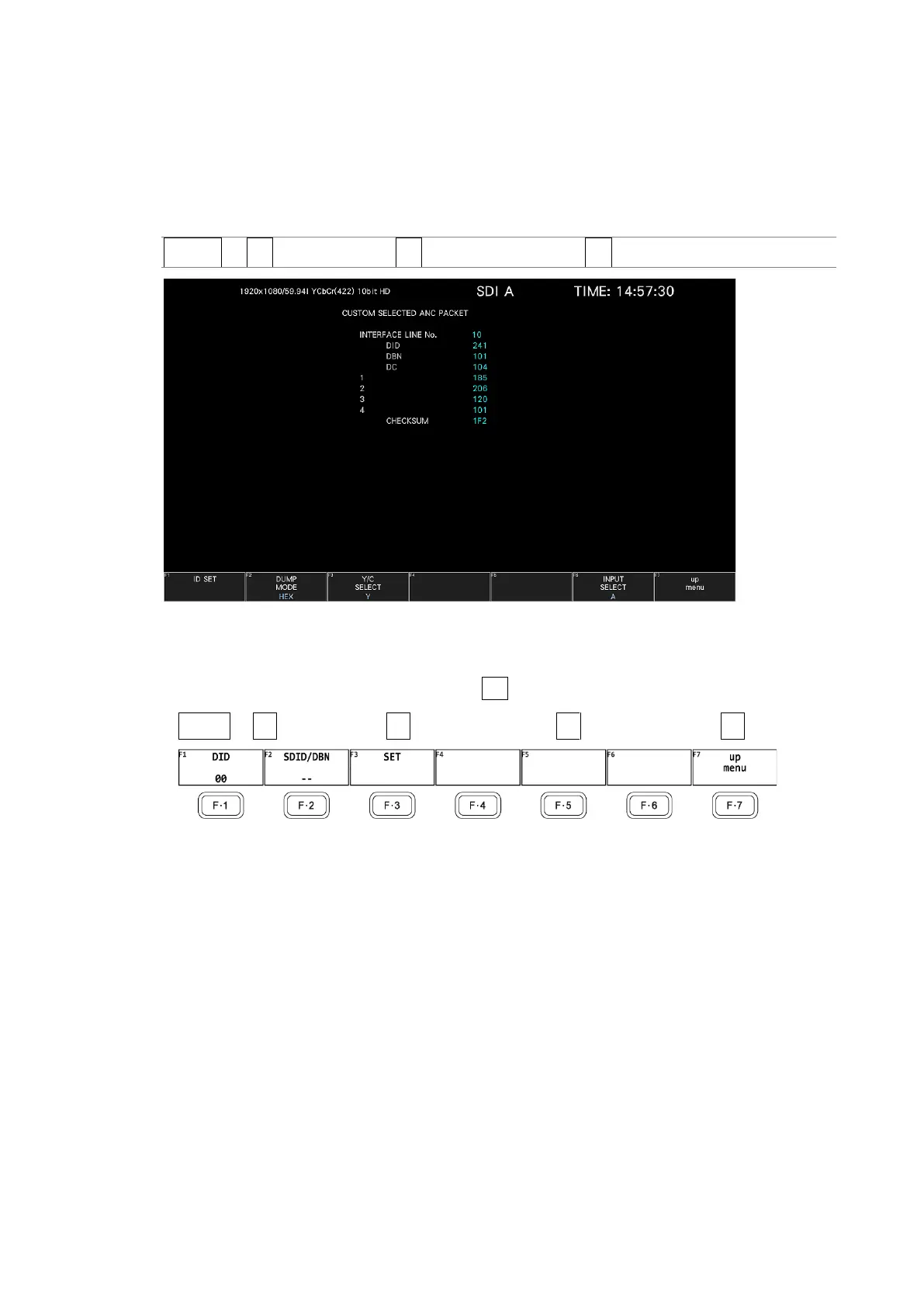
Figure 16-40 Custom search screen
• Detecting Ancillary Packets
You can search ancillary packets by using F•1 ID SET in the CUSTOM SEARCH menu.
STATUS → F•4 ANC PACKET → F•1 PACKET ANALYSIS → F•5 CUSTOM SEARCH → F•1 ID SET →
Figure 16-41 ID SET menu



 To Next Page