6. BASIC OPERATION
79
6.2 Setting the Signals to Measure
This section explains the procedure from applying an input to displaying the measurement
screen for each of the different input signal formats.
6.2.1 SD, HD, 3G-A, and 3G-B-DL Measurement
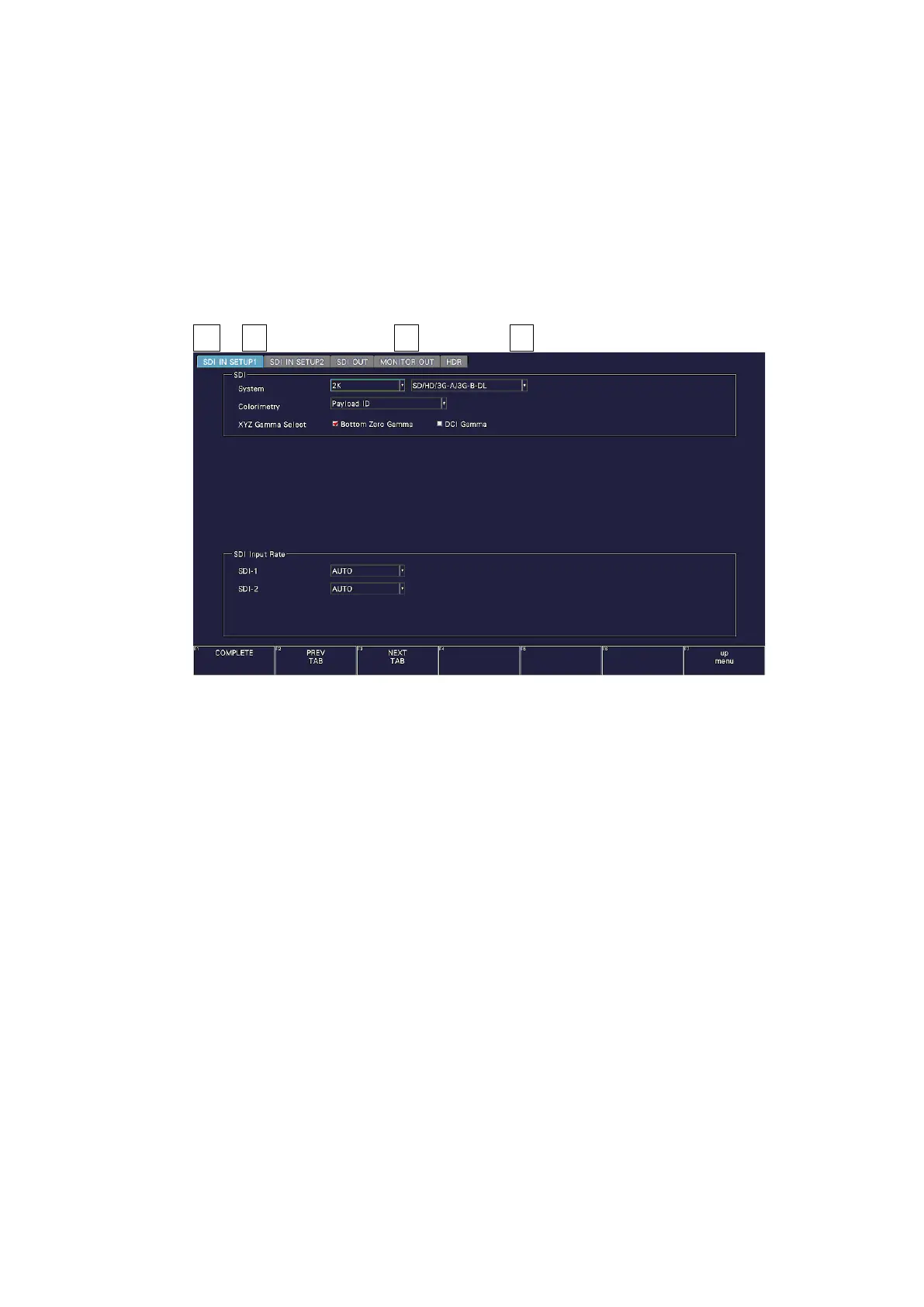
1. On the SDI IN SETUP1 tab of the SYS menu, set SDI System to 2K SD/HD/3G-A/3G-B-
DL.
[See also] 7.1.1, “Configuring the SDI Input Connectors”
SYS → F•1 SIGNAL IN OUT → F•2 PREV TAB or F•3 NEXT TAB →
Figure 6-3 SDI IN SETUP1 tab



 To Next Page