6. BASIC OPERATION
80
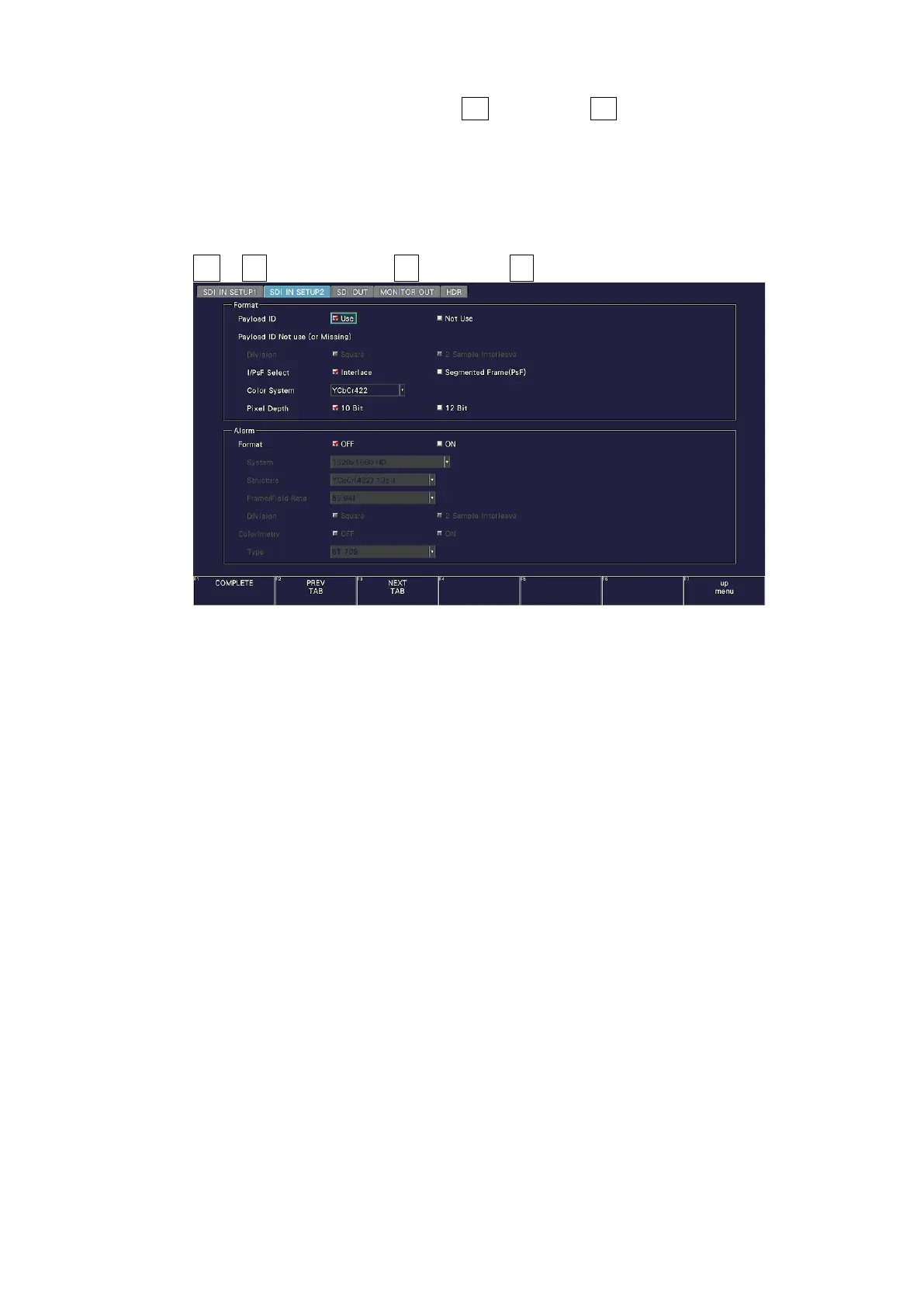
2. If the input signal is HD or 3G, press F•2 PREV TAB or F•3 NEXT TAB, and under
SETTING on the SDI IN SETUP2 tab, set the payload ID.
Select Use or Not Use. If you select Not Use, specify the following settings.
• HD: Set i/PsF Select.
• 3G-A, 3G-B-DL: Set i/PsF Select, Color System, and Pixel Depth.
[See also] 7.1.3, “Setting the Payload ID”
SYS → F•1 SIGNAL IN OUT → F•2 PREV TAB or F•3 NEXT TAB →
Figure 6-4 SDI IN SETUP2 tab
3. Press COMPLETE.



 To Next Page