10. Video Signal Waveform Display
181
10.3 Configuring the Display Settings
To configure the display settings, press F•1 WFM INTEN/CONFIG on the WFM menu.
WFM → F•1 WFM INTEN/CONFIG →
Figure 10-4 WFM INTEN/CONFIG menu
10.3.1 Selecting the Display Mode
To configure the display mode settings, press F•2 WFM MODE on the WFM INTEN/CONFIG
menu.
WFM → F•1 WFM INTEN/CONFIG → F•2 WFM MODE →
Figure 10-5 WFM MODE menu
To select the video signal waveform display mode, follow the procedure below.
This setting is invalid when COLOR MATRIX is set to COMPOSITE.
[See also] COLOR MATRIX → section 10.8.1, “Selecting the Color Matrix.”
Procedure
WFM → F•1 WFM INTEN/CONFIG → F•2 WFM MODE → F•1 MODE: OVERLAY / PARADE
Settings
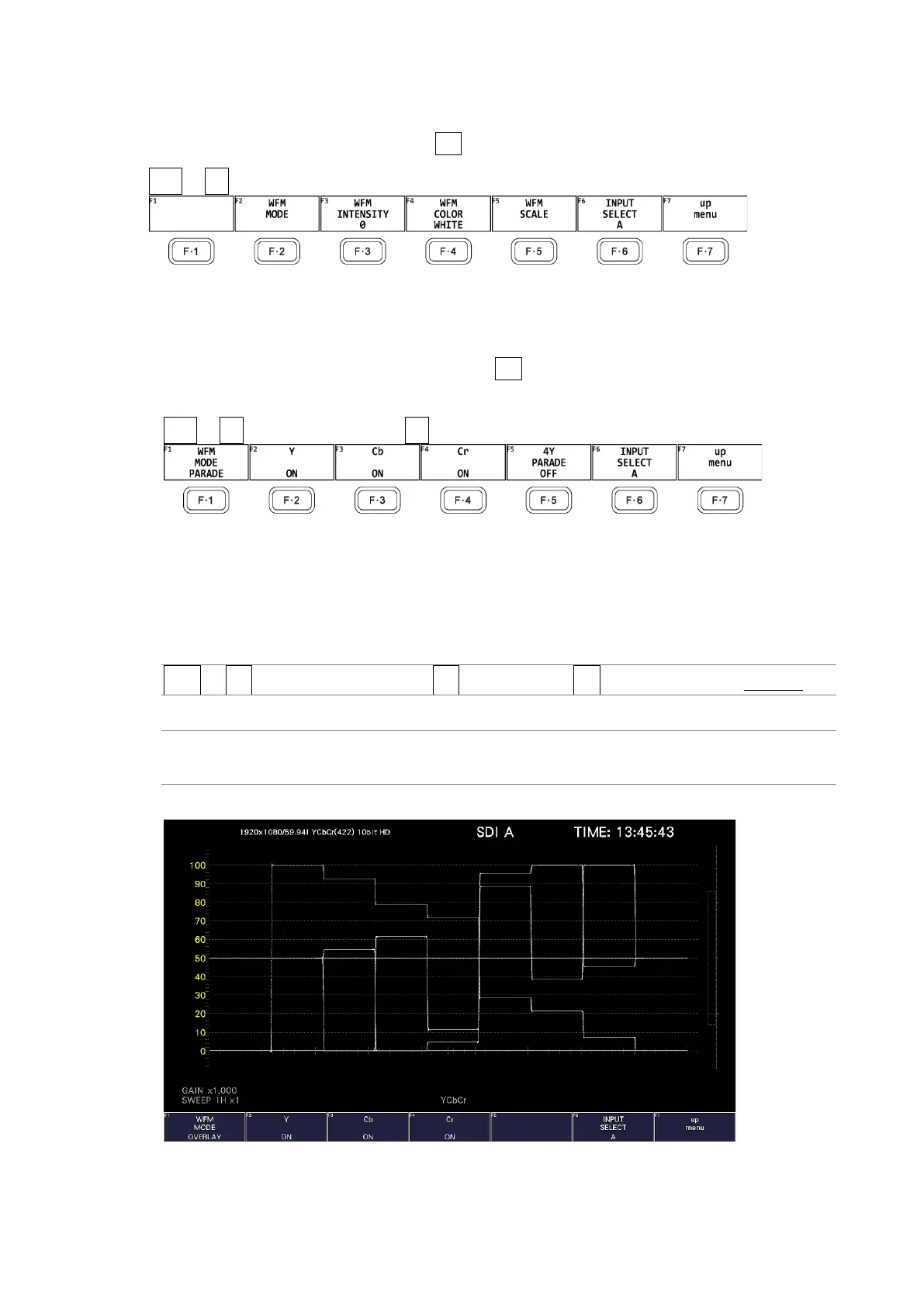
OVERLAY: The input signals are displayed overlaid.
PARADE: The input signals are displayed side by side.
WFM MODE = OVERLAY



 To Next Page