16. Status Display
332
16. STATUS DISPLAY
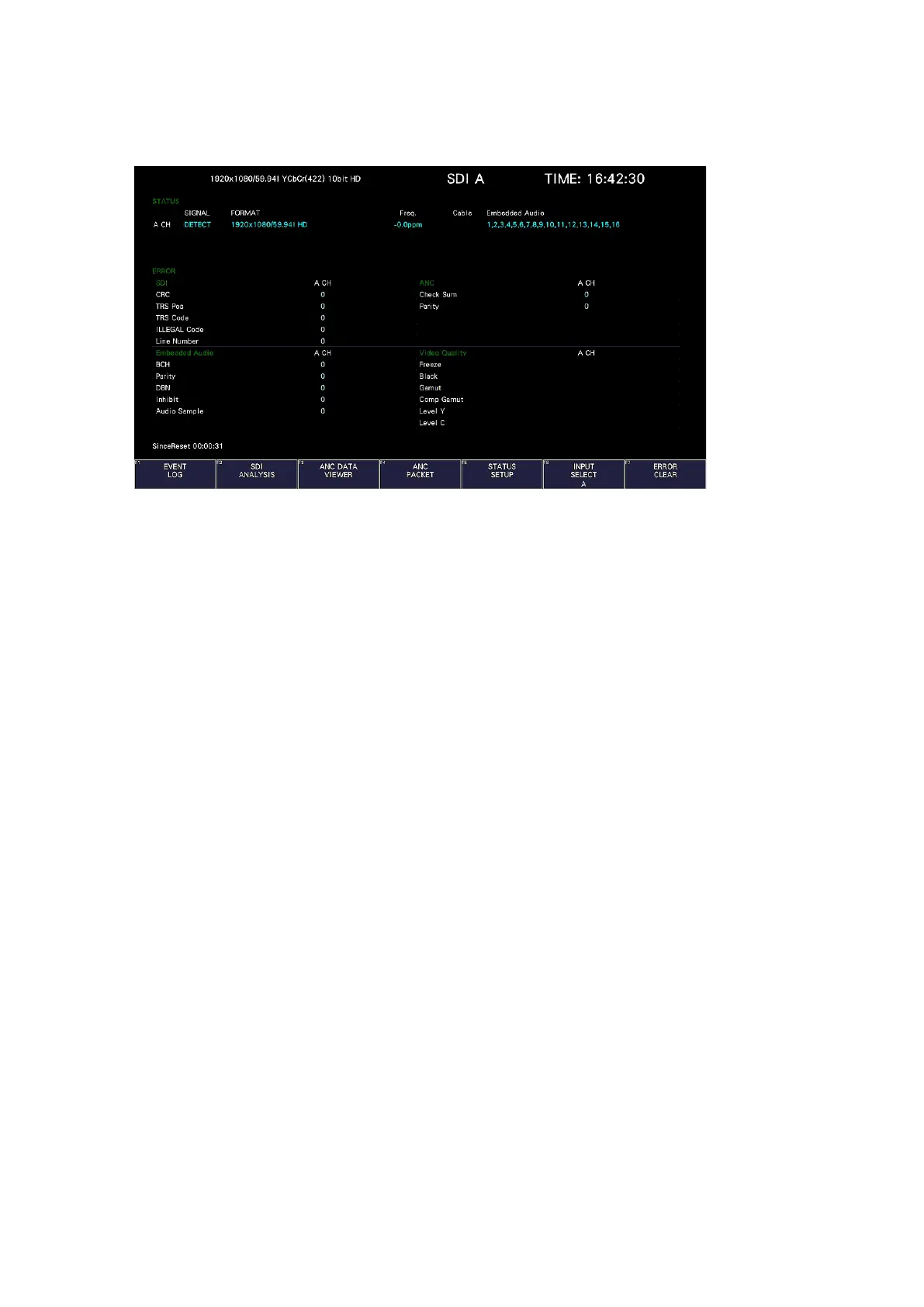
To display the status, press STATUS.
Figure 16-1 Status display
16.1 Status Screen Description
• SIGNAL
If the instrument is receiving an SDI signal, "DETECT" is displayed. Otherwise, "NO SIGNAL"
is displayed.
If "NO SIGNAL" is displayed, the following items are not displayed.
• FORMAT/SUB IMAGE FORMAT
The input signal format is indicated. It is normally displayed in light blue, but if the input is
not appropriate, it turns red.
For 4K, the sub image format 1920(2048) × 1080 is displayed.
• Freq
The sampling frequency deviation is displayed.
Normally, this is displayed in light blue. If Frequency Error on the ERROR SETUP1 tab is set
to ON, the color changes to red when ±10 ppm is exceeded.
The display range is “<-100 ppm, -100 to +100 ppm, >+100 ppm,” and the accuracy is ±2
ppm.
[See also] ERROR SETUP1 tab → section 16.2.1, “Error Setup 1”



 To Next Page