11. VECTOR DISPLAY
211
11.2 Setting the Display and Waveform Intensity
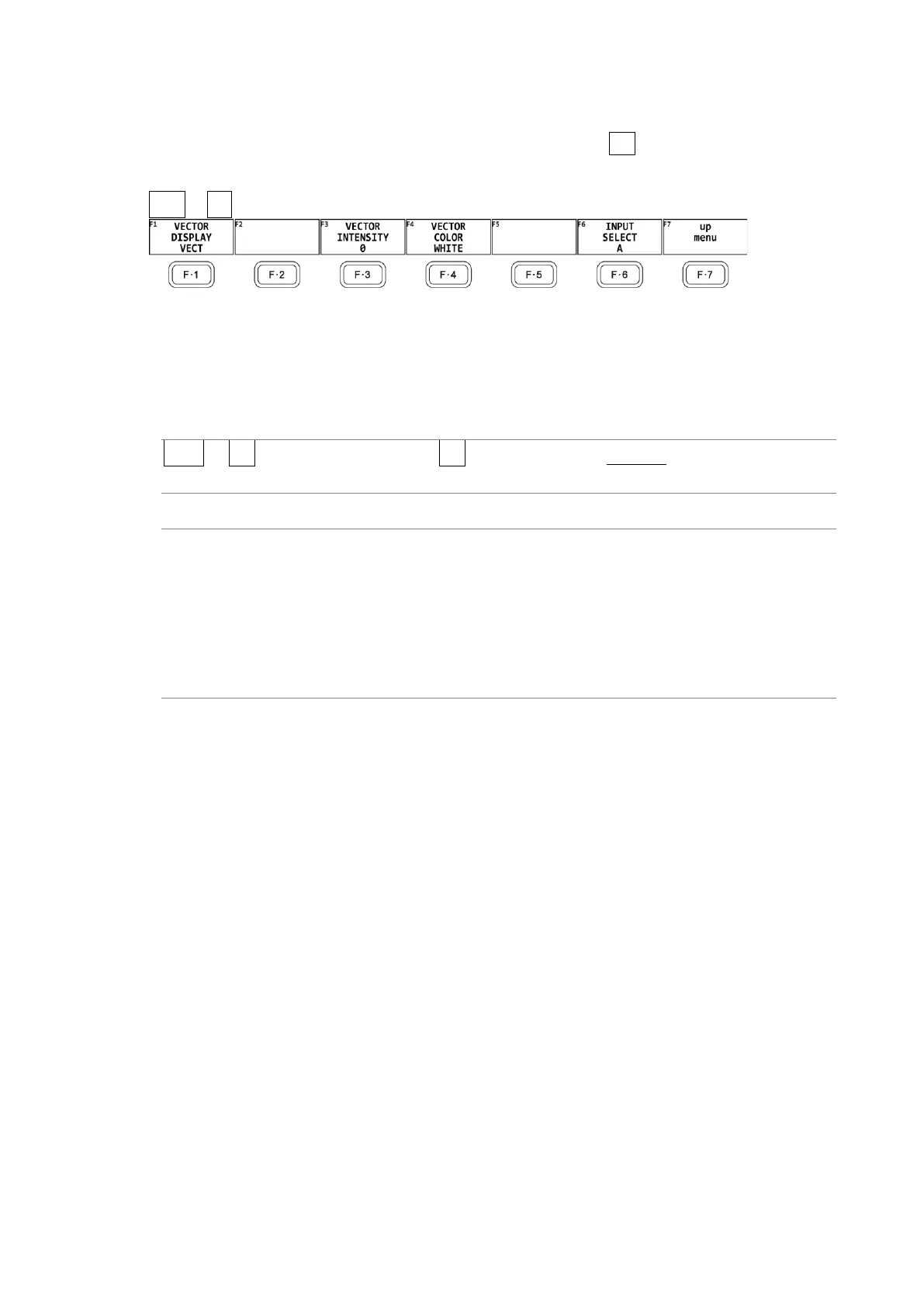
To configure the display and waveform intensity settings, press F•1 VECT INTEN/CONFIG on
the VECT menu.
VECT → F•1 VECT INTEN/CONFIG →
Figure 11-2 VECT INTEN/CONFIG menu
11.2.1 Switching the Display Mode
To select the display mode, follow the procedure below.
Procedure
VECT → F•1 VECT INTEN/CONFIG → F•1 VECTOR DISPLAY: VECTOR / 5BAR / HISTOGRAM
/ CIE DIAGRAM
Settings
VECTOR: Shows vectors s, RGB vectors (SER40), or YCbCr vectors (SER40).
5BAR: Switches to the 5-bar display.
For details, see section 11.12, “5-Bar Display.”
HISTOGRAM: A histogram is displayed.
For details, see section 11.13, “Histogram Display.”
CIE DIAGRAM: The CIE chromaticity diagram display is shown.
For details, see section 12, “CIE Chromaticity Diagram Display (SER22).”



 To Next Page