11. VECTOR DISPLAY
215
COLOR WHEEL = ON
Figure 11-6 Turning the color wheel on and off
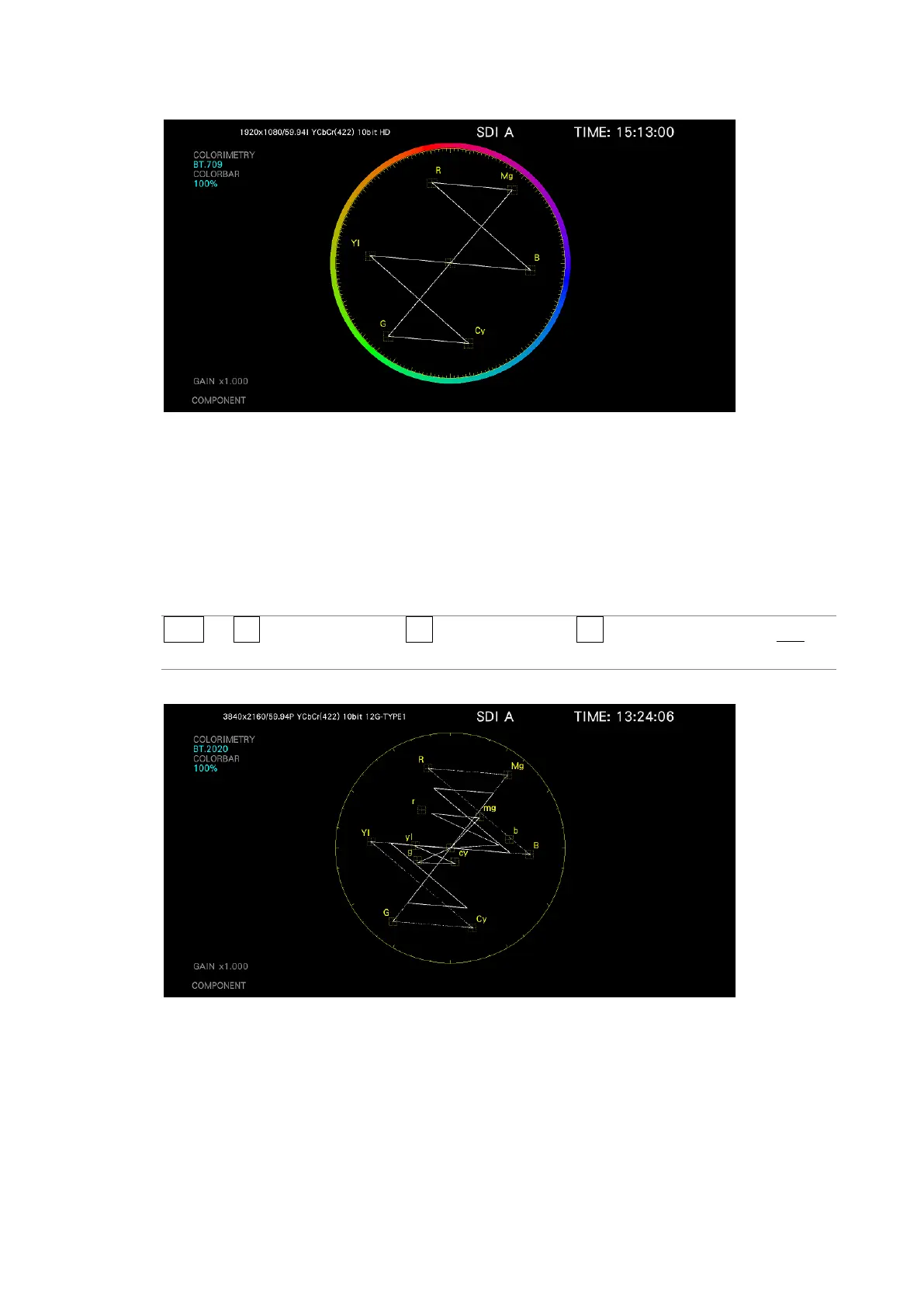
11.3.4 ARIB Check Marker
When VARIABLE SCALE is set to on and VECTOR SCALE is set to BT.2020, the ARIB check
marker can be displayed on the vector waveform follow the procedure below.
[See also] VARIABLE SCALE → 11.3.7, “Turning the Variable Scale On and Off.”
Procedure
VECT → F•2 VECTOR SCALE → F•3 SCALE OPTION → F•2 ARIB CHECK MARKER: OFF /
STD-B66 / STD-B72
ARIB CHECK MARKER = STD-B72
Figure 11-7 ARIB check marker



 To Next Page