16. Status Display
373
16.9 Detecting Ancillary Packets
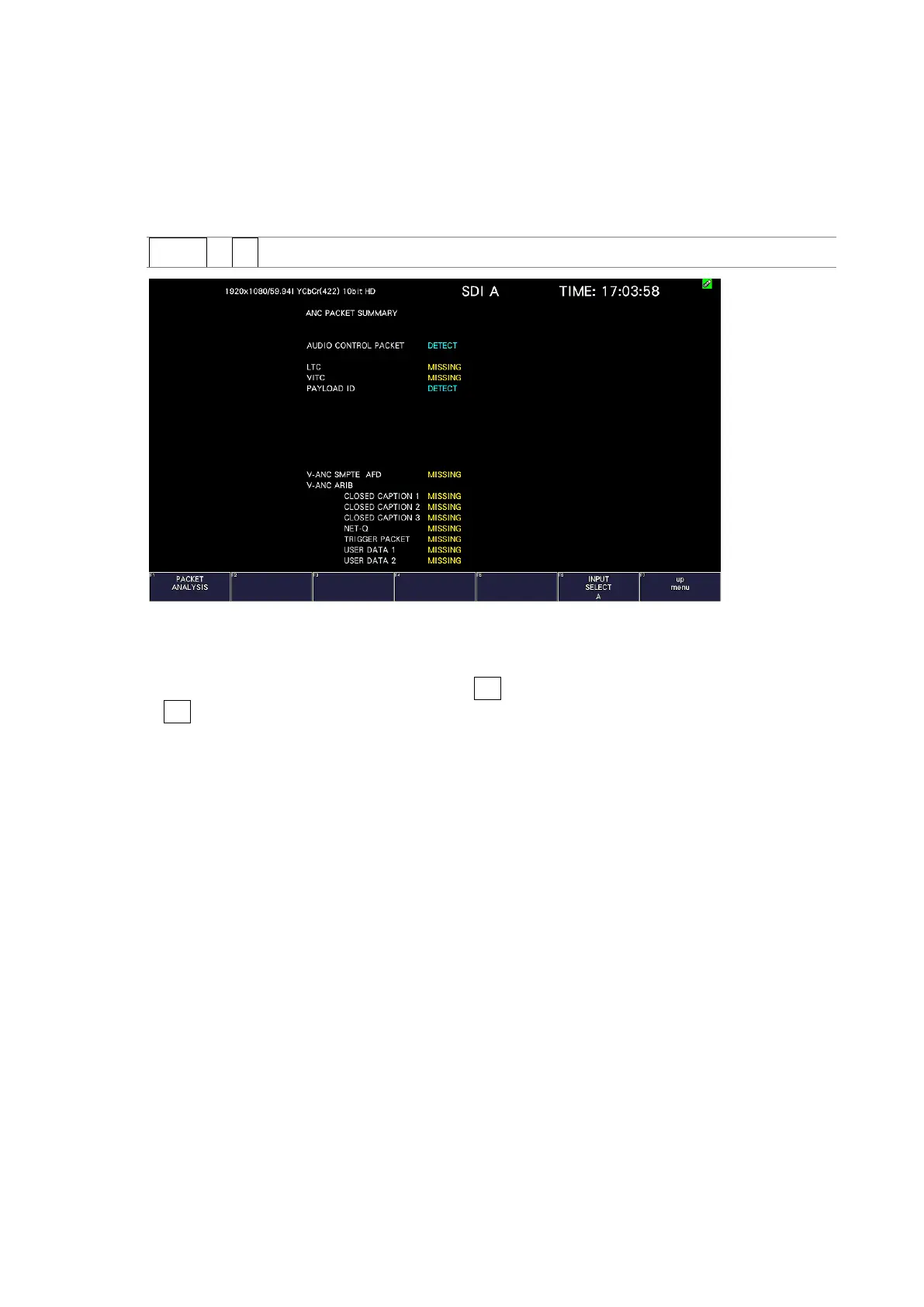
To display the ancillary packet display, follow the procedure below.
If an ancillary packet is detected, “DETECT” appears. If not, “MISSING” appears. If a dummy
packet is detected, “DUMMY” appears.
Procedure
STATUS → F•4 ANC PACKET
Figure 16-20 Ancillary packet screen
• Selecting the Content to Display
You can select the displayed content using F•5 LINK when the input signal is multi link and
F•5 SUB when the input signal is 6G and 12G.
16.9.1 Ancillary Packet Screen Description
• AUDIO CONTROL PACKET
The embedded audio consists of 4 groups that each contain 4 channels. This makes for a
total of 16 channels. A single audio control packet is embedded in each group.
[See also] 16.9.4, “Displaying Audio Control Packets”
• EDH (Error detection and handling; when the input signal is SD)
This packet is used for detecting transmission errors. When multiple devices are
connected, this packet can be used to determine which device caused an error. Both full-
field and active picture errors are detected.
[See also] 16.9.2, “Displaying EDH Packets”
• LTC (Linear/Longitudinal Time Code)
This is a type of timecode. One packet is embedded per frame.
• VITC (Vertical Interval Time Code)
This is a type of timecode. One packet is embedded per field.



 To Next Page