11. VECTOR DISPLAY
227
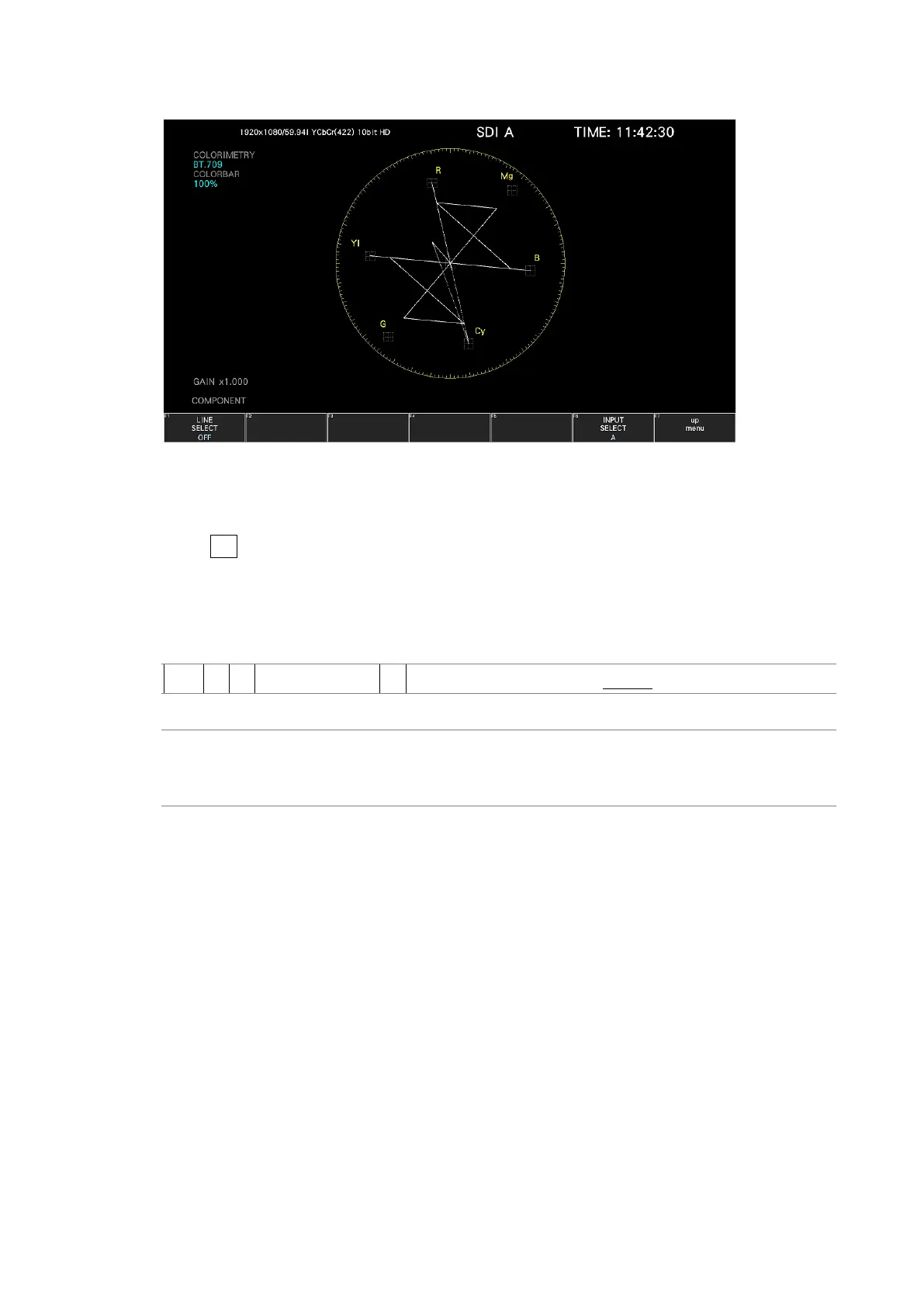
LINE SELECT = OFF
Figure 11-17 Turning line selection on and off
11.10.2 Setting the Line Selection Range
When F•1 LINE SELECT is set to ON and the input signal format is interlaced or segmented
frame, to set the line selection range, follow the procedure below.
Changing this setting will also change the selected line on the video-signal-waveform,
picture, and status (data dump) displays.
Procedure
VECT → F•5 LINE SELECT → F•2 FIELD: FIELD1 / FIELD2 / FRAME
Settings
FIELD1: A line from field 1 can be selected. (Example: 1 to 563)
FIELD2: A line from field 2 can be selected. (Example: 564 to 1125)
FRAME: All lines can be selected. (Example: 1 to 1125)



 To Next Page