6. BASIC OPERATION
118
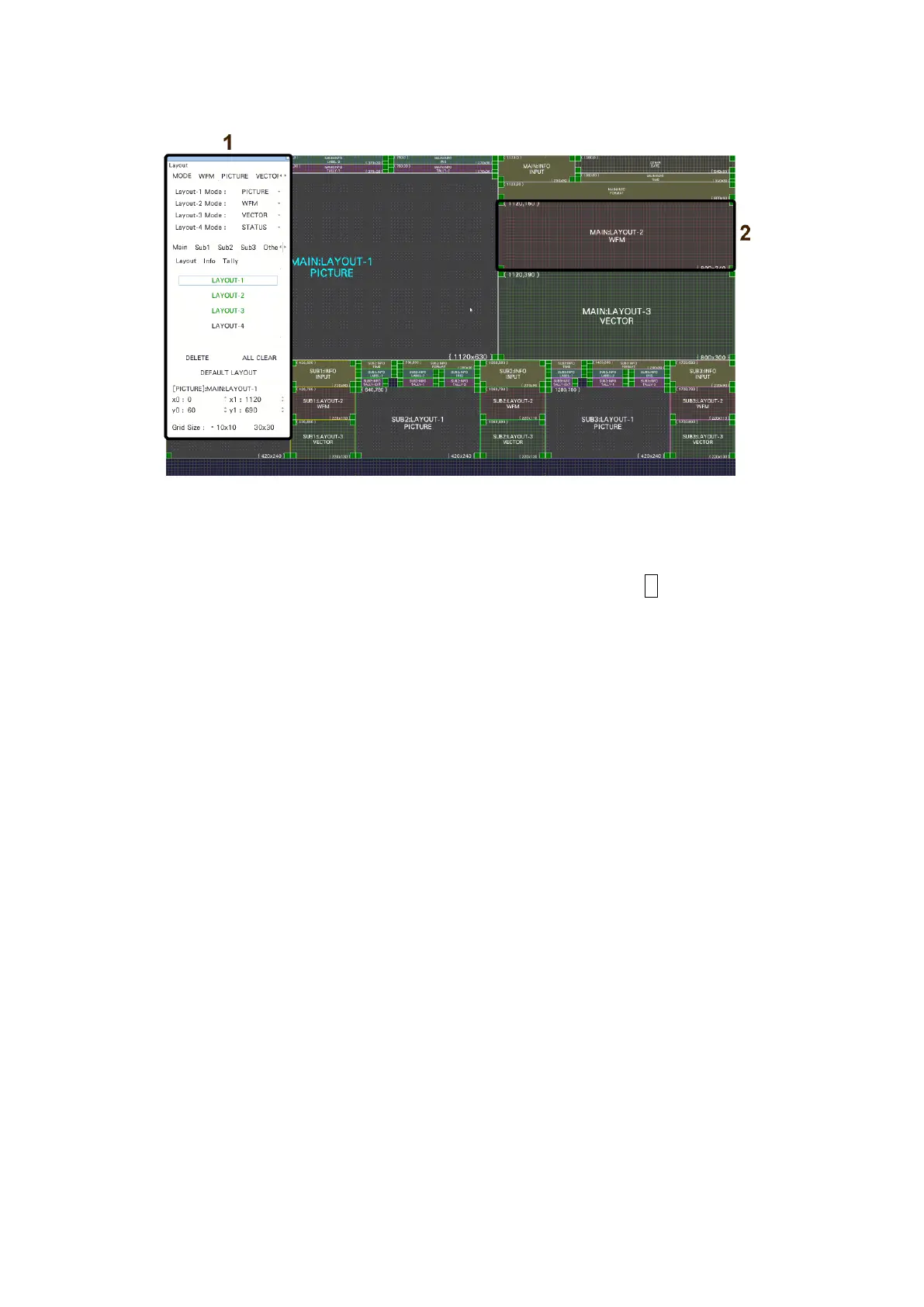
6.6.2 Enhanced Layout Screen Description
Figure 6-58 Enhanced layout screen description
1 Enhanced layout window
The Layout window is used to create layouts.
You can move the window by dragging and close it by clicking × in the upper right of
the window. If you close it, you can redisplay it by double-clicking in the enhanced
layout screen.



 To Next Page