10. Video Signal Waveform Display
194
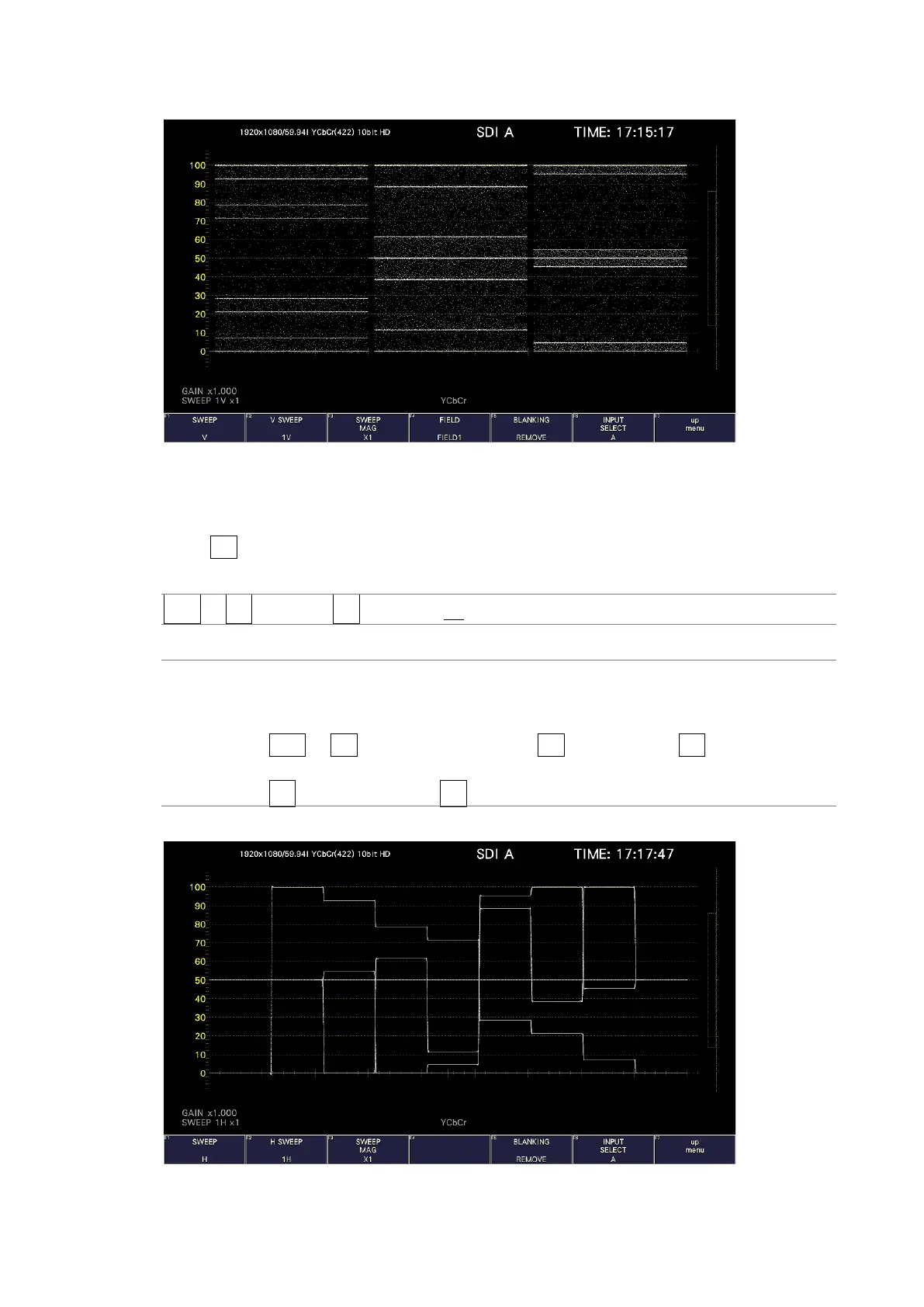
SWEEP = V
Figure 10-16 Selecting the sweep method
10.5.2 Selecting the Line Display Format
When F•1 SWEEP is set to H, to select the sweep time, follow the procedure below.
Procedure
WFM → F•3 SWEEP → F•2 H SWEEP: 1H / 2H
Settings
1H: One line is displayed.
2H: Two lines are displayed. This cannot be selected in the following situations.
• For 4K
• When WFM → F•1 WFM INTEN/CONFIG → F•2 WFM MODE → F•1 MODE is set to
PARADE
• When F•7 COLOR SYSTEM → F•1 COLOR MATRIX is set to COMPOSITE
H SWEEP = 1H



 To Next Page