10. Video Signal Waveform Display
184
10.3.7 Selecting the Scale Unit
To select the scale unit, follow the procedure below.
When COLOR MATRIX is set to COMPOSITE and the composite display format is NTSC, the
scale unit setting is fixed at %. When the composite display format is PAL, this is fixed to V.
Video signal white (100 %) becomes 0.7 V or 100 % on the scale.
Video signal black (0 %) becomes 0 V or 0 % on the scale.
[See also] COLOR MATRIX → section 10.8.1, “Selecting the Color Matrix.”
Procedure
WFM → F•1 WFM INTEN/CONFIG → F•5 WFM SCALE → F•3 SCALE SETTING → F•1 SCALE
UNIT: HDV,SD% / HDV,SDV / HD%,SD% / CV DEC / CV HEX / V / %
Settings
HDV,SD%: The scale shows voltages when the input signal is not SD and percentages
when the input signal is SD.
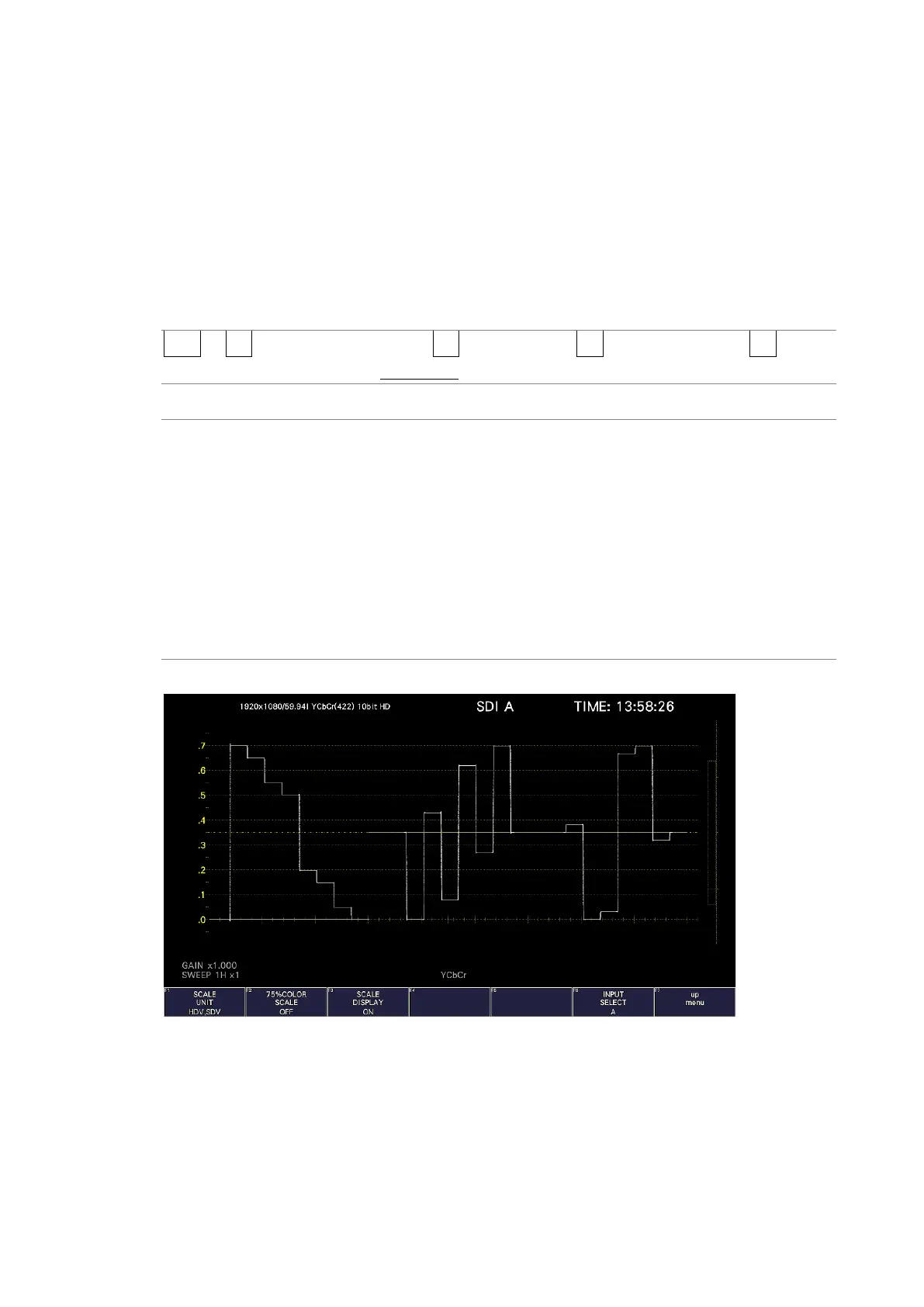
HDV,SDV: The scale shows voltages.
HD%,SD%: The scale shows percentages.
CV DEC: 0 to 100 % is displayed as 64 to 940 (YGBR) or 64 to 960 (CbCr).
For XYZ, 0 to 100% is displayed as 0 to 4095.
CV HEX: 0 to 100 % is displayed as 040 to 3AC (YGBR) or 040 to 3C0 (CbCr).
For XYZ, 0 to 100% is displayed as 000 to FFF.
V The scale shows voltages.
% The scale shows percentages.
SCALE UNIT = HDV,SDV



 To Next Page