11. VECTOR DISPLAY
230
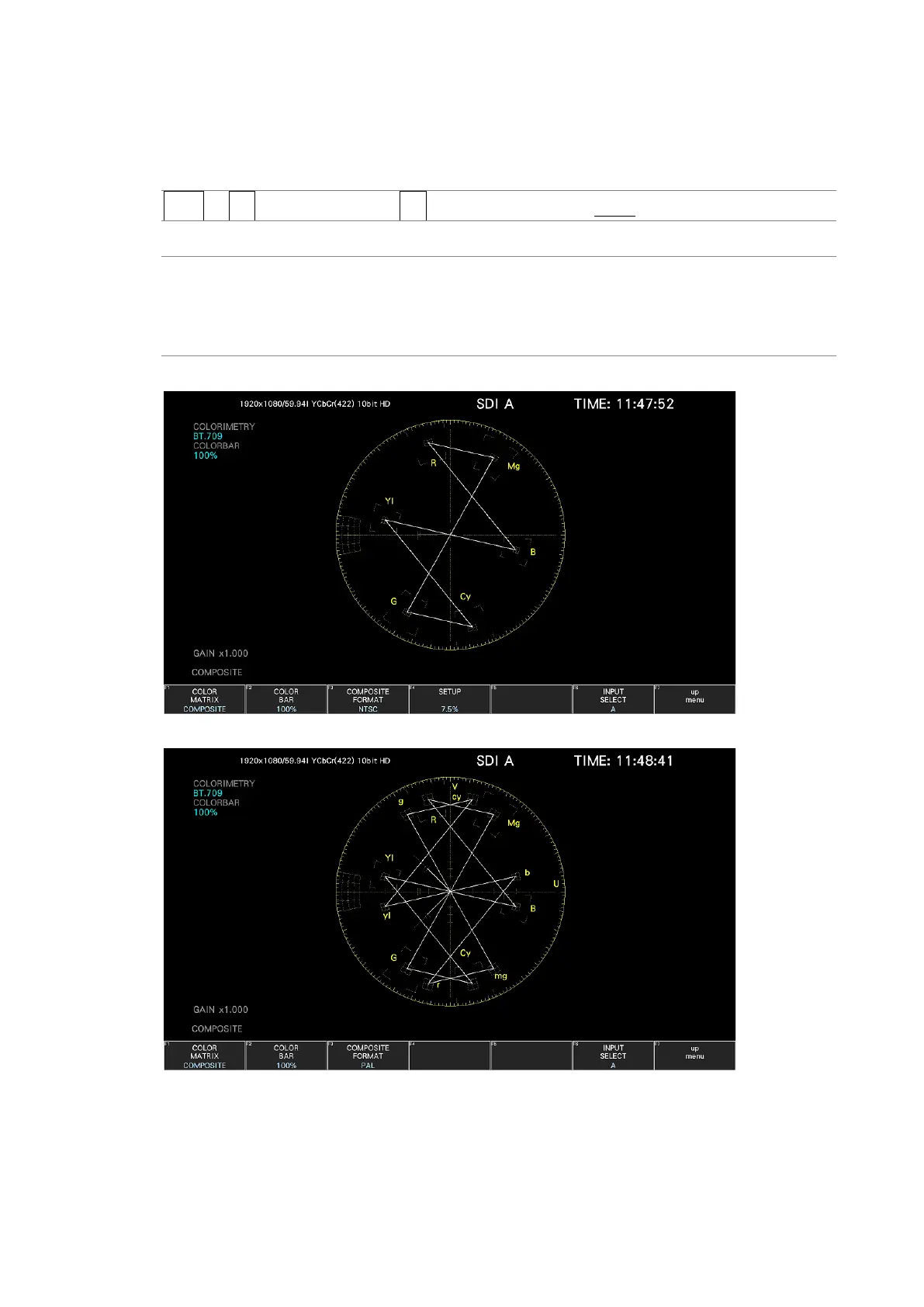
11.11.3 Selecting the Composite Display Format
To select the composite display format, follow the procedure below.
Procedure
VECT → F•7 COLOR SYSTEM → F•3 COMPOSITE FORMAT: AUTO / NTSC / PAL
Settings
AUTO: When the input signal frame rate is 25 Hz or 50 Hz, the format is PAL.
Otherwise, the format is NTSC.
NTSC: The format is NTSC.
PAL: The format is PAL.
COMPOSITE FORMAT = NTSC
COMPOSITE FORMAT = PAL
Figure 11-21 Selecting the composite display format



 To Next Page