13. Picture Screen
289
13.8.3 Selecting the Detection Sensitivity
When F•2 FOCUS ASSIST is set to ON, to select the edge detection sensitivity, follow the
procedure below.
Procedure
PIC → F•4 FOCUS → F•3 SENSITIVE: LOW / MIDDLE / HIGH / V-HIGH / U-HIGH
13.8.4 Selecting the Luminance Level
When F•2 FOCUS ASSIST is set to ON, to select the picture luminance level as a
percentage, follow the procedure below.
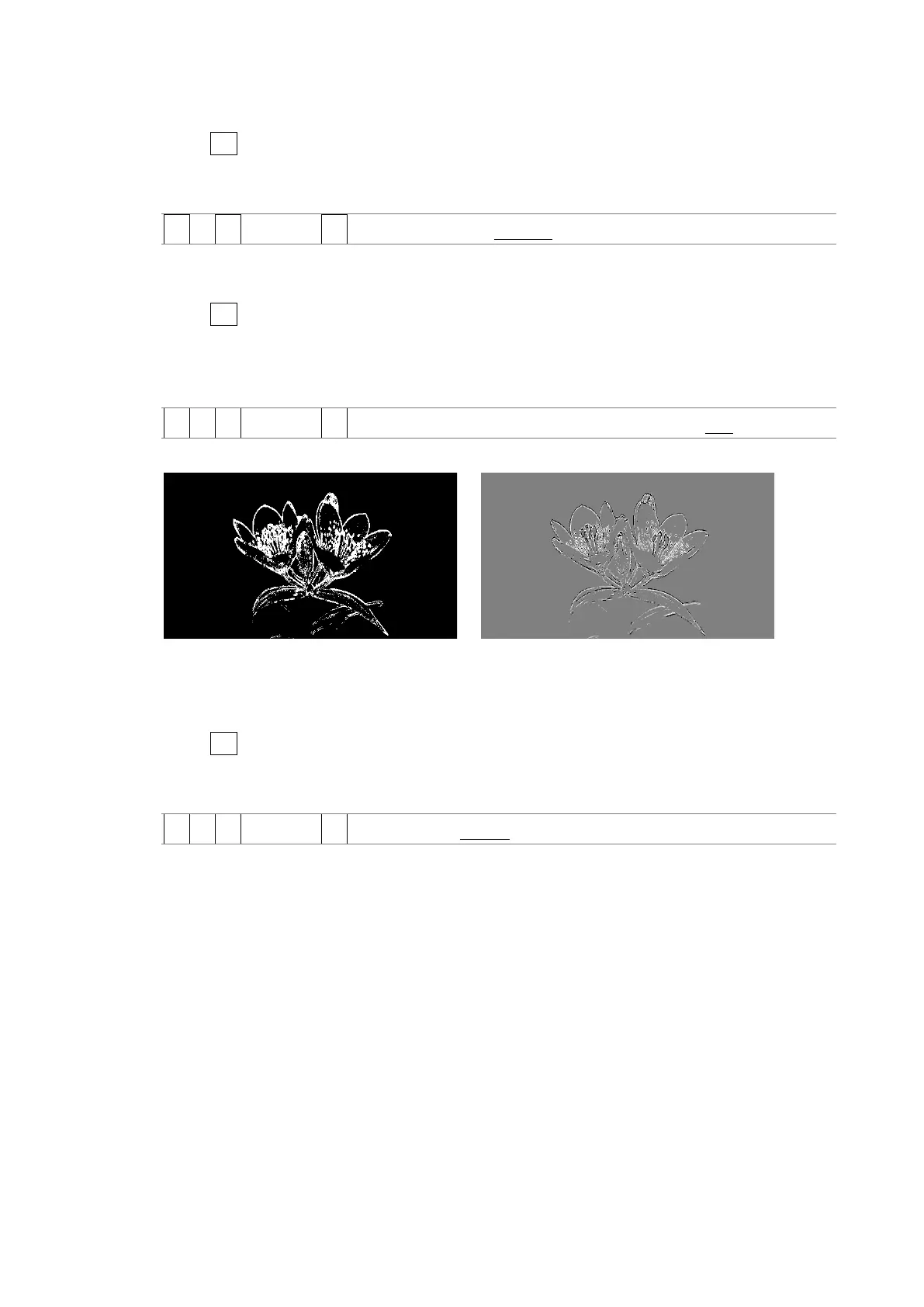
Select OFF to hide the picture. Select EMBOSS to emboss the edges.
Procedure
PIC → F•4 FOCUS → F•4 PICTURE LEVEL: OFF / EMBOSS / 25 / 50 / 75 / 100
PIC LEVEL = OFF PIC LEVEL = EMBOSS
Figure 13-33 Selecting the luminance level
13.8.5 Selecting the Highlight Color
When F•4 PIC LEVEL is 25, 50, 75, or 100, to select the edge display color, follow the
procedure below.
Procedure
PIC → F•4 FOCUS → F•5 EDGE COLOR: WHITE / RED / GREEN / BLUE



 To Next Page