6. BASIC OPERATION
77
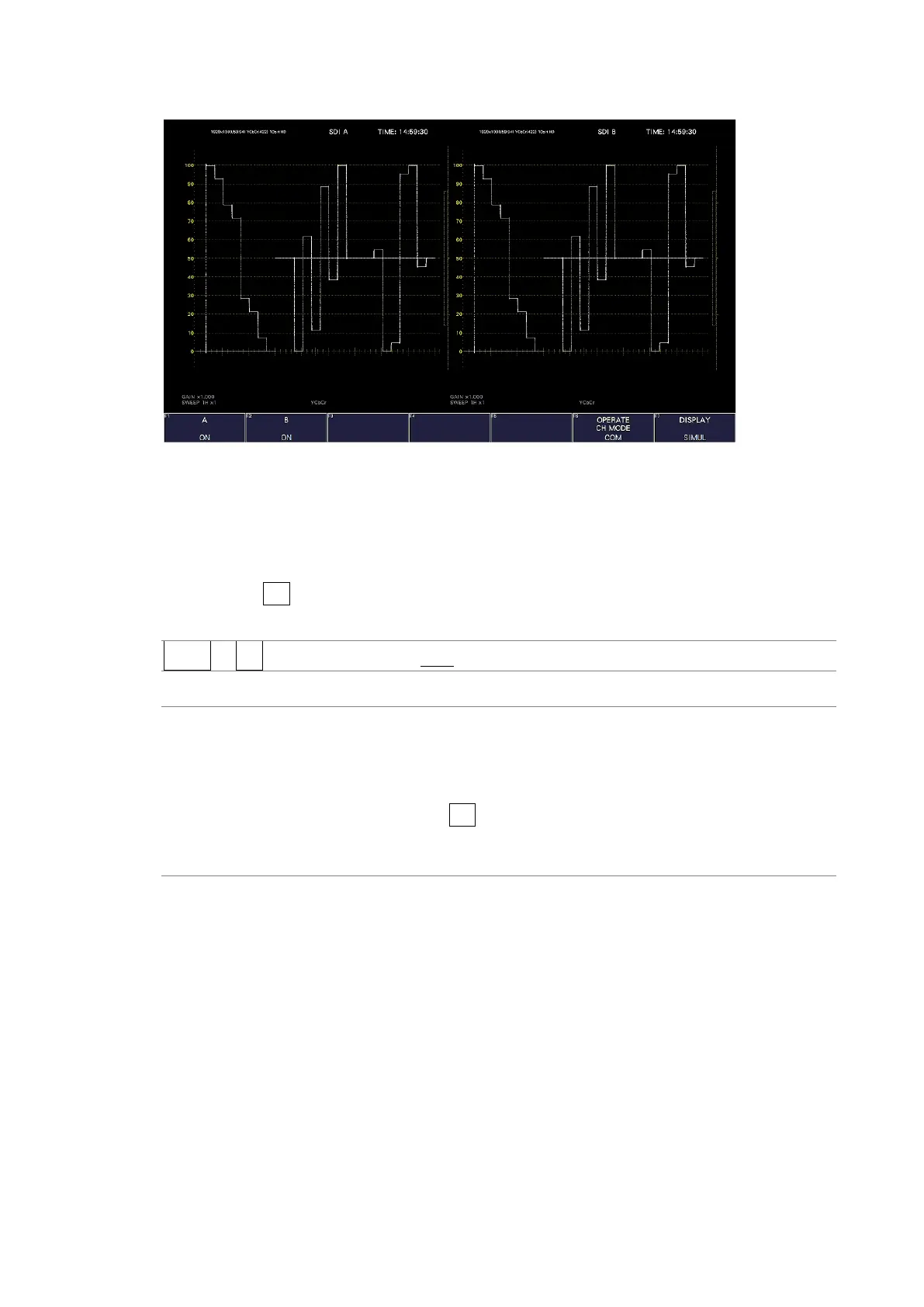
DISPLAY = SIMUL
Figure 6-1 Selecting the input mode
6.1.2 Selecting the Simul Mode
When in simul mode, to select how to set each channel, follow the procedure below.
If you change INDIVIDUAL to COM, all the settings are changed to those of the channel
selected with F•6 INPUT SELECT on each measurement screen.
Procedure
INPUT → F•6 OPERATE CH MODE: COM / INDIVIDUAL
Settings
COM: Measurement settings are made for all channels.
A portion of the settings, such as the line selection when signals of
different formats are applied, are not shared by all channels.
INDIVIDUAL: Measurement settings are made for each channel. To select the channel
you want to set, use F•6 INPUT SELECT on each measurement screen.
A portion of the settings, such as ERROR CLEAR on the STATUS menu are
shared by all channels.



 To Next Page