7. SYSTEM SETTINGS
159
7.2.14 Date and time settings
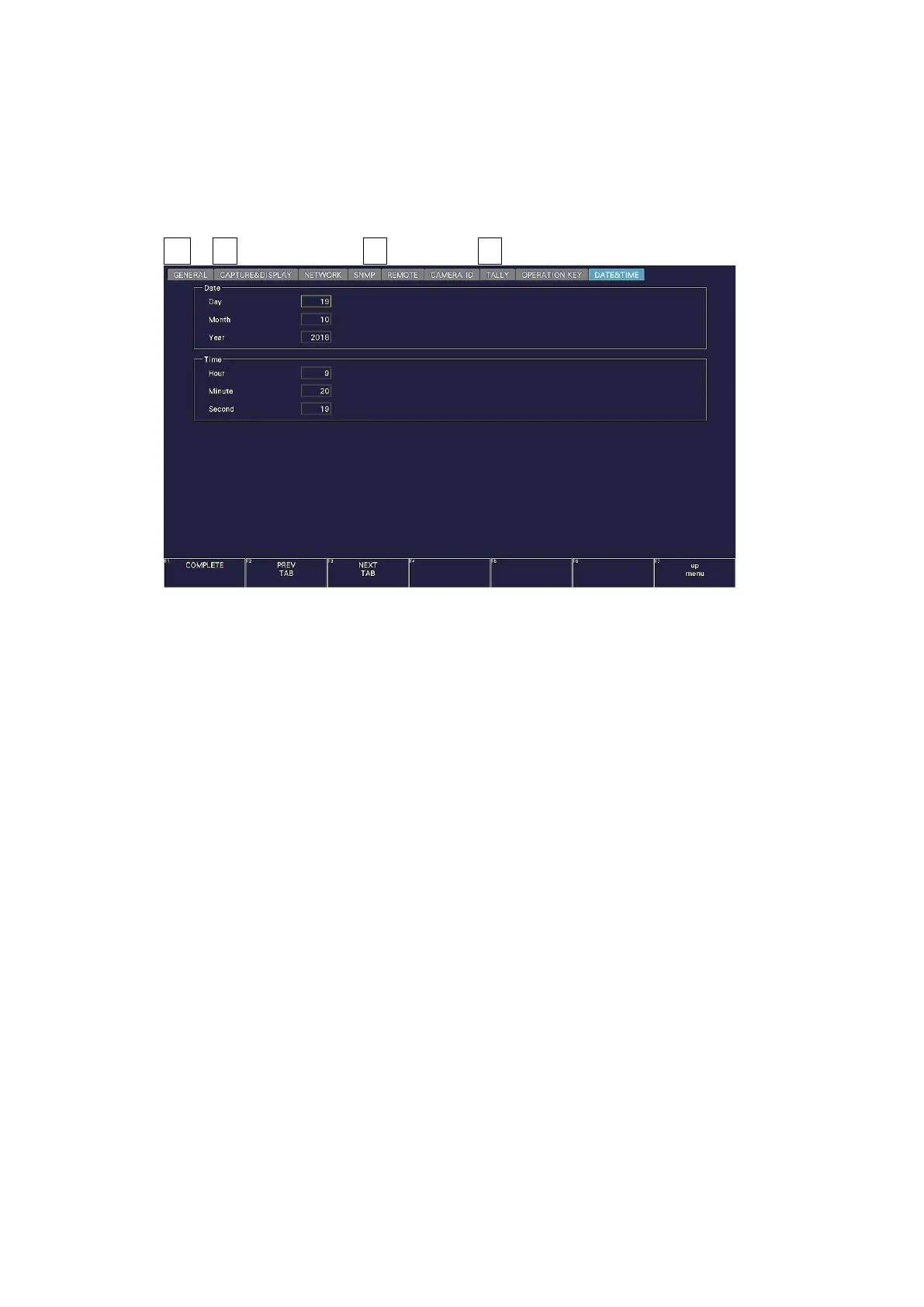
Use the DATE&TIME tab to set the date and time.
You cannot set these settings when the SNTP client function is set to on.
The settings that you specify here will not be initialized even if you initialize the instrument.
In addition, they are not recorded to presets.
SYS → F•2 SYSTEM SETUP → F•2 PREV TAB or F•3 NEXT TAB →
Figure 7-26 DATE & TIME tab



 To Next Page