6. BASIC OPERATION
113
6.6 Enhanced Layout (SER26)
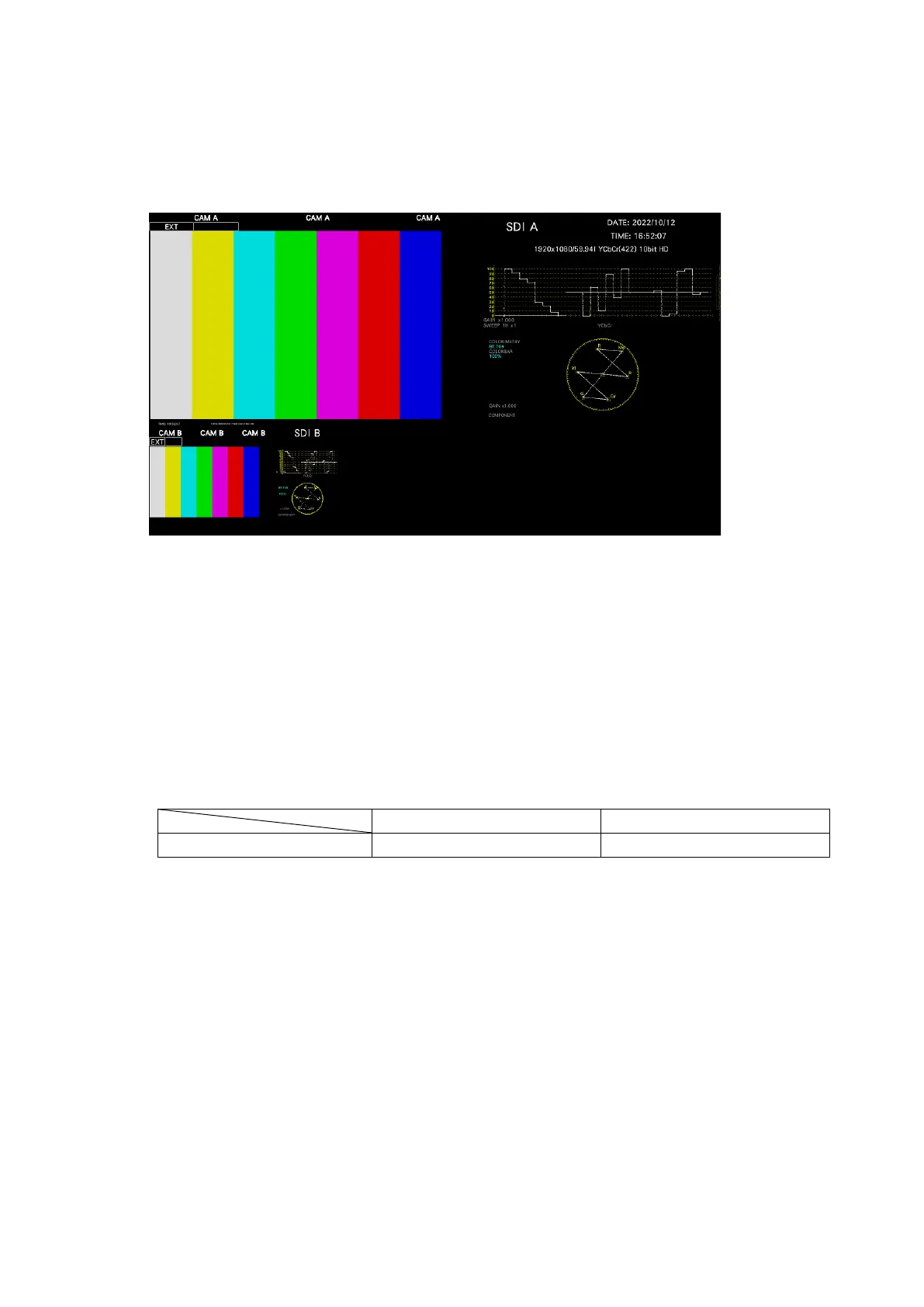
Enhanced layout is an extended function that enables the measurement screens of up to two
channels to be laid out on a single screen simultaneously in simul mode. To use this function,
connect a mouse to the front panel USB port.
Figure 6-52 Enhanced layout
Enhanced layout will not be initialized even if PARAM INIT YES is executed from the SYS
menu. To initialize it, execute LAYOUT INIT YES or ALL INIT YES from the SYS menu, factory
default initialization, or DEFAULT LAYOUT from the enhanced layout window.
[See also] 7.7, “Initialization”
As shown below, the number of layout channels differs between the enhanced layout and
customized layout.
[See also] 6.5, “Customized Layout”
Table 6-2 Layout comparison



 To Next Page