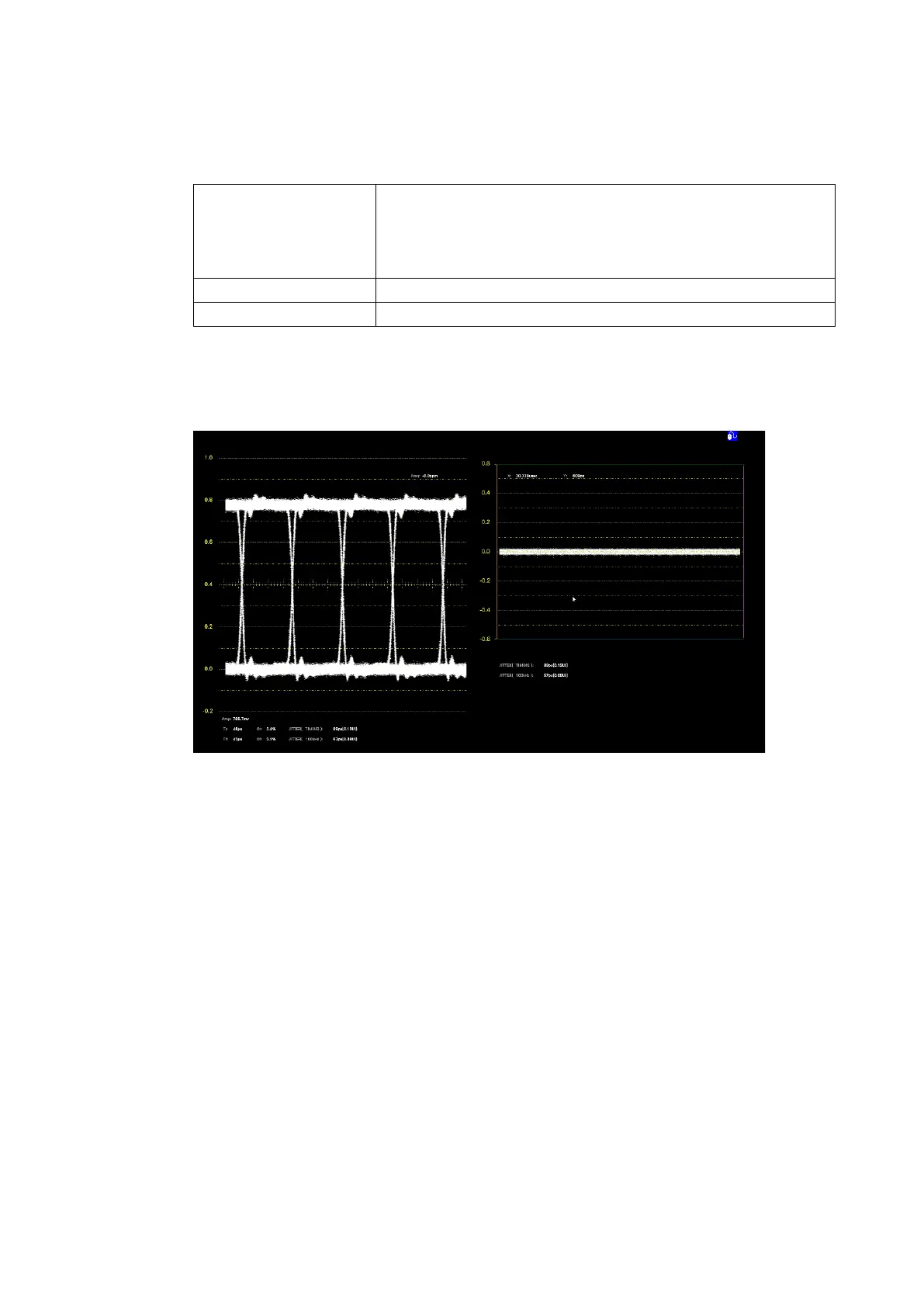
This is the normal eye pattern display. The display switches between
eye pattern and jitter.
It cannot be arranged with the items below at the same time. If you
want to arrange the items below, delete this item first.
*1 For the VECTOR, AUDIO, STATUS, or EYE conditions, to arrange items other than normal displays,
delete the normal displays first.
For example, for the EYE condition, delete the normal display “EYE / JITTER” first and then
arrange “EYE” and “JITTER” to display these items simultaneously.
Figure 6-51 Eye pattern and jitter display



 To Next Page