11. VECTOR DISPLAY
222
11.7 Setting the RGB Vector Gain
When the SER40 is installed and the vector mode is set to RGB VECTOR, you can set the gain,
use F•3 RGB VECTOR GAIN on the VECT menu.
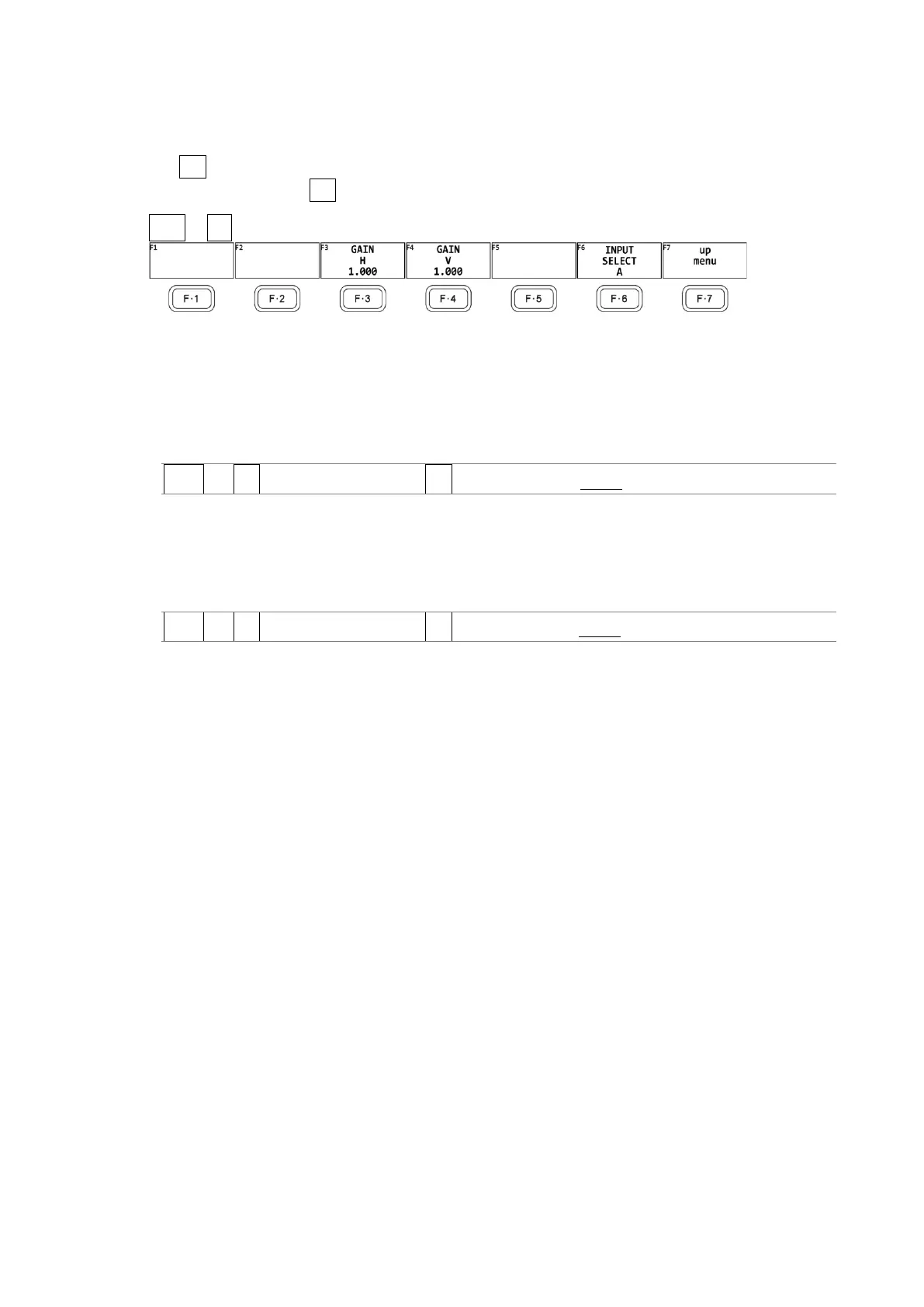
To set the gain, press F•3 RGB VECTOR GAIN on the VECT menu.
VECT → F•3 RGB VECTOR GAIN →
Figure 11-12 RGB VECTOR GAIN menu
11.7.1 Adjusting the Gain H
To adjust the gain H, follow the procedure below.
Procedure
VECT → F•3 RGB VECTOR GAIN→ F•3 GAIN H: 0.200 - 1.000 - 2.000
11.7.2 Adjusting the Gain V
To adjust the gain V, follow the procedure below.
Procedure
VECT → F•3 RGB VECTOR GAIN→ F•4 GAIN V: 0.200 - 1.000 - 2.000



 To Next Page