13. Picture Screen
284
13.7 Configuring CINEZONE Settings
The CINEZONE display has a gradation (step) display mode, in which the picture luminance
levels are converted into RGB colors and displayed and a search display mode, in which the
specified luminance level is displayed using green.
To set either of these modes, on the picture menu, press F•2 CINELITE → F•1 CINELITE
DISPLAY to select CINEZONE and then F•2 CINEZONE SETUP.
[See also] CINEZONE SETUP → 13.5, “Configuring CINELITE Settings”
13.7.1 Gradation Display
To display picture luminance levels through color gradation, follow the procedure below. In
the gradation display mode, luminance levels are displayed using 1024 colors.
The picture is displayed such that luminance levels above F•2 UPPER are displayed using
white, and levels below F•3 LOWER are displayed using black.
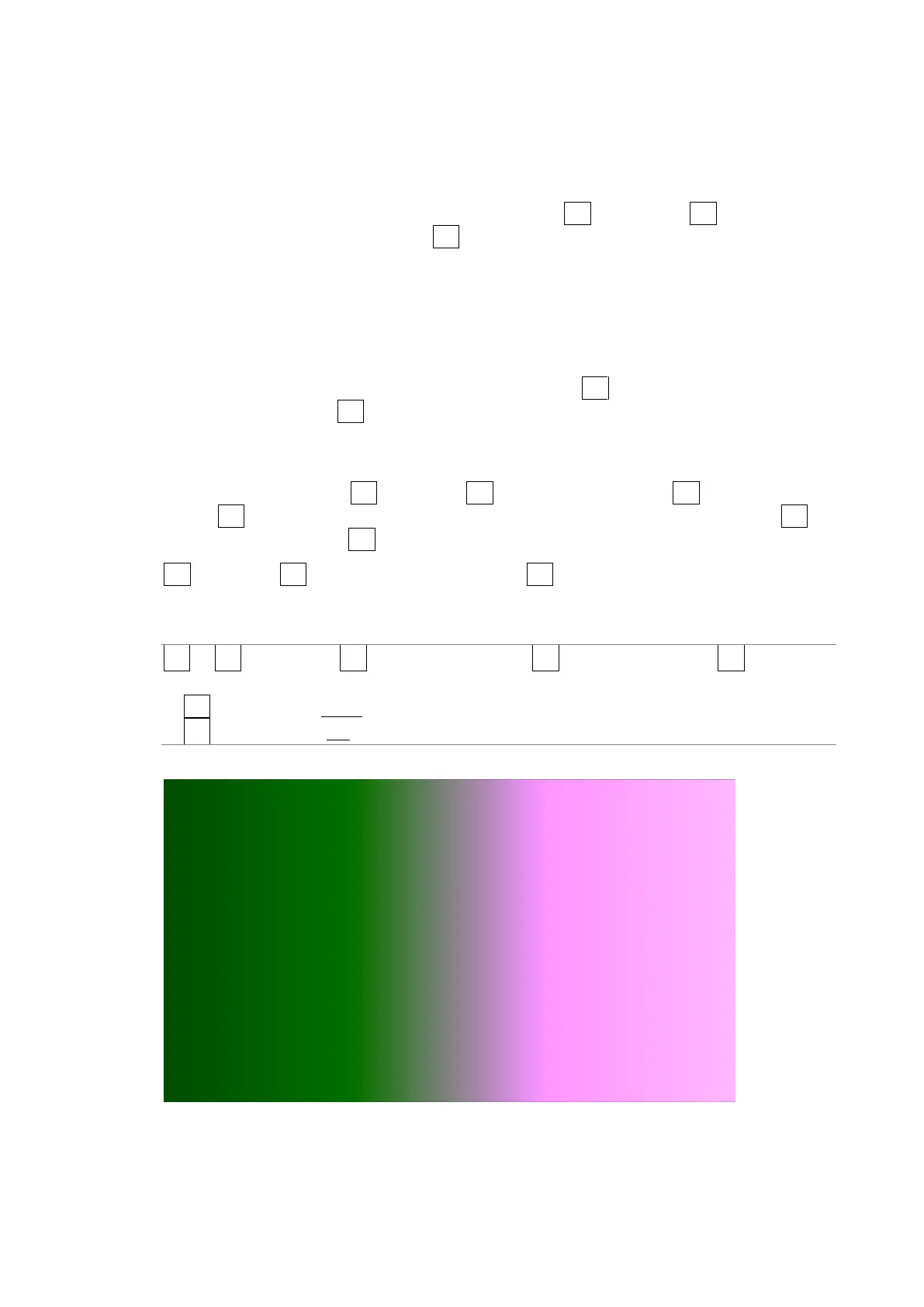
You can see what colors correspond to what luminance levels by looking at the scale on the
right of the display.
If the difference between F•2 UPPER and F•3 LOWER is 1%, reducing F•2 UPPER will also
reduce F•3 LOWER automatically to maintain the 1% difference. Likewise, increasing F•3
LOWER will also increase F•2 UPPER automatically to maintain the 1% difference.
F•2 UPPER and F•3 LOWER appear when you set F•1 CINEZONE FORM to GRADATE or
STEP.
Procedure
PIC → F•2 CINELITE → F•1 CINELITE DISPLAY → F•2 CINEZONE SETUP → F•1 CINEZONE
FORM and select GRADATE
→ F•2 UPPER: -6.3 - 100.0 - 109.4
→ F•3 LOWER: -7.3 - 0.0 - 108.4
Picture Screen



 To Next Page