15. Audio Display
323
15.6.3 Selecting the Lissajous Curve Display Format
To select the Lissajous curve display format, follow the procedure below.
Procedure
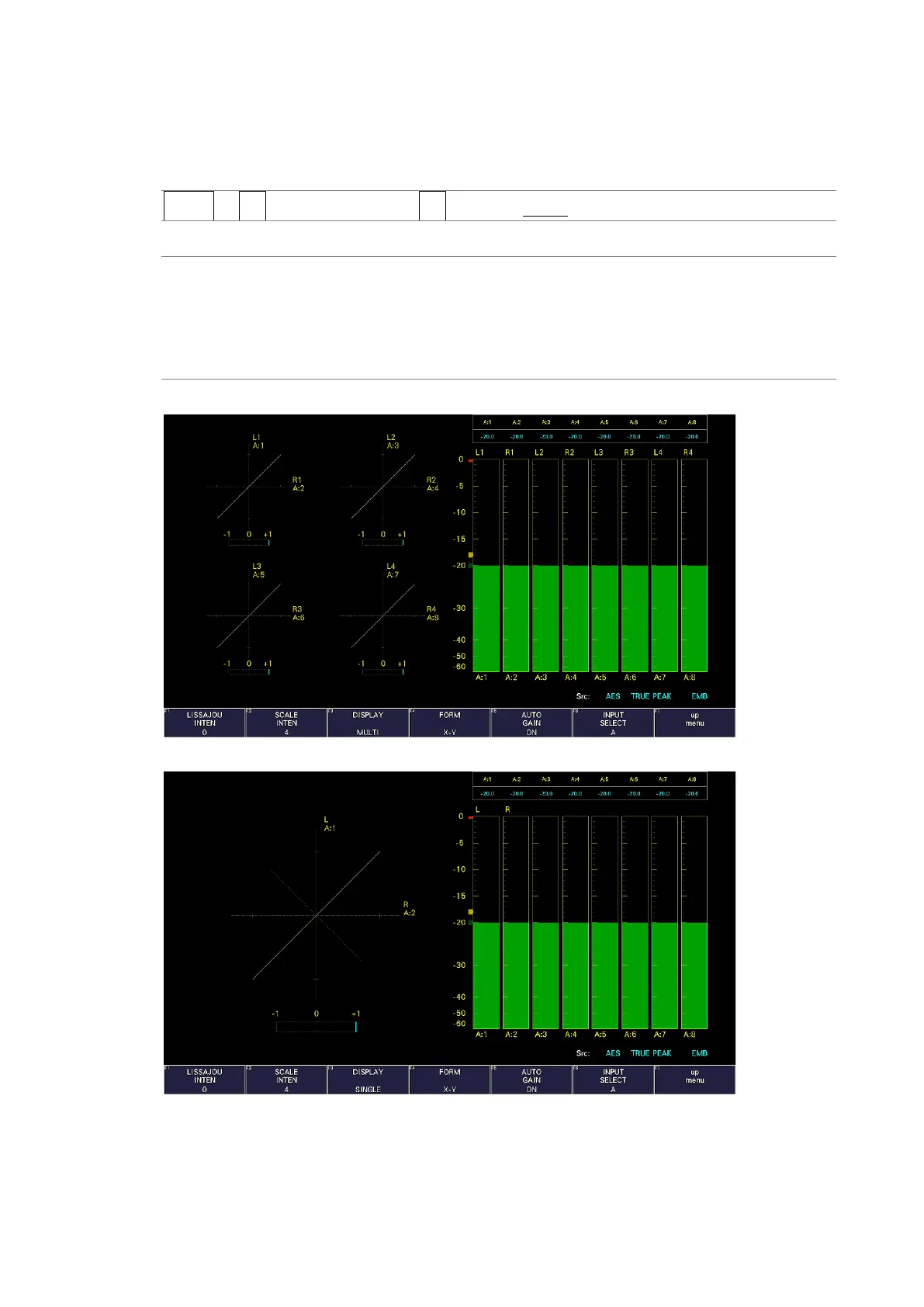
AUDIO → F•3 LISSAJOU SETUP → F•3 DISPLAY: MULTI / SINGLE
Settings
MULTI: Eight channels of Lissajous waveforms and eight channels of audio meters
are displayed.
SINGLE: Two channels of Lissajous waveforms and eight channels of audio meters
are displayed.
This option cannot be selected in simul mode.
DISPLAY = MULTI
DISPLAY = SINGLE
Figure 15-10 Selecting the Lissajous curve display format



 To Next Page