15. Audio Display
311
15. AUDIO DISPLAY
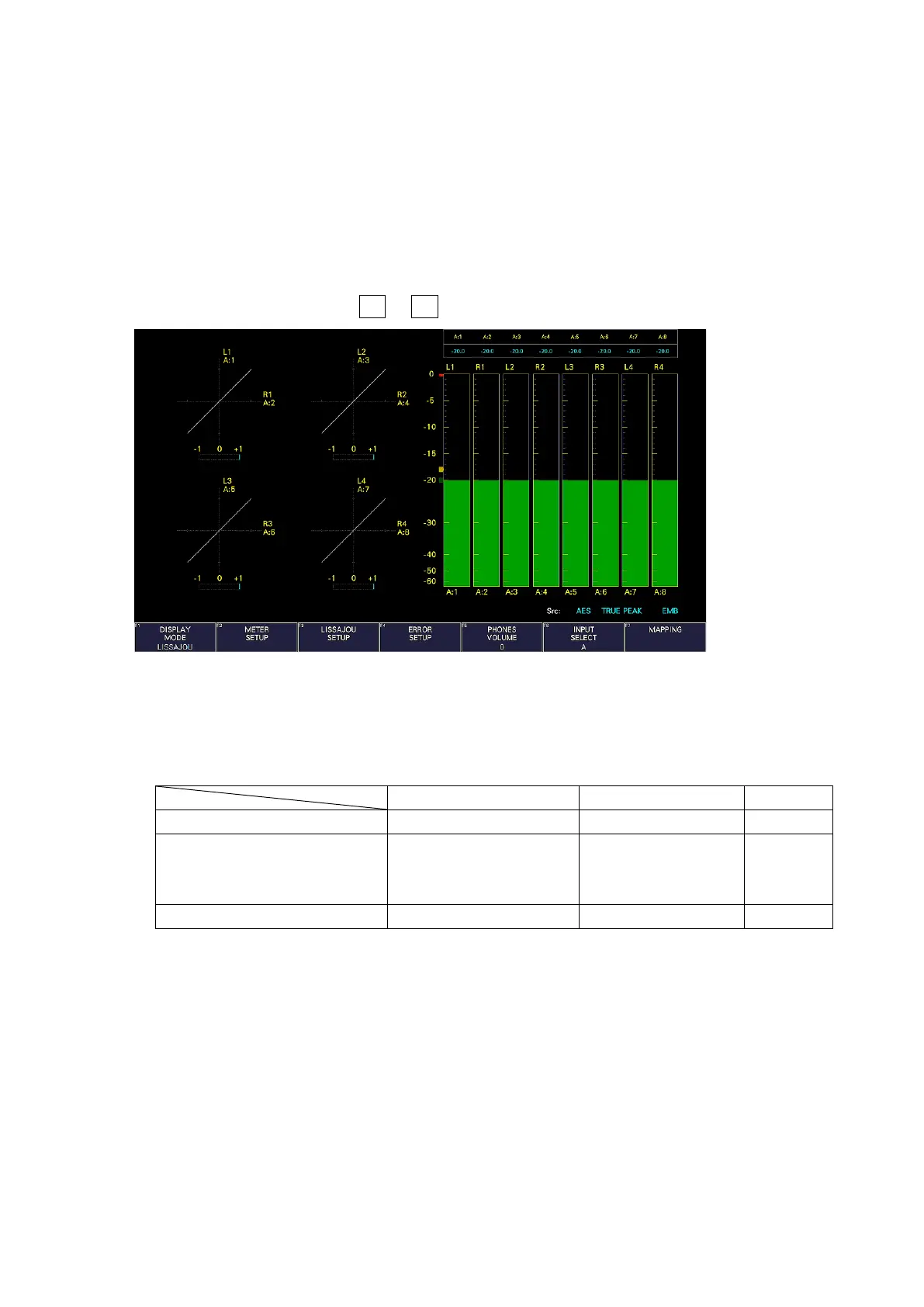
To display the audio screen, press AUDIO.
On the audio display, the embedded audio signal applied to SDI INPUT can be displayed on a
meter.
If SER20 is installed, Lissajous display, surround display, or status display can be shown with the
meter display.
Switching to simul mode enables SDI inputs A/B to be displayed in combination with the audio.
(They can be displayed even if F•1 A, F•2 B on the INPUT menu are set to OFF.)
Figure 15-1 Audio display
• Src
The Src line in the lower right of the display shows the following information in order from the
left.



 To Next Page