16. Status Display
359
16.5.7 Selecting the Content to Display
When the format is set to multi, 6G or 12G, to select which content to display the data
dump of, follow the procedure below.
If you select PICTURE, the links and sub images are combined and displayed in a picture
structure.
If you select LINK or SUB, the link or sub before combination is displayed in a transmission
structure.
This menu appears both in the DATA DUMP menu and DUMP OPERATION menu.
Procedure (for multi link)
STATUS → F•2 SDI ANALYSIS → F•1 DATA DUMP → (F•2 DUMP OPERATION →) F•5
LINK
: PICTURE / 1[A] / 2[B]
Procedure (for 6G or 12G)
STATUS → F•2 SDI ANALYSIS → F•1 DATA DUMP → (F•2 DUMP OPERATION →) F•5 SUB:
PICTURE / 1[A] / 2[B] / 3[C] / 4[D]
16.5.8 Saving to a USB Memory Device
You can save the data dump to a USB memory device as a text file. The procedure to follow
to save data is the same as the procedure that was given for the event log. See section
16.4.5, "Saving to a USB Memory Device."
Data dumps are saved in the DUMP folder.
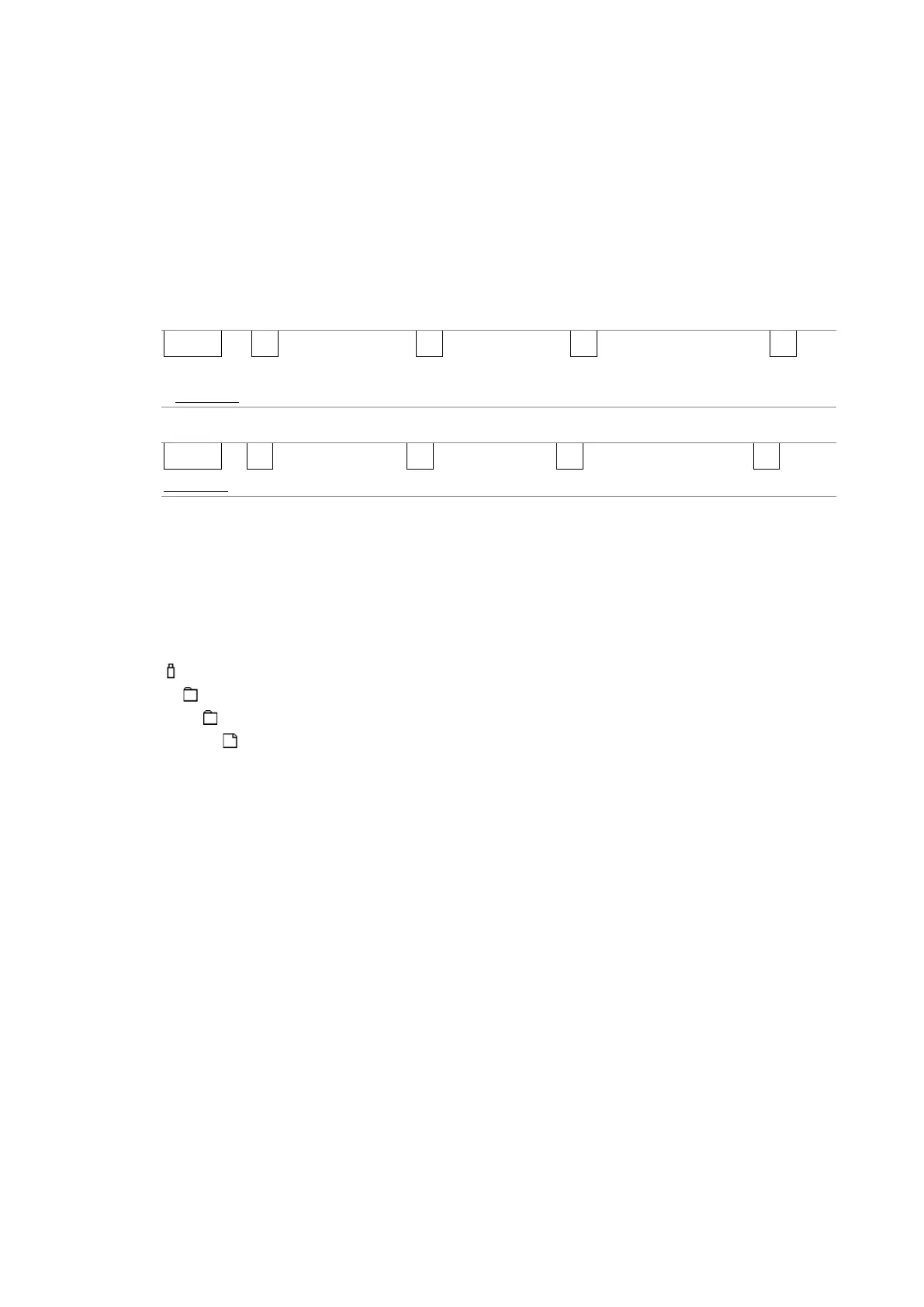
USB memory device
└ LV5300_USER, LV5350_USER or LV7300_USER
└ DUMP
└ YYYYMMDDhhmmss.txt



 To Next Page