14. HDR Display (SER23)
301
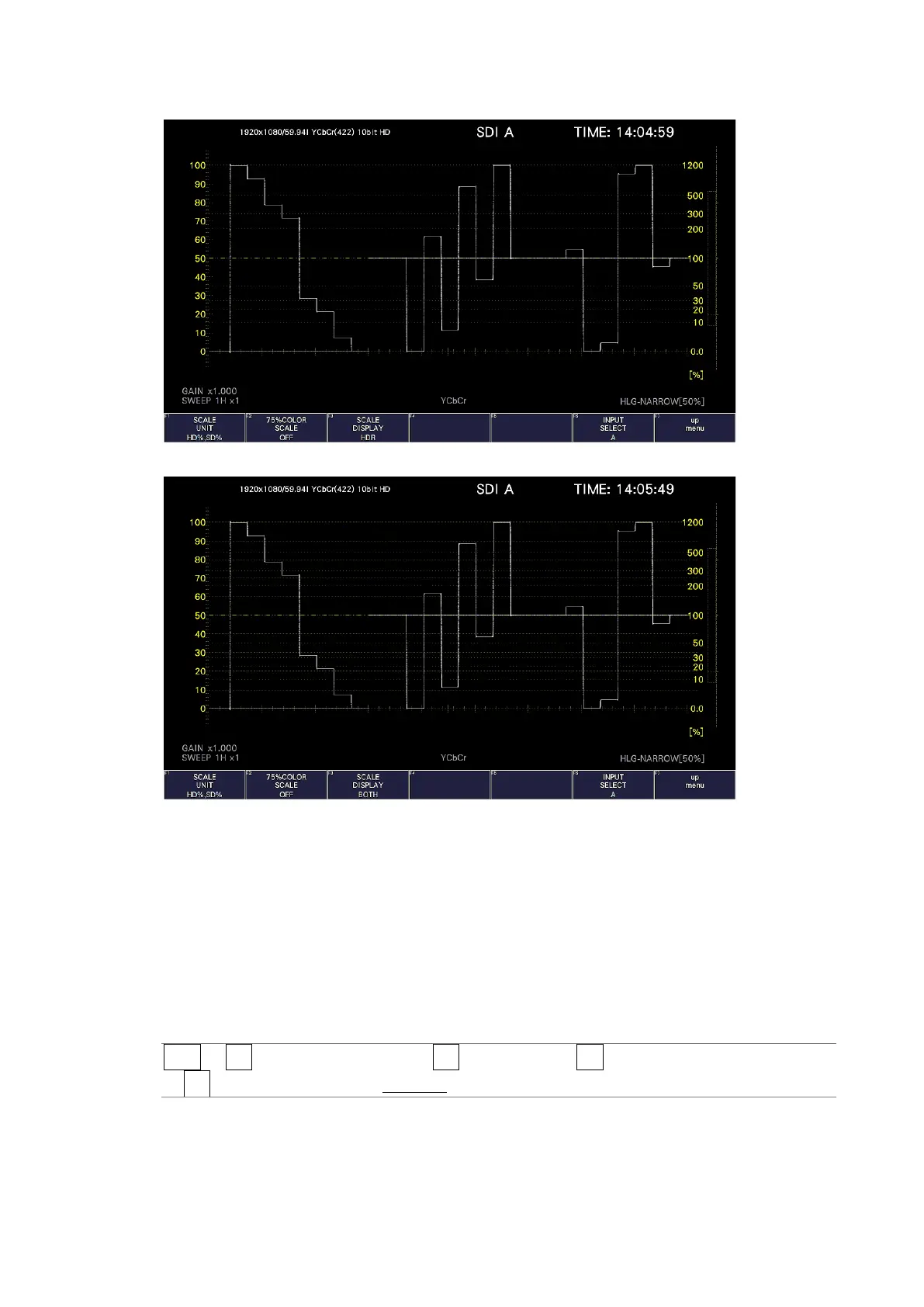
SCALE DISPLAY = HDR
SCALE DISPLAY = BOTH
Figure 14-3 Selecting the scale display
14.1.3 Setting the Reference Level
When VARIABLE is selected on the HDR tab for HDR measurement, to set the reference
level, follow the procedure below.
This setting is shared with REF [%] of the CINEZONE display.
The Ref.Level on the HDR tab is the default value.
[See also] VARIABLE → 7.1.8, “Configuring the HDR Settings (SER23)”
Procedure
WFM → F•1 WFM INTEN/CONFIG → F•5 WFM SCALE → F•3 SCALE SETTING
→ F•4 REF. LEVEL [%]: 0.0 – Ref.Level - 100



 To Next Page