6. BASIC OPERATION
76
6. BASIC OPERATION
6.1 Setting the Input Signals
This section explains the INPUT menu settings and input format display.
6.1.1 Selecting the Input Mode
When SDI System on the SDI IN SETUP1 tab is set to 2K SD/HD/3G-A/3G-B-DL, to select
the input mode, follow the procedure below.
Procedure
INPUT → F•7 DISPLAY: SINGLE / SIMUL
Settings
SINGLE: The instrument operates in single input mode.
It is a mode for measuring a single signal that has been turned on using
F•1 to F•2.
SIMUL: The instrument operates in simul mode.
It is a mode for measuring multiple signals that have been turned on
using F•1 to F•2.
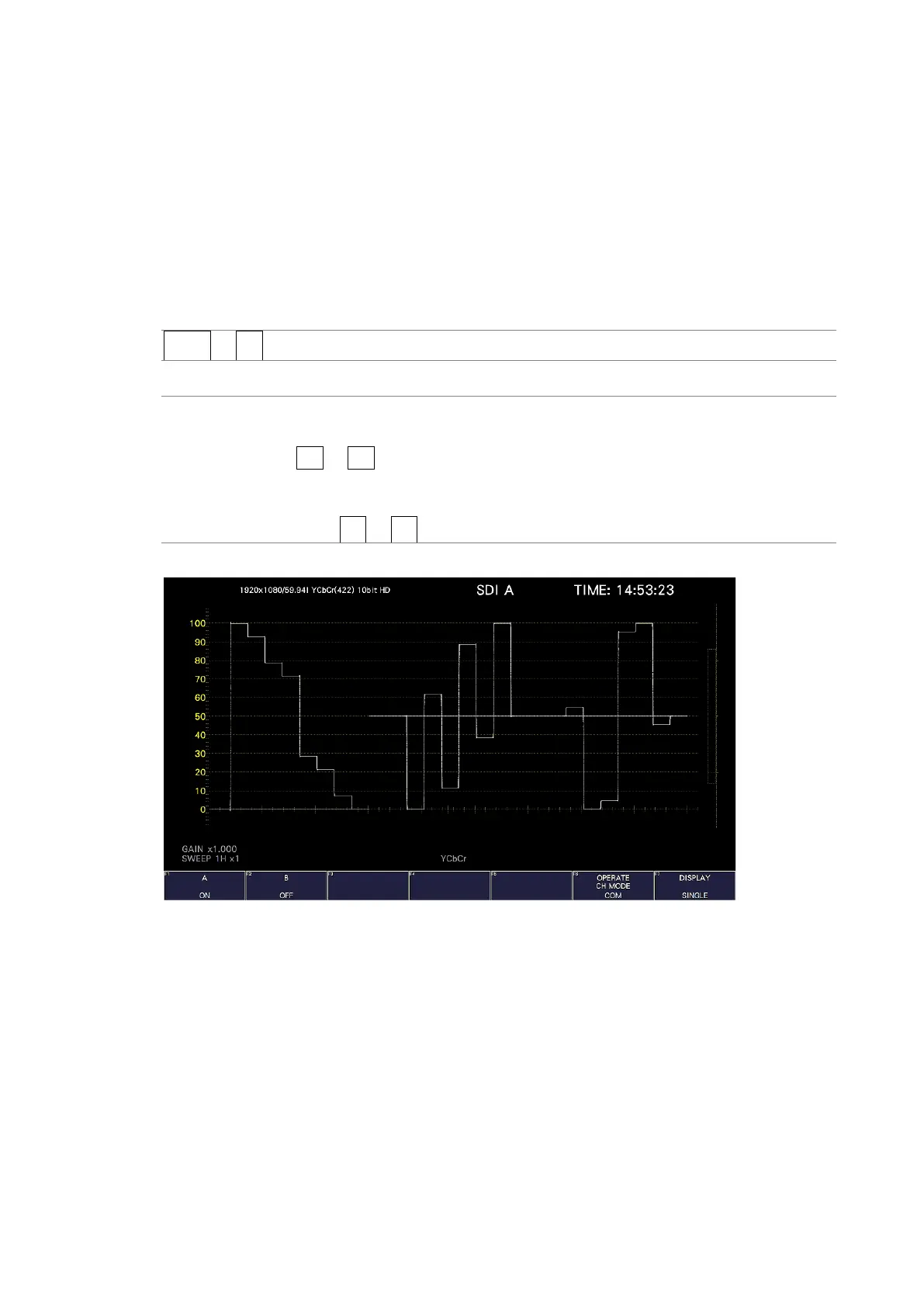
DISPLAY = SINGLE



 To Next Page