9. PRESET FEATURE
178
9.5 Copying All Presets from a USB Memory Device to the instrument
To copy all the presets from a USB memory device to the instrument, follow the procedure
below.
1. Connect a USB memory device to the instrument.
2. Press MEM.
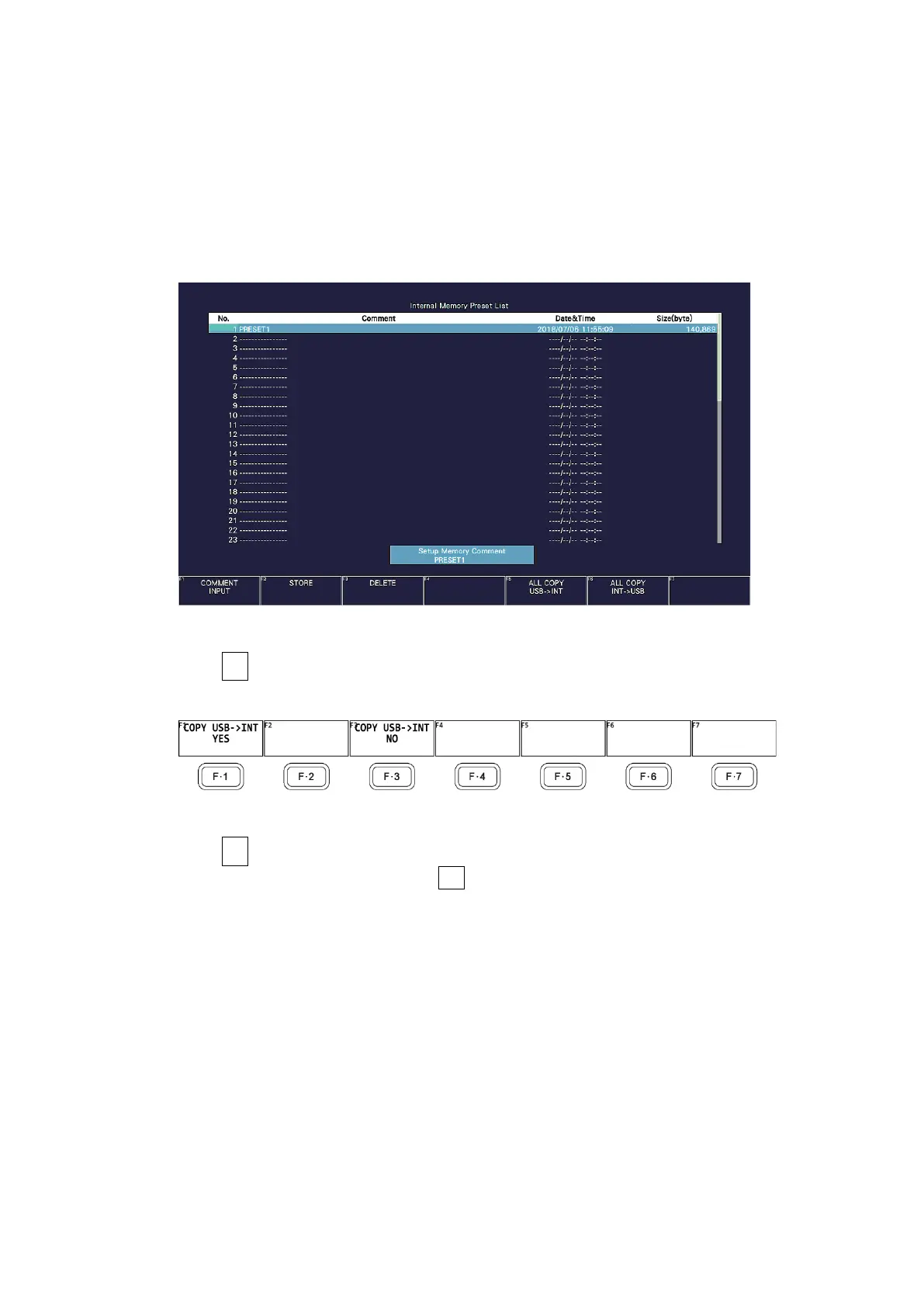
The preset registration screen appears.
Figure 9-9 Preset registration screen
3. Press F•5 ALL COPY USB->INT.
The ALL COPY USB->INT menu appears.
Figure 9-10 ALL COPY USB->INT menu
4. Press F•1 COPY USB->INT YES.
To cancel the copy operation, press F•3 COPY USB->INT NO. If the instrument already
has presets, the operation will be according to the Preset Overwrite setting on the
GENERAL tab.



 To Next Page