6. BASIC OPERATION
96
6.4 Operation Key Actions
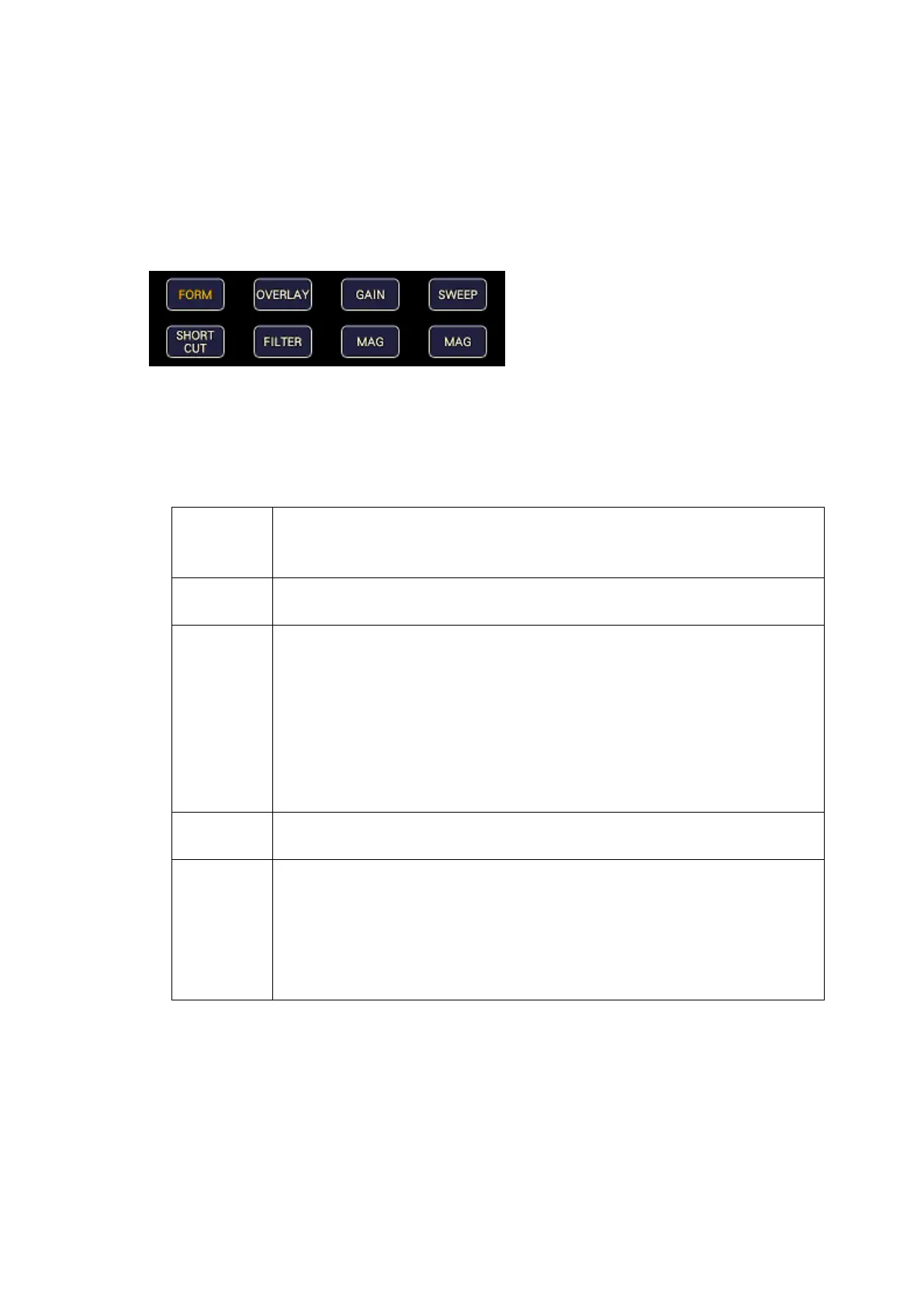
Operation keys are shortcut keys for functions that are frequently used in video content
production. Key assignments can be changed freely on the OPERATION KEY tab.
[See also] OPERATION KEY tab → 7.2.13, “Setting the Operation keys”
The S-CUT key can be controlled from the panel, mouse, and touch panel. Others can be
controlled from the mouse and touch panel.
Figure 6-39 Operation keys
• S-CUT Key
Performs the action selected with SHORT CUT on the OPERATION KEY tab.
Table 6-1 SHORTCUT key action
The previously registered panel settings will be loaded.
To register the panel settings, configure the instrument to the settings that you
want to register, press MEM, and then press SHORTCUT.
A screen capture will be taken and saved to a USB memory device.
Connect a USB memory device in advance.
Use the function menu shown in the lower right of the screen to adjust the
waveform intensity.
This is valid on the video signal waveform display, vector display, and audio
display .
When a mouse is connected, clicking the function menu resets the value to the
default.
When using the touch panel, tapping the function menu resets the value to the
default.
Performs cursor measurement.
This is valid on the video signal waveform display and vector display.
Use the function menu shown in the lower right of the screen to adjust the
headphone volume.
When a mouse is connected, clicking the function menu resets the value to the
default.
When using the touch panel, tapping the function menu resets the value to the
default.



 To Next Page