10. Video Signal Waveform Display
207
10.8.2 Turning the Luminance Signal On and Off
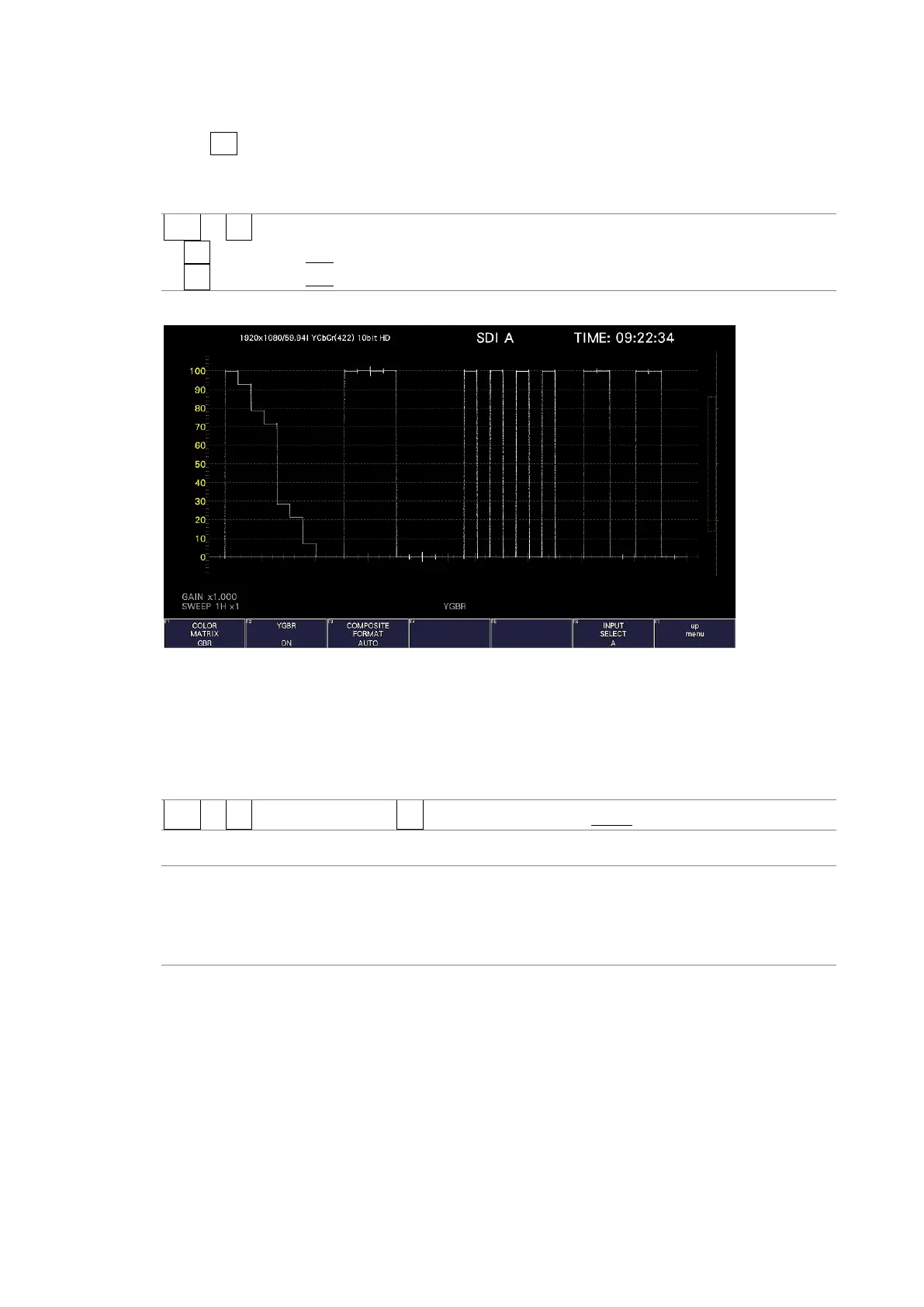
When F•1 COLOR MATRIX is set to GBR or RGB, to turn the luminance signal (Y) on and off,
follow the procedure below.
Procedure
WFM → F•7 COLOR SYSTEM
→ F•2 YGBR: ON / OFF
→ F•2 YRGB: ON / OFF
YGBR = ON
Figure 10-28 Turning the luminance signal on and off
10.8.3 Selecting the Composite Display Format
To select the composite display format, follow the procedure below.
Procedure
WFM → F•7 COLOR SYSTEM → F•4 COMPOSITE FORMAT: AUTO / NTSC / PAL
Settings
AUTO: When the input signal frame rate is 25 Hz or 50 Hz, the format is PAL.
Otherwise, the format is NTSC.
NTSC: The format is NTSC. The scale is fixed to percentage.
PAL: The format is PAL. The scale is fixed to V.



 To Next Page