13. Picture Screen
250
13.2 Adjusting the Picture
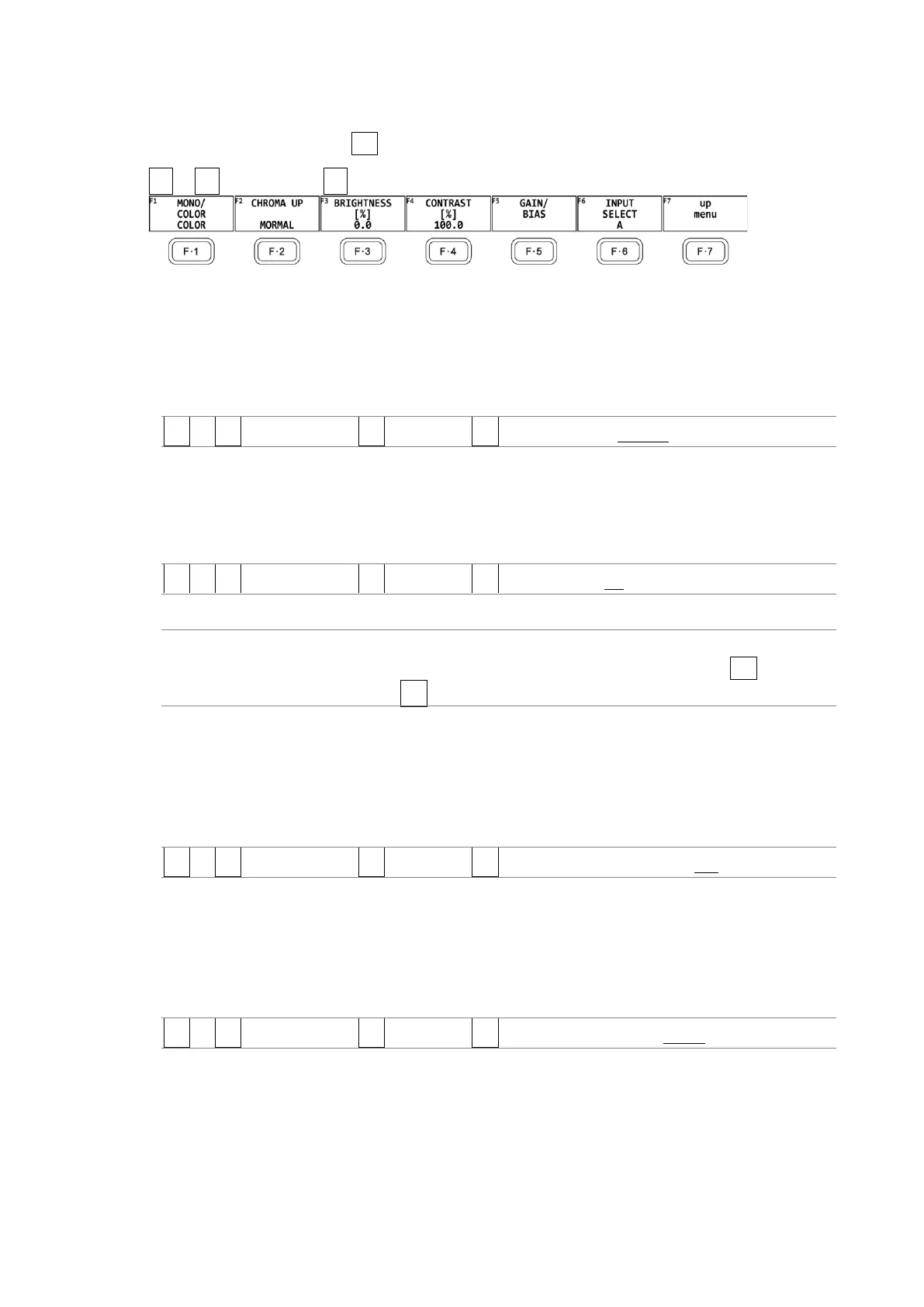
To adjust the picture, press F•2 ADJUST in the PIC CONFIG menu.
PIC → F•1 PIC CONFIG → F•2 ADJUST →
Figure 13-3 ADJUST menu
13.2.1 Switching between the Color and Monochrome Displays
To switch between the color and monochrome displays, follow the procedure below.
Procedure
PIC → F•1 PIC CONFIG → F•2 ADJUST → F•1 MONO/COLOR: COLOR / MONO
13.2.2 Setting the Chroma Gain
To switch the chroma gain, follow the procedure below.
Procedure
PIC → F•1 PIC CONFIG → F•2 ADJUST → F•2 CHROMA UP: UP / NORMAL
Settings
UP: The chroma gain is set to 2 (200.0 %).
NORMAL: The chroma gain is set to the value that you have set using F•5
GAIN/BIAS → F•1 GAIN.
13.2.3 Adjusting the Brightness
To adjust the brightness, follow the procedure below.
Press the function dial (F•D) to return the setting to its default value (0.0).
Procedure
PIC → F•1 PIC CONFIG → F•2 ADJUST → F•3 BRIGHTNESS[%]: -50.0 - 0.0 - 50.0
13.2.4 Adjusting the Contrast
To adjust the contrast, follow the procedure below.
Press the function dial (F•D) to return the setting to its default value (100.0).
Procedure
PIC → F•1 PIC CONFIG → F•2 ADJUST → F•4 CONTRAST[%]: 0.0 - 100.0 - 200.0



 To Next Page