9. PRESET FEATURE
175
9.2 Loading Presets
To recall a preset, follow the procedure below.
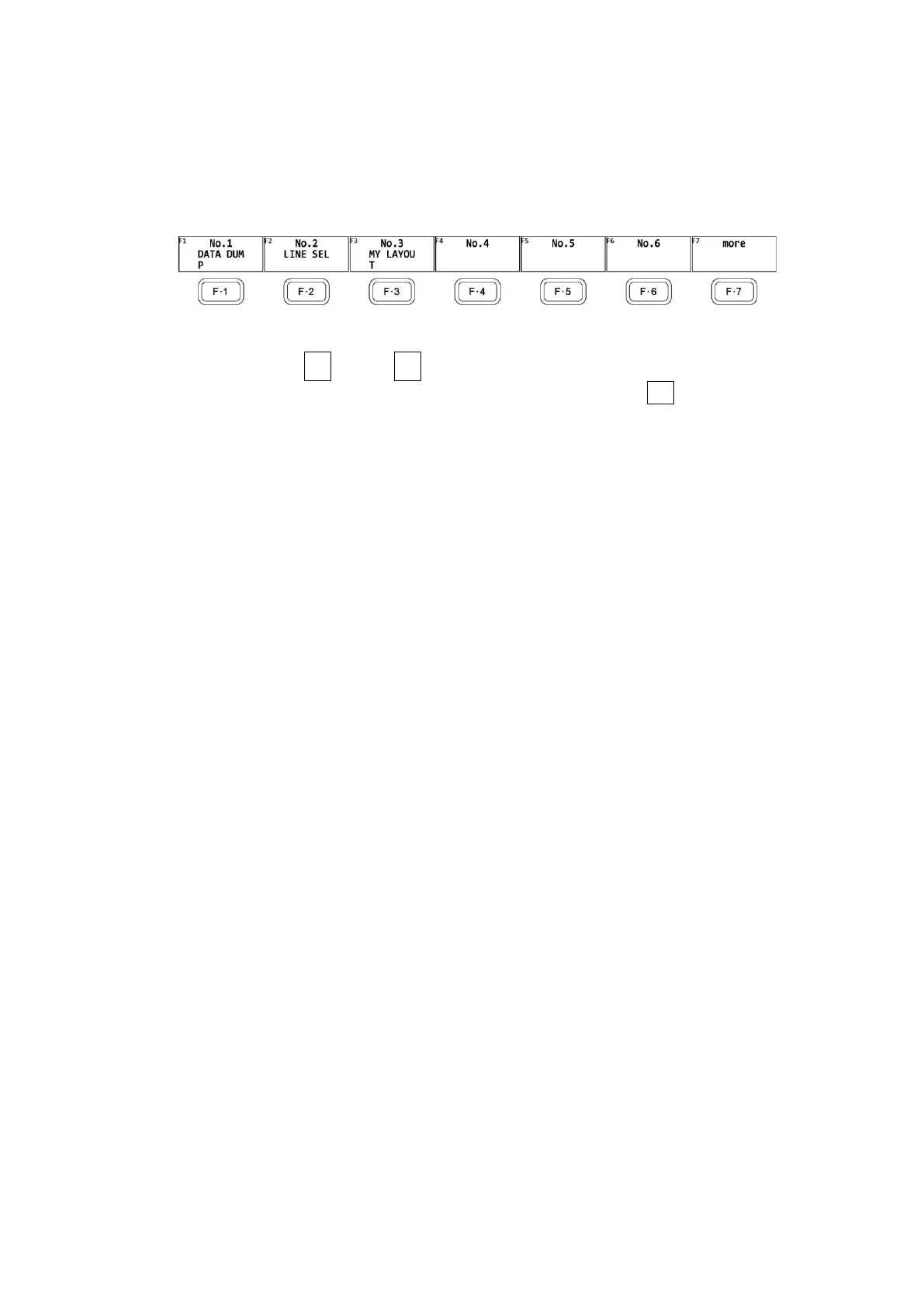
1. Press RECALL.
The RECALL menu appears.
Figure 9-4 RECALL menu
2. Press a key from F•1 No.1 to F•6 No.6.
If the preset that you want to load is number 7 or greater, press F•7 more or turn the
function dial (F•D).
The menu that appears immediately after loading the preset is either the RECALL menu or
measurement menu depending on the setting that was specified on the GENERAL SETUP
tab when the preset was registered.
[See also] GENERAL SETUP tab → 7.2.1, “General Settings”



 To Next Page