10. Video Signal Waveform Display
201
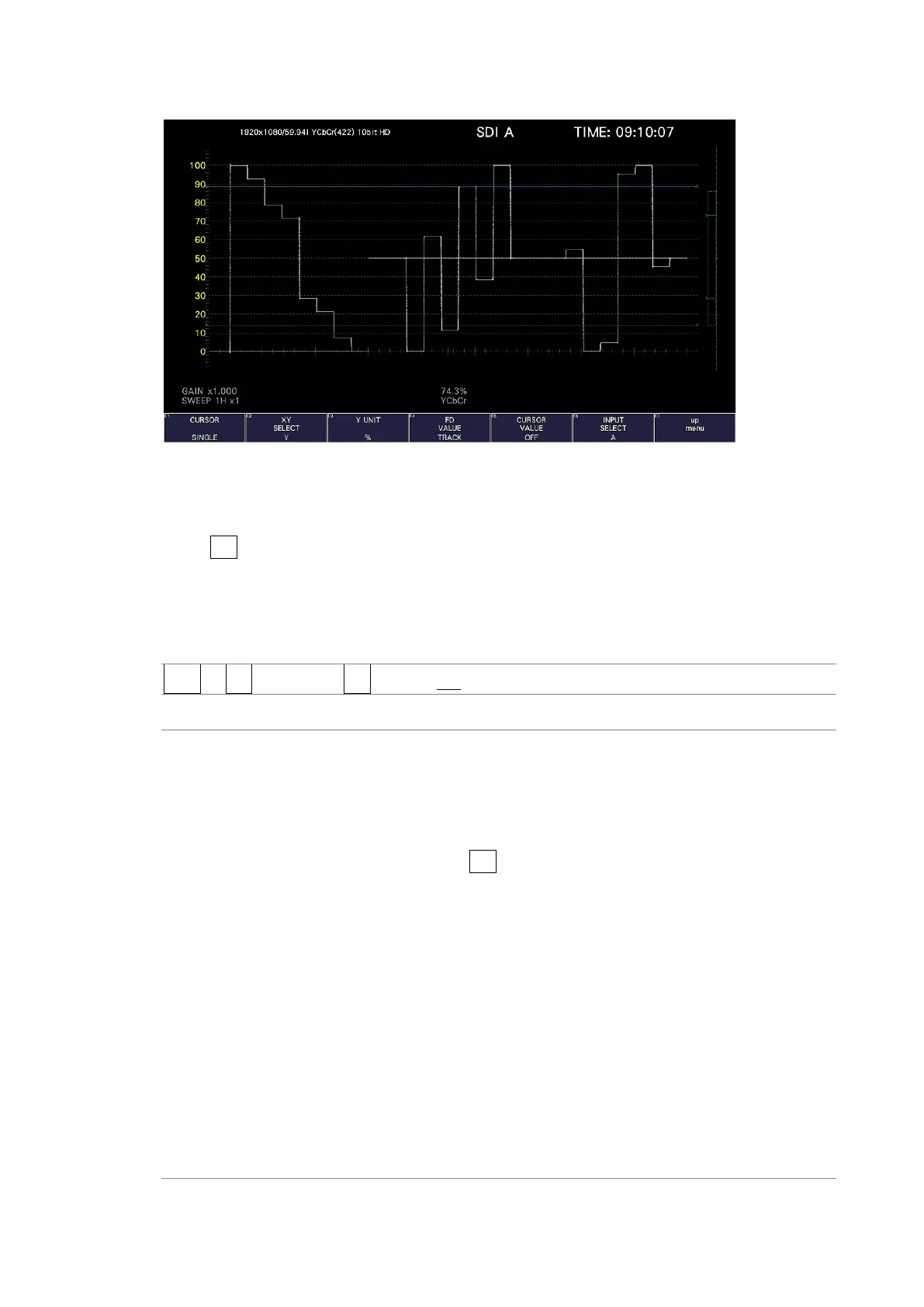
XY SELECT = Y
Figure 10-22 Selecting the cursor
10.6.3 Selecting the Y-Axis Measurement Unit
When F•2 XY SELECT is set to Y, to select the Y-axis cursor measurement unit, follow the
procedure below.
When COLOR MATRIX is set to YCbCr, GBR, or RGB, the default value is %.
[See also] COLOR MATRIX → section 10.8.1, “Selecting the Color Matrix.”
Procedure
WFM → F•4 CURSOR → F•3 Y UNIT: mV / % / R% / DEC / HEX / HDR
Settings
mV: The measurement unit is volts.
%: The measurement unit is percentage.
When the composite display format is NTSC, 714.3 mV is 100 %. When
the composite display format is PAL, 700 mV is 100 %.
R%: The amplitude will be measured as a percentage of the amplitude at the
time when you pressed F•5 REF SET.
DEC: Values are displayed in decimal with 0 to 100 % expressed as 64 to 940.
This option cannot be selected when COLOR MATRIX is set to
COMPOSITE.
C
B
C
R
signal measurement is not supported.
HEX: Values are displayed in hexadecimal with 0 to 100 % expressed as 040 to
3AC.
This option cannot be selected when COLOR MATRIX is set to
COMPOSITE.
C
B
C
R
signal measurement is not supported.
HDR: Values are displayed as a percentage or Nits.
You can select this option when SER23 is installed and when HDR signals
are being measured.
For details, see section 14.1.4, “Cursor Display.”



 To Next Page